
Windows Server 2025 Datacenter: Common Problems and How to Solve Them
Learn about the most common technical issues in Windows Server 2025 Datacenter and discover practical solutions to ensure system stability, security, and maximum server uptime.
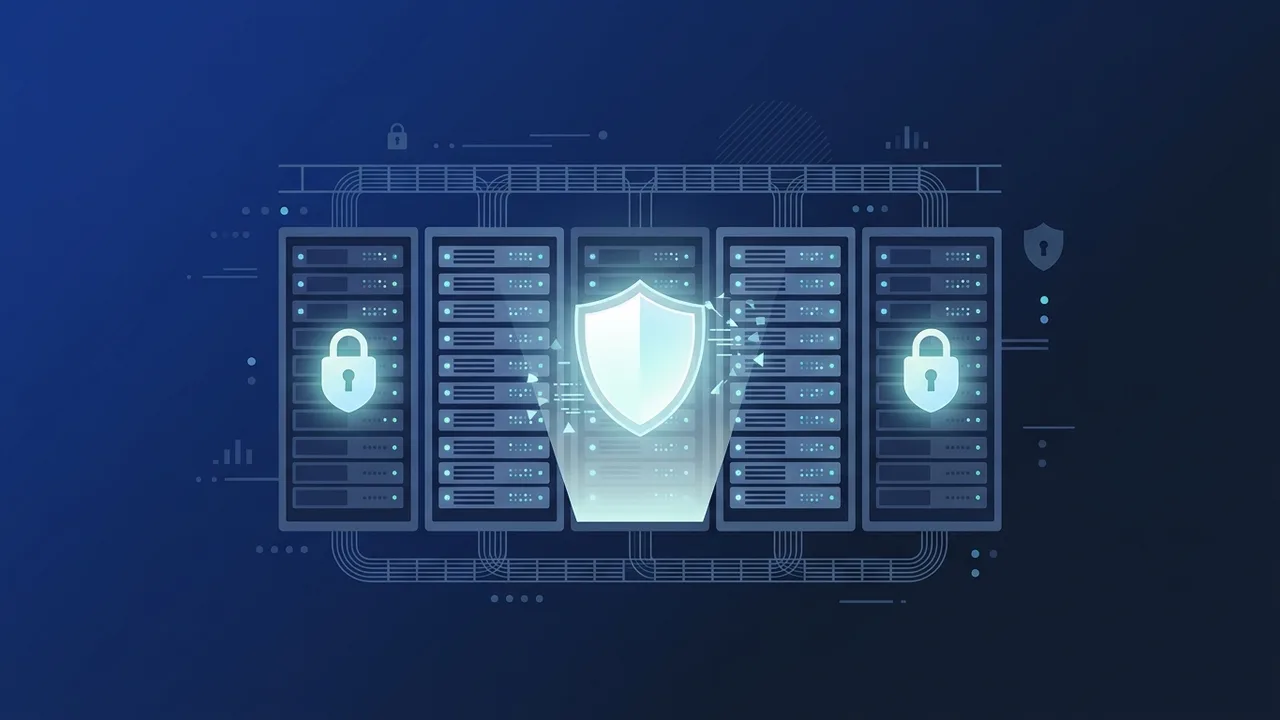
Overview of Windows Server 2025 Datacenter
As organizations across Saudi Arabia transition toward advanced digital solutions, Windows Server 2025 Datacenter has emerged as the premier operating system for managing complex cloud infrastructures, software-defined storage, and highly virtualized environments. Designed to support massive enterprise workloads, this server edition integrates cutting-edge innovations in security, identity management, and hybrid cloud operations. However, deploying a comprehensive platform with such robust system architectures can occasionally introduce operational challenges for network administrators and IT specialists.
This article provides an in-depth look at the most common technical issues and system glitches encountered when configuring or upgrading to Windows Server 2025 Datacenter. By providing practical, step-by-step troubleshooting solutions, this guide aims to help your business maintain maximum system availability, avoid unpredicted downtime, and achieve a highly stable infrastructure.
Key Features
Understanding the core capabilities of Windows Server 2025 Datacenter is critical for diagnosing potential configuration conflicts. The operating system includes several innovative features built for modern enterprise demands:
- Hotpatching Operations: Allows administrators to apply critical security patches directly to the server memory without requiring a system reboot, eliminating service interruptions during maintenance.
- Hybrid Cloud Integration via Azure Arc: Simplifies multi-cloud and on-premises server management through a centralized portal, providing seamless resource optimization and system monitoring.
- Advanced NVMe Storage Optimization: Introduces deep optimizations for NVMe-over-Fabrics and SSD performance, delivering unparalleled read and write speeds for data-heavy applications.
- Hardened Out-of-the-Box Security: Features default security baselines, such as TLS 1.3 enforcement and Credential Guard active by default, mitigating malicious threats and credential theft.
How to Use
To fully benefit from the stability of Windows Server 2025 Datacenter, systematic installation and post-configuration steps must be followed. Below are common runtime and deployment problems along with detailed methods to resolve them:
1. Resolving Activation Failure with Error Code 0xC004C003
This issue typically surfaces when the server cannot establish a secure link with Microsoft licensing servers, or if the system clock is out of sync with the regional network time protocol. To fix this:
- Verify the system time, date, and time zone are accurately configured relative to the local network standard.
- Open Command Prompt with administrative privileges and register the product key manually using:
slmgr.vbs /ipk YOUR-LICENSE-KEY - Trigger the online activation process by running:
slmgr.vbs /ato
2. Fixing Inoperative Hotpatching Features
System administrators may find that the Hotpatching feature is unavailable or continually requests a machine restart. This occurs because Hotpatching requires active enrollment in Azure Arc and compatibility with specific VM templates. Ensure your physical or virtual hosts are registered within the Azure environment and are running supported, valid guest operating system configurations.
3. Addressing Hyper-V Virtual Switch Performance Degrades
After migrating to the latest edition, virtual machines might experience unstable network latency. This can be resolved by updating the physical network adapter drivers to certified 2025 compatible drivers directly from the vendor, and disabling Large Send Offload (LSO) settings in the hardware controller properties.
Common Questions
Here are some of the most frequent technical questions raised by IT operations teams during migration planning:
Is an Active Directory Schema Upgrade Required?
Yes, before promoting a server running Windows Server 2025 Datacenter to an Active Directory Domain Controller in an existing forest, you must run the adprep.exe /forestprep and adprep.exe /domainprep commands from the installation media on the Schema Master.
How do I handle legacy application compatibility errors?
We recommend isolating older legacy applications inside separate virtual machines running legacy OS versions, or utilizing secure containerized environments to prevent system-wide instability.
Important Tips
To ensure a flawless deployment and secure your data infrastructure from future software conflicts, follow these vital recommendations:
- Implement Proactive Backups: Never attempt major operating system upgrades, schema alterations, or database migrations without establishing a verified, full-system disaster recovery backup.
- Verify System Compatibility: Prior to deployment, run the Microsoft compatibility assessment tools to ensure all legacy applications and third-party software are fully optimized for the new server version.
- Use Only Certified Genuine Software Licenses: Avoid utilizing unofficial software bypass tools or activators. Unlicensed systems leave your server exposed to security loopholes, lack official updates, and void technical support.
Conclusion
Deploying Windows Server 2025 Datacenter provides enterprises with a highly secure, scalable, and powerful platform to drive digital innovation. While configuration anomalies may occur during the initial setup phase, executing standard administrative solutions ensures a highly reliable and efficient server environment.
You can get a genuine Windows Server 2025 Datacenter license from ABMKeys at a competitive price with instant WhatsApp delivery.
Frequently Asked Questions
How do I resolve activation failure in Windows Server 2025 Datacenter?
Does the Hotpatching feature require Azure Arc integration?
How can I fix slow storage performance in Datacenter servers?
What should I do if I encounter compatibility issues with legacy applications?
You can get a genuine license from ABMKeys at a competitive price with instant WhatsApp delivery.
Buy Now