
Windows Server 2022 Datacenter How To from Zero to Pro
Discover the practical step-by-step guide to installing and activating Windows Server 2022 Datacenter. Learn how to configure and manage this advanced OS in your enterprise.
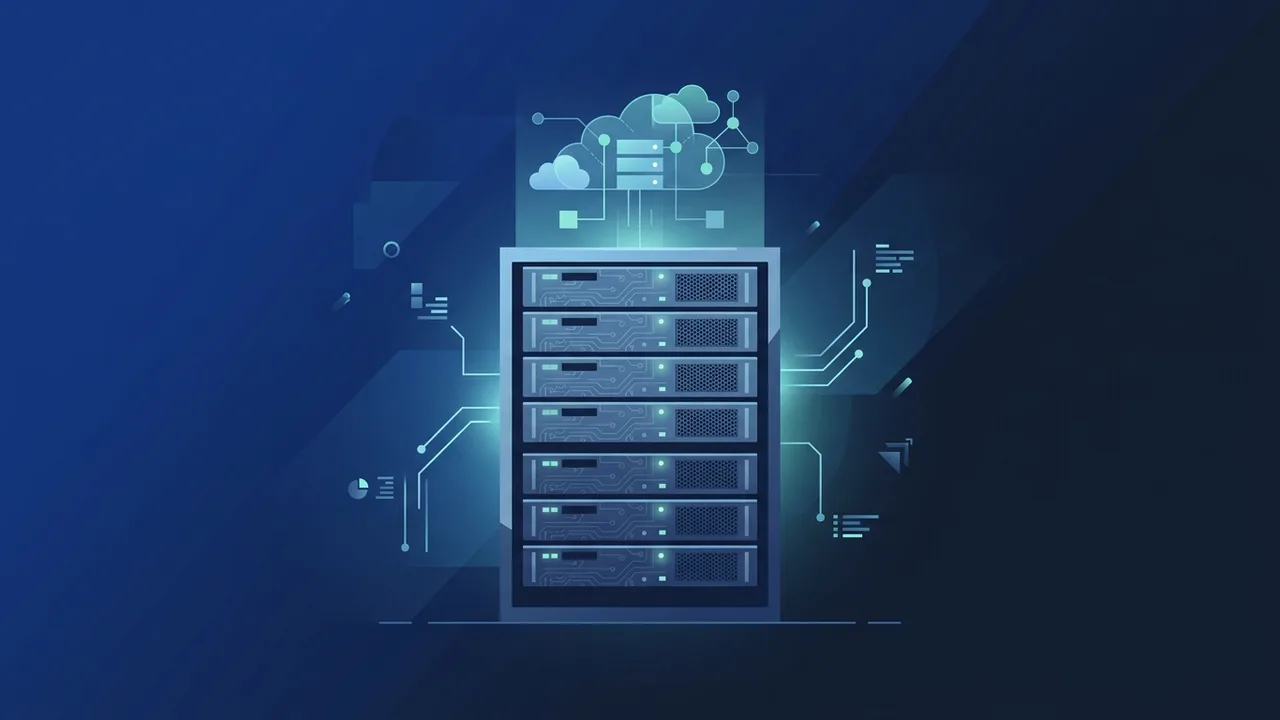
Overview of Windows Server 2022 Datacenter
In today's fast-evolving business landscape in Saudi Arabia, establishing a secure and highly scalable digital infrastructure is paramount. To satisfy these intense demands, Windows Server 2022 Datacenter serves as the premier operating system tailored for large-scale data centers, high-density virtualization, and hybrid cloud integration. Microsoft engineered this release to tackle the sophisticated workloads of modern enterprises, helping businesses align with current technological standards and cloud initiatives.
The defining aspect of this edition is its provision of unlimited virtualization rights. Saudi organizations can host an unrestricted number of Hyper-V virtual machines (VMs) on a single licensed physical server. This design dramatically minimizes hardware expenditures, simplifies operational complexity, and offers system administrators ultimate flexibility when managing large databases, enterprise applications, and cloud-native services.
Key Features
This advanced platform includes a robust set of features engineered for modern corporate IT requirements. Some of its outstanding characteristics include:
- Secured-core Server Protection: Multilayer security that integrates hardware, firmware, and operating system defenses to ward off sophisticated cyber threats.
- Unlimited Virtualization Rights: Run an infinite number of virtual machines and Windows Server containers on a single physical host, lowering licensing costs.
- Storage Spaces Direct (S2D): Leverage industry-standard servers with local drives to build highly available, scalable software-defined storage solutions.
- Software-Defined Networking (SDN): Provision and manage both physical and virtual network infrastructure centrally, achieving seamless flexibility.
- Azure Hybrid Benefits: Easily bridge on-premises operations with Azure cloud capabilities for secure hybrid backups, identity synchronization, and remote administration.
How to Use
Getting started with the deployment of this operating system requires a systematic approach to ensure maximum performance and system stability. Follow these practical steps to complete the installation and setup:
Step 1: Check Prerequisites and Get the Installation Media
Verify that your server hardware satisfies Microsoft's minimum system requirements (a 1.4 GHz 64-bit processor, at least 2 GB RAM for the Desktop Experience, and a minimum of 32 GB storage space). Once confirmed, download the official ISO file provided at purchase.
Step 2: Create a Bootable USB Media
Write the downloaded ISO file to a high-speed USB flash drive using utility software like Rufus. Insert the prepared USB drive into your destination server and enter the BIOS/UEFI settings to select the USB drive as the primary boot device.
Step 3: Proceed with the Installation Process
Once the server boots from the USB drive, configure your preferred regional settings, language, time format, and keyboard layout. Click "Install Now," and choose the Windows Server 2022 Datacenter (Desktop Experience) version if you require a graphical user interface, or select the standard "Server Core" configuration if you plan to manage the server strictly via command line to conserve system resources.
Step 4: Configure Storage and Admin Account
Accept the license terms, select "Custom Installation" to manage partitions, choose your main storage drive, and format it. Let the wizard write the operating system files. After the automatic reboot, set a strong password for the default Administrator account.
Step 5: Activate and Configure Services
Log in to the desktop, navigate to the System Settings, and input your genuine product key to fully activate your system. With activation complete, launch Server Manager to begin setting up roles like Active Directory Domain Services (AD DS), Hyper-V, and DNS to build your corporate network.
Common Questions
Does this edition support direct in-place upgrades?
Yes, you can directly upgrade existing servers running Windows Server 2016 and Windows Server 2019 Datacenter to this edition while keeping your settings and data intact.
What makes virtualization security unique in this version?
It utilizes Shielded Virtual Machines and advanced virtualization-based security (VBS) to safeguard virtualized data from host-level compromises or unauthorized intrusion.
Can I manage the environment completely remotely?
Absolutely. You can easily manage, monitor, and configure your entire server infrastructure remotely using administrative platforms like Windows Admin Center and PowerShell.
Important Tips
To maximize system stability, ensure business continuity, and comply with standards in the Saudi market, follow these essential guidelines:
- Always Use Genuine Licenses: Avoid using illegal activation tools or cracks. Unofficial activators expose servers to ransomware, software instability, and lack critical security updates.
- Keep Updates Enabled: Consistently apply the latest security patches released by Microsoft to prevent modern network exploits.
- Implement Robust Backups: Create a multi-tiered backup routine, keeping copies both on physical drives and in secure cloud repositories.
- Configure the Firewall: Limit exposed network ports and define exact firewall rules to minimize external attack vectors.
Conclusion
Deploying this high-performance server operating system establishes a dependable foundation for any growing enterprise network. Thanks to its comprehensive security protocols and unlimited virtualization capabilities, it ensures your organization remains modern, agile, and secure.
You can get a genuine Windows Server 2022 Datacenter license from ABMKeys at a competitive price with instant WhatsApp delivery.
Frequently Asked Questions
Does this edition support direct in-place upgrades?
What makes virtualization security unique in this version?
Can I manage the environment completely remotely?
What are the minimum requirements to run Windows Server 2022 Datacenter?
You can get a genuine license from ABMKeys at a competitive price with instant WhatsApp delivery.
Buy Now