
Windows Server 2016 Standard Buying Guide — Making the Right Decision
A comprehensive buying guide for Windows Server 2016 Standard. Learn about its key features, core-based licensing, and deployment options to make the right choice for your business.
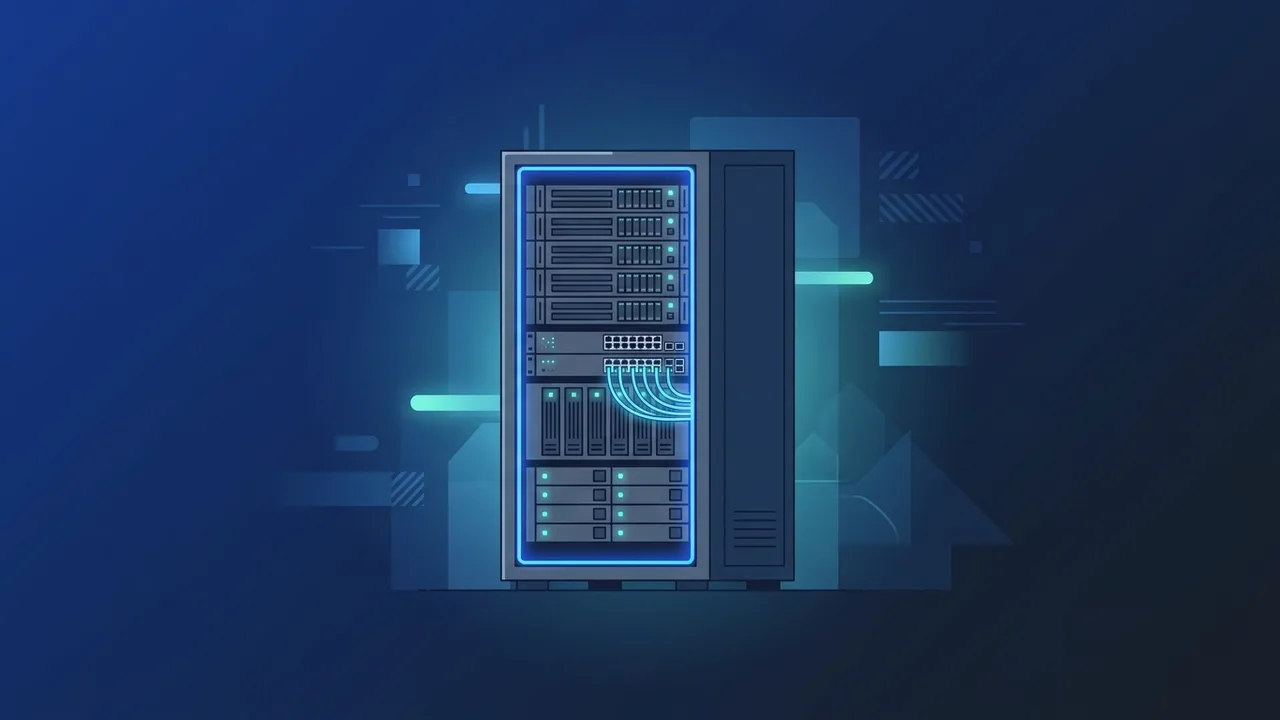
Overview of Windows Server 2016 Standard
In the modern digital landscape, establishing a robust server infrastructure is crucial for business continuity and growth. Windows Server 2016 Standard stands out as a leading operating system designed to bridge on-premises IT environments with advanced cloud technologies. Developed by Microsoft, this powerful platform is engineered specifically for small to medium-sized businesses that require high security, reliability, and virtualization capabilities without excessive costs.
For enterprises and IT administrators in Saudi Arabia, choosing the right server platform is a strategic decision that impacts daily operations and long-term scalability. Windows Server 2016 Standard delivers a stable environment capable of managing high-volume data, user authentication, and enterprise applications efficiently. It acts as the backbone of corporate networks, ensuring that database management, file storage, and communication channels run smoothly around the clock.
Key Features
To make an informed decision, it is essential to understand the technical benefits and innovative features that make Windows Server 2016 Standard a preferred choice for corporate infrastructures:
Robust Security Layers
Security is at the heart of the operating system. With built-in features such as Credential Guard and Device Guard, the system provides unmatched defense against malicious software and unauthorized access. It ensures that critical identity data and corporate intellectual property remain protected from sophisticated cyber threats.
Shielded Virtual Machines
This technology provides encryption and isolation for virtual machines, ensuring they only run on trusted, healthy host servers. This is particularly crucial for financial or governmental institutions handling highly sensitive data.
Integrated Windows Server Containers
This operating system supports containerized application deployment through Windows Server Containers. This allows IT developers to isolate applications in lightweight environments, facilitating faster software deployment, simplified testing, and improved operational agility without resource overhead.
Efficient Virtualization with Hyper-V
The Standard edition includes licensing rights for up to two operating system environments (OSEs) or Virtual Machines (VMs) running on Hyper-V. This enables organizations to consolidate physical hardware, reduce hardware maintenance costs, and maximize server utility.
Enhanced Storage and Networking Capabilities
Through features like Storage Replica and Quality of Service (QoS) for storage, the platform provides disaster recovery options and safeguards against data loss, maintaining high system availability.
How to Use
Deploying and managing Windows Server 2016 Standard requires structured planning to optimize its extensive functionalities:
First, select the appropriate installation mode during setup. Users can choose between "Server Core", which offers a minimal, command-line interface that saves system resources and minimizes the security attack surface, or the standard "Desktop Experience" GUI, which provides a familiar visual dashboard for easier administration.
Second, configure essential server roles and features. IT professionals can easily set up Active Directory Domain Services (AD DS) for central identity management, alongside DNS and DHCP services to regulate network traffic. These tasks can be administered seamlessly via Server Manager or automated using PowerShell scripts for maximum efficiency.
Third, activate your system using a genuine license key to receive timely security patches, updates, and direct support from Microsoft.
Common Questions
When deciding on server solutions, IT decision-makers often face questions regarding licensing rules, hardware compatibility, and upgrade paths. Understanding these details helps clarify the differences between Standard and Datacenter editions, determines core licensing requirements, and ensures your infrastructure complies with Microsoft's legal guidelines. We will cover the most common inquiries to ensure you choose the best license for your business setup.
Important Tips
Before finalizing your purchase of Windows Server 2016 Standard, keep these critical expert recommendations in mind:
- Understand Core-Based Licensing: Microsoft uses a core-based licensing model for this version. You must license all physical cores in the server, with a minimum requirement of 16 core licenses per physical server.
- Client Access Licenses (CALs): A standard server license does not grant user or device access. You must purchase separate User or Device CALs for every client connecting to the Windows Server.
- Check Hardware Compatibility: Ensure your server hardware (CPU, RAM, Storage, and Network adapters) meets Microsoft's official hardware requirements to prevent operational bottlenecks.
- Plan for Future Expansion: Although the Standard edition supports up to two virtual machines, you can scale by adding additional licenses later or upgrading to the Datacenter edition if your virtualization requirements grow.
- Always Buy Genuine: Utilizing cracked or unofficial software compromises corporate cybersecurity, voids technical support, and exposes businesses to heavy compliance penalties.
Conclusion
Windows Server 2016 Standard represents a powerful, secure, and highly cost-effective investment for companies aiming to build a resilient IT foundation. Its advanced security protocols, container support, and reliable virtualization make it an exceptional tool for driving business productivity.
You can get a genuine Windows Server 2016 Standard license from ABMKeys at a competitive price with instant WhatsApp delivery.
Frequently Asked Questions
What is the core-based licensing system in Windows Server 2016 Standard?
How many virtual machines does this edition support?
Do I need to buy Client Access Licenses (CALs) separately?
Can I upgrade Windows Server 2016 Standard to the Datacenter edition later?
You can get a genuine license from ABMKeys at a competitive price with instant WhatsApp delivery.
Buy Now