
Windows Server 2012 R2: A Detailed Comparison to Help You Choose
A comprehensive, objective comparison of Windows Server 2012 R2 editions, key technical features, and practical deployment tips for modern business networks.
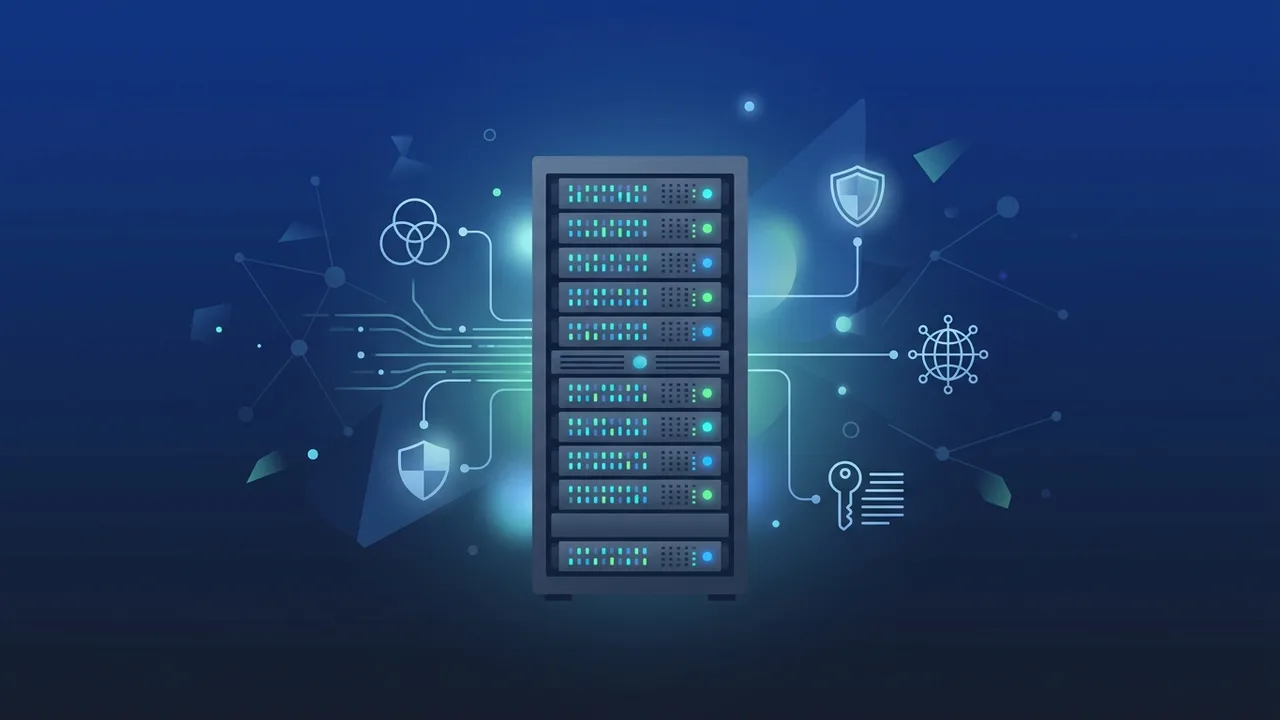
Overview of Windows Server 2012 R2
The Windows Server 2012 R2 operating system remains a robust and highly dependable foundation for business IT infrastructures in Saudi Arabia and worldwide. Built on a proven architecture, it provides IT professionals and organizations with high levels of stability, advanced virtualization capabilities, and streamlined storage solutions. It is designed to handle modern workloads while ensuring backward compatibility with critical legacy business applications.
Choosing the right server operating system requires a careful look at virtualization needs, security demands, and system scalability. This platform stands out as a balanced option for mid-sized to large enterprises requiring continuous uptime, advanced user management, and seamless file-sharing capabilities across local corporate networks.
Key Features
The system brings several enterprise-grade features that simplify server administration and improve overall infrastructure efficiency:
- Enhanced Hyper-V Virtualization: Allows organizations to run multiple virtual machines on a single physical host, improving hardware utilization and reducing server sprawl.
- Advanced Storage Spaces: Enables storage virtualization, letting administrators combine diverse physical disks into logical storage pools with automatic data tiering.
- Improved Active Directory: Simplifies identity and access management, making it easier to secure user credentials, devices, and remote access policies.
- PowerShell 4.0: Streamlines server deployment and management by enabling extensive automation of repetitive administrative tasks.
How to Use
Setting up and maintaining this server operating system involves key operational phases to ensure long-term stability:
1. Initial Installation
Begin by deploying the installation media on compatible server hardware. Verify that your host machine meets the necessary CPU, RAM, and storage requirements before initiating the setup wizard.
2. Role Configuration
Once installation is complete, launch the Server Manager dashboard. Here, administrators can install specific roles such as Active Directory Domain Services (AD DS), DNS, DHCP, or Internet Information Services (IIS) to match local network demands.
3. Network and Security Setup
Configure local firewalls, user permissions, and remote desktop access to secure the environment. Establishing proper system boundaries from day one prevents unauthorized access to corporate resources.
Common Questions
What is the difference between the Standard and Datacenter editions?
The core difference is virtualization rights. Standard edition allows you to run up to two virtual machines per license, whereas Datacenter edition offers unlimited virtual machine instances on a single licensed physical host.
Can I run this operating system in a modern hybrid cloud environment?
Yes, it supports hybrid cloud features, allowing integration with modern cloud platforms for backup, disaster recovery, and directory synchronization.
Why do businesses still choose this legacy server system?
Many organizations rely on legacy database servers or business software that requires specific environment configurations, making this stable, lightweight platform the ideal operational choice.
Important Tips
To maximize your return on investment and ensure your server operates under optimal conditions, consider these professional recommendations:
- Assess Virtualization Needs: Choose the Standard edition if your virtualization requirements are minimal. Opt for Datacenter if you plan to scale up multiple virtual systems.
- Utilize Genuine Licenses: Always secure genuine licenses to protect your organization from stability risks, security vulnerabilities, and compliance penalties.
- Implement Scheduled Backups: Set up automated daily backups of your active directory database and critical file servers to safeguard your operations against hardware failures.
Conclusion
Windows Server 2012 R2 is a highly reliable and efficient server system that meets the infrastructure demands of many corporate networks. Its advanced virtualization, reliable storage capabilities, and stable architecture continue to deliver immense value to organizations seeking practical server solutions.
You can get a genuine Windows Server 2012 R2 license from ABMKeys at a competitive price with instant WhatsApp delivery.
Frequently Asked Questions
What is the difference between the Standard and Datacenter editions?
Can I run this operating system in a modern hybrid cloud environment?
Why do businesses still choose this legacy server system?
Does the system support license upgrades?
You can get a genuine license from ABMKeys at a competitive price with instant WhatsApp delivery.
Buy Now