
Windows 7 Ultimate: What Is It? All You Need to Know
Windows 7 Ultimate is the most comprehensive edition of the Windows 7 family, offering multilingual support, BitLocker encryption, and advanced security tools for both individuals and small businesses. It combines the features of all lower editions into one complete package. This article explains everything beginners need to know about Windows 7 Ultimate.
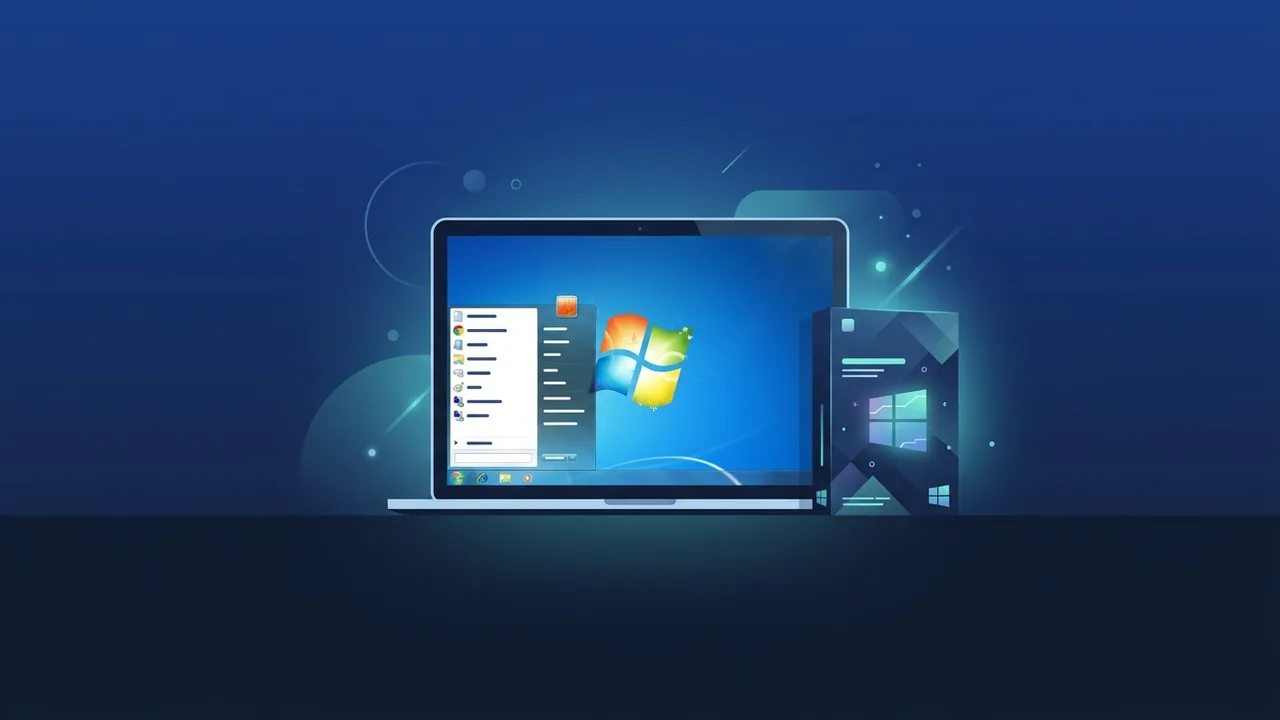
Overview of Windows 7 Ultimate
Windows 7 Ultimate is the most complete and feature-rich edition of Microsoft's Windows 7 operating system, released in 2009. It sits at the top of the Windows 7 product lineup, combining all the capabilities found in lower editions — Home Premium and Professional — into a single, unified package. Whether you are an individual power user, a small business owner, or an IT professional managing a mixed environment, Windows 7 Ultimate was designed to meet a broad range of computing needs without compromise.
Although Microsoft officially ended support for Windows 7 in January 2020, a significant number of users worldwide — including those in Saudi Arabia — continue to rely on this operating system. Reasons vary from legacy software compatibility and budget constraints to specific organizational requirements. Understanding what Windows 7 Ultimate offers helps users make informed decisions about whether it remains the right fit for their current setup.
Key Features of Windows 7 Ultimate
What sets Windows 7 Ultimate apart from other editions of the same generation is its comprehensive feature set. Below are the most notable capabilities:
- Multilingual User Interface (MUI): Windows 7 Ultimate allows users to switch the entire interface language, including Arabic, French, Spanish, and more. This is a feature exclusive to the Ultimate edition and is not available in Home Premium or Professional.
- BitLocker Drive Encryption: This built-in security tool encrypts the entire hard drive, protecting sensitive data from unauthorized access in the event of theft or loss. It is especially valuable for professionals handling confidential information.
- Domain Join: Like the Professional edition, Windows 7 Ultimate supports joining a corporate network domain, making it suitable for business environments that rely on centralized IT management.
- Windows XP Mode: This virtualization feature allows users to run legacy applications originally designed for Windows XP inside a virtual environment, enabling businesses to continue using older but essential software.
- Encrypting File System (EFS): Beyond full-disk encryption, EFS allows individual files and folders to be encrypted, providing granular data protection.
- Full Aero Interface: Windows 7 Ultimate includes the complete Aero visual experience, offering transparent window effects, smooth animations, and an enhanced taskbar for a polished user experience.
- Support for Both 32-bit and 64-bit: A single Windows 7 Ultimate license covers both architectures, giving users flexibility when installing on different hardware configurations.
How to Use and Install Windows 7 Ultimate
Installing Windows 7 Ultimate is a straightforward process when the system meets the minimum hardware requirements. Here is what you need to know before getting started.
System Requirements
- Processor: 1 GHz or faster
- RAM: 1 GB for 32-bit or 2 GB for 64-bit
- Hard disk space: 16 GB for 32-bit or 20 GB for 64-bit
- Graphics card: DirectX 9 compatible with WDDM 1.0 driver
Installation Steps
- Obtain a genuine Windows 7 Ultimate product key from a trusted source before beginning.
- Download the official ISO file or use an original installation disc.
- Create a bootable USB drive or DVD using a tool such as the Windows USB/DVD Download Tool.
- Restart your computer and boot from the installation media.
- Follow the on-screen instructions to select language, time zone, and keyboard layout.
- Enter your product key when prompted and complete the activation process online.
- After installation, update drivers and install security software to maintain system stability.
It is critical to use only a genuine, licensed copy of Windows 7 Ultimate. Unauthorized or pirated versions pose serious security risks — including exposure to malware and system instability — and may result in legal consequences. Always verify the authenticity of your license before proceeding with installation.
Common Questions About Windows 7 Ultimate
Users frequently ask how Windows 7 Ultimate differs from the Enterprise edition. The key distinction is that Enterprise is available exclusively through Microsoft's volume licensing programs for large organizations, whereas Windows 7 Ultimate can be purchased as a standalone retail license by individuals and small businesses alike. Both editions share the same feature set, but their licensing and distribution models differ significantly.
Another common question is whether upgrading from a lower edition — such as Home Premium or Professional — to Windows 7 Ultimate is possible. Microsoft offered this path through the Windows Anytime Upgrade program, though this service is no longer officially available through standard channels. Users who need the full feature set should obtain a Windows 7 Ultimate license directly rather than attempting to upgrade from a lower edition.
Important Tips for Windows 7 Ultimate Users
- Use robust antivirus software: Since official security patches are no longer released, running a reputable and regularly updated antivirus solution is essential to protect against emerging threats.
- Enable BitLocker: If your machine stores sensitive personal or business data, activate BitLocker encryption through the Control Panel to safeguard your information.
- Back up regularly: Use the built-in Windows Backup and Restore feature to create regular backups of your system and important files, reducing the risk of data loss.
- Verify your license key: Before installation, confirm that your Windows 7 Ultimate product key is genuine using Microsoft's official verification tools. This ensures a smooth activation process.
- Check hardware compatibility: Confirm that all your hardware components have compatible drivers for Windows 7 Ultimate before installing, particularly if you are using newer peripherals.
- Plan for the future: While Windows 7 Ultimate remains functional, consider planning a migration to a supported operating system over time to benefit from ongoing security updates and modern feature improvements.
Conclusion
Windows 7 Ultimate represents the pinnacle of the Windows 7 product line. It combines the ease of use that made Windows 7 widely appreciated with a comprehensive suite of professional and security features that cater to demanding users and organizations. From multilingual support and BitLocker encryption to domain joining and Windows XP Mode, the Ultimate edition covers virtually every use case within the Windows 7 ecosystem.
For users who continue to depend on this operating system — whether for legacy software compatibility or specific business requirements — ensuring they run a genuine, properly licensed copy of Windows 7 Ultimate is the foundation of a stable and secure computing environment.
You can get a genuine Windows 7 Ultimate license from ABMKeys at a competitive price with instant WhatsApp delivery.
Frequently Asked Questions
What is the difference between Windows 7 Ultimate and the Professional edition?
Is Windows 7 Ultimate still safe to use today?
Can I upgrade from Windows 7 Home Premium to Ultimate?
Does Windows 7 Ultimate fully support the Arabic language?
You can get a genuine license from ABMKeys at a competitive price with instant WhatsApp delivery.
Buy Now