
Windows 7 Pro What is it Explained Simply
Discover Windows 7 Pro, its main features like Windows XP Mode and Domain Join, and why it remains a reliable choice for legacy systems and businesses today.
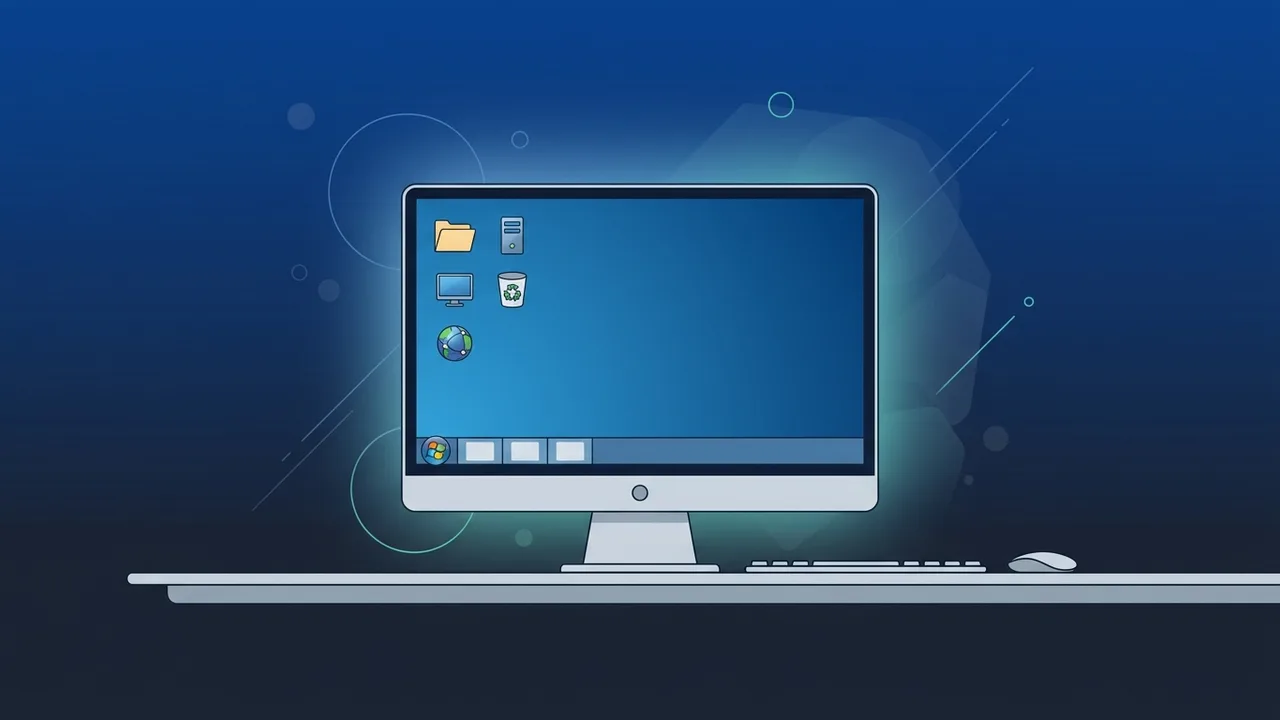
The Windows 7 Pro (Windows 7 Professional) operating system remains one of the most stable and acclaimed OS releases in Microsoft's history. Despite the emergence of modern alternatives like Windows 10 and Windows 11, many users and businesses in Saudi Arabia continue to rely on this system to run legacy software or to manage hardware with moderate specifications. This educational guide will explain everything you need to know about this system in a simple, beginner-friendly manner, helping you understand its true value.
Overview of Windows 7 Pro
Launched to serve professional users and small-to-medium businesses, Windows 7 Pro successfully bridged the gap between basic home computing and advanced corporate environments. It gained immense popularity due to its intuitive user interface, famous for the "Aero" visual theme which features sleek glass-like windows and an organized desktop structure. It was developed to resolve the stability and performance issues that users experienced with its predecessor, Windows Vista, focusing heavily on speed, security, and device compatibility.
In the Saudi market, this operating system is highly valued in industrial sectors, printing shops, and offices that run older accounting or manufacturing programs that are incompatible with newer operating systems. Its stability and low resource demands make it a practical choice even today. It allows older hardware to perform at peak efficiency without the heavy resource consumption required by newer platforms.
Key Features
Designed for productivity, Windows 7 Pro offers several advanced tools that are not available in the standard Home edition. Here are the most prominent features that make it a favorite for many users:
- Windows XP Mode: This utility allows you to run older applications designed specifically for Windows XP directly inside Windows 7, saving businesses the high cost of upgrading legacy software and ensuring complete workflow continuity.
- Domain Join: Enables your computer to connect securely to corporate networks, allowing IT administrators to manage devices, user permissions, and security policies centrally.
- Advanced Backup and Restore: Offers the ability to back up your entire system or specific files to a local network location or external drive seamlessly, protecting businesses from critical data loss.
- Encrypting File System (EFS): Provides an added layer of security by allowing users to encrypt individual files and folders on the hard drive to protect sensitive data from unauthorized access.
- Extended RAM Support: Supports up to 192 GB of RAM on 64-bit systems, providing professional performance far beyond the restrictive limits of home editions.
How to Use
Using Windows 7 Pro is extremely straightforward thanks to its classic layout. Here are the basic steps to get started with the system effectively:
1. Installation and Basic Setup
The system has very modest hardware requirements, running smoothly on a 1 GHz processor, 1 or 2 GB of RAM, and requiring only 20 GB of storage space. After installing via a USB drive or DVD, you can create your user account, customize regional and language settings, and establish a network connection.
2. Activation and Licensing
To ensure optimal performance and access to essential security features, you must activate the operating system using a genuine product key. Genuine activation ensures system stability, prevents annoying activation pop-ups, and guarantees that your software is secure.
3. System Navigation
The interface revolves around the classic Start Menu, which provides instant access to programs and files, and the Control Panel, which gives you complete control over system settings, user accounts, and connected hardware devices like printers and scanners.
Common Questions
Is Windows 7 Pro still supported by Microsoft?
Microsoft ended official support for the operating system in January 2020. However, the system continues to function perfectly for offline devices or machines running dedicated software protected by strong local firewalls.
Can I play modern games on this system?
While many modern games require DirectX 12 and newer operating systems like Windows 10 or 11, this system remains an excellent choice for retro games and lighter titles that do not require complex hardware acceleration.
What is the difference between Home and Pro editions?
The Pro edition supports larger RAM capacities, network Domain Joining, Windows XP Mode, and advanced network backups—all of which are missing from the Home edition.
How can I get a genuine activation key?
You can get genuine, lifetime activation keys from authorized and trusted digital stores, which guarantee system safety, legal compliance, and uninterrupted performance.
Important Tips
If you plan to use this operating system for your home or business in Saudi Arabia, we recommend following these guidelines to ensure a secure and stable experience:
- Install a Reliable Antivirus: Since official security updates have ceased, installing a robust third-party security suite and active firewall is essential to protect your data from modern threats.
- Limit Unsafe Browsing: It is best to use this OS for specific offline tasks or reliable application execution, rather than casual web browsing and downloading files from unknown sources.
- Always Use Genuine Licenses: Cracked versions often contain hidden malware or ransomware that can compromise your privacy, steal credentials, or harm your hardware. Using genuine software is your first line of defense.
- Regular Offline Backups: Keep regular backups of your important data on external, disconnected storage devices to ensure you never lose critical files due to hardware failure.
Conclusion
Ultimately, Windows 7 Pro remains a classic, reliable choice that perfectly combines simplicity and robust performance. It is the ideal solution for businesses and individuals seeking a dependable operating system to run older hardware or specialized legacy applications.
You can get a genuine Windows 7 Pro license from ABMKeys at a competitive price with instant WhatsApp delivery.
Frequently Asked Questions
Is Windows 7 Pro still supported by Microsoft?
Can I play modern games on this system?
What is the difference between Home and Pro editions?
How can I get a genuine activation key?
You can get a genuine license from ABMKeys at a competitive price with instant WhatsApp delivery.
Buy Now