
Windows 11 Pro Lifetime Explained Simply
Windows 11 Pro Lifetime is a one-time license that remains valid for the life of the device without recurring subscription fees. This article explains the concept, key features, and how to use it — written for beginners.
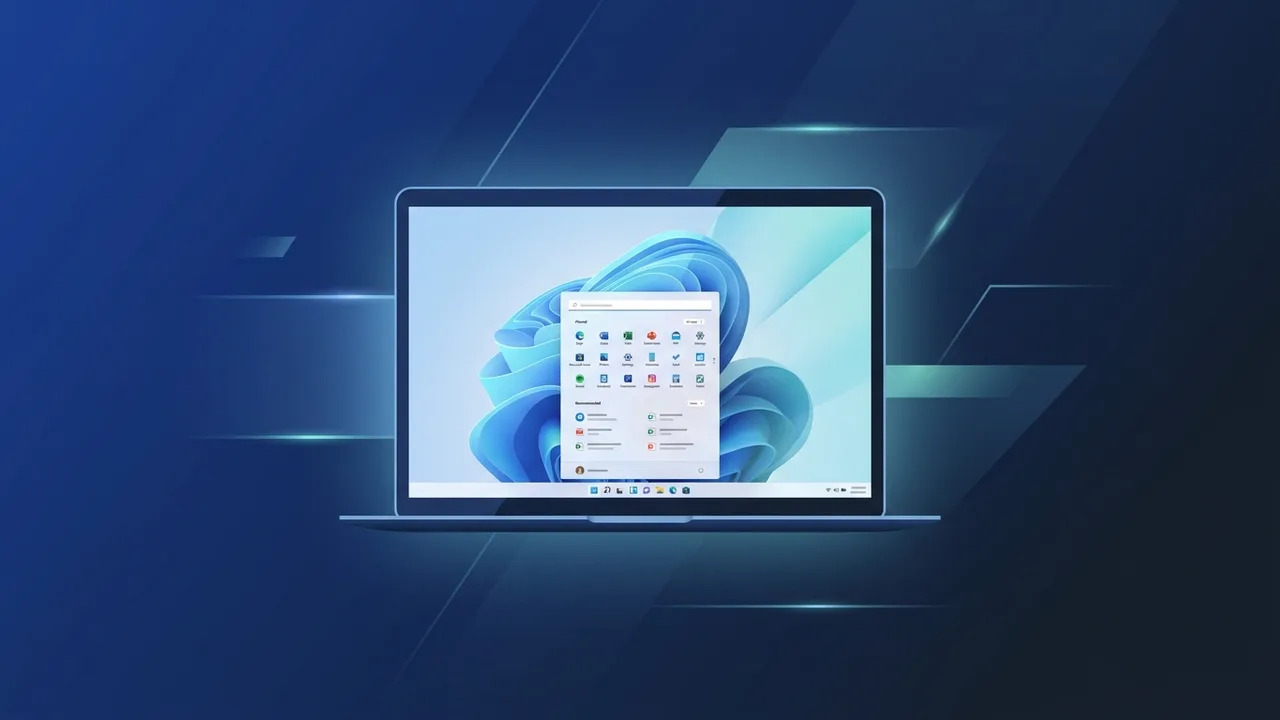
Overview of Windows 11 Pro Lifetime
Windows 11 Pro Lifetime is one of the most sought-after operating system license types among both individual users and businesses. The word "Lifetime" here refers to a one-time purchase model — you buy the license once and it remains valid for as long as you use the device it is activated on. This stands in clear contrast to subscription-based models that require recurring monthly or annual payments.
This article is designed for beginners who want to fully understand what Windows 11 Pro Lifetime means, how it differs from other versions, and how to make the most of it. Whether you are setting up a new PC or upgrading an existing one, the information here will help you make a well-informed decision.
Key Features of Windows 11 Pro Lifetime
Windows 11 Pro Lifetime comes with a rich set of features that make it a compelling choice for a wide range of users. Here are the most notable ones:
- One-Time Purchase: Pay once and use the license permanently on your device — no subscription renewals required.
- Modern User Interface: Windows 11 introduces a centered Start menu, rounded window corners, and a cleaner visual design that enhances the overall user experience.
- Pro-Exclusive Features: The Pro edition includes capabilities not found in the Home edition, such as full-disk encryption via BitLocker, Remote Desktop, and Group Policy management.
- Azure Active Directory Support: Ideal for businesses, this feature allows devices to join corporate networks and be managed centrally through Azure AD.
- Hyper-V Virtualization: The Pro edition supports Hyper-V, enabling users to create and run virtual machines — a valuable tool for developers and IT professionals.
- Regular Security Updates: As an activated genuine license, your system continues to receive Microsoft's official security patches and feature updates.
- Android App Support: Windows 11 allows running Android applications through the integrated Amazon Appstore, broadening the range of software available on your PC.
How to Use Windows 11 Pro Lifetime
Using Windows 11 Pro Lifetime involves a straightforward process that even beginners can follow with confidence:
Step 1: Obtain a Genuine License Key
The first step is acquiring an authentic product key from a trusted source. A Windows product key is a 25-character alphanumeric code used to activate the operating system.
Step 2: Install the Operating System
You can install Windows 11 using Microsoft's official Media Creation Tool, which allows you to create a bootable USB drive. Before proceeding, verify that your PC meets the minimum system requirements: a supported processor, at least 4 GB of RAM, and 64 GB of storage.
Step 3: Activate the License
After installation, navigate to Settings → System → Activation, and enter your product key. With an active internet connection, the system will validate the key automatically within moments, completing the activation process.
Step 4: Initial Setup and Updates
Once activated, complete the initial setup by choosing your preferred account type — a Microsoft account or a local account. Then make sure to run Windows Update to install the latest security patches and system improvements.
Common Questions About Windows 11 Pro Lifetime
Many users have recurring questions before purchasing Windows 11 Pro Lifetime. Here are answers to the most frequently asked ones:
- How is Windows 11 Pro different from Windows 11 Home? The Pro edition includes advanced features such as BitLocker encryption, Hyper-V, Remote Desktop, and domain/Azure AD join capabilities — features absent from the Home edition.
- Can one license key be used on multiple devices? Generally, a Lifetime license is tied to a single device per Microsoft's licensing policy. Some license types do allow transfers between devices under specific conditions.
- Can I upgrade from Windows 10 to Windows 11 Pro Lifetime? Yes, if your hardware meets the requirements, you can upgrade while retaining your files and installed applications.
- Will I still receive updates after activation? Absolutely. A genuine activated license ensures you continue to receive all official Windows updates, including security fixes and new features.
Important Tips Before Buying and Using
To get the most out of your Windows 11 Pro Lifetime license, keep the following tips in mind:
- Check hardware compatibility: Use Microsoft's official PC Health Check tool to confirm your processor is supported and that TPM 2.0 is enabled in your BIOS settings.
- Back up your data: Before installing or upgrading, create a full backup of your important files on an external drive or a cloud storage service.
- Avoid unverified sources: A non-genuine key may expose your system to security risks and could result in losing access to official updates and support.
- Enable Windows Update: After activation, ensure Windows Update is turned on so your system stays protected against the latest threats.
- Leverage Pro-exclusive tools: If you use your PC in a professional or business context, take full advantage of BitLocker encryption and Group Policy settings to secure your data.
Conclusion
Windows 11 Pro Lifetime offers a practical and cost-effective path to running a fully genuine, feature-rich operating system without committing to ongoing subscription fees. Its combination of advanced professional tools, a modern interface, and long-term validity makes it a strong choice for individuals and organizations alike.
Before making your purchase, always verify that your device meets the technical requirements and ensure you are sourcing your license from a trustworthy provider to guarantee authenticity, continued updates, and full support.
You can get a genuine Windows 11 Pro Lifetime license from ABMKeys at a competitive price with instant WhatsApp delivery.
Frequently Asked Questions
What is the difference between Windows 11 Pro Lifetime and Windows 11 Home?
Can a Windows 11 Pro Lifetime key be used on more than one device?
Does a Windows 11 Pro Lifetime license include ongoing security updates?
How do I know if my PC is compatible with Windows 11 Pro Lifetime?
You can get a genuine license from ABMKeys at a competitive price with instant WhatsApp delivery.
Buy Now