
Windows 11 Home Lifetime — Making the Right Decision
This buying guide covers everything you need to know about Windows 11 Home Lifetime, from its key features and activation steps to essential tips before you purchase. If you are looking for a genuine, perpetual operating system license, this article will help you decide with confidence.
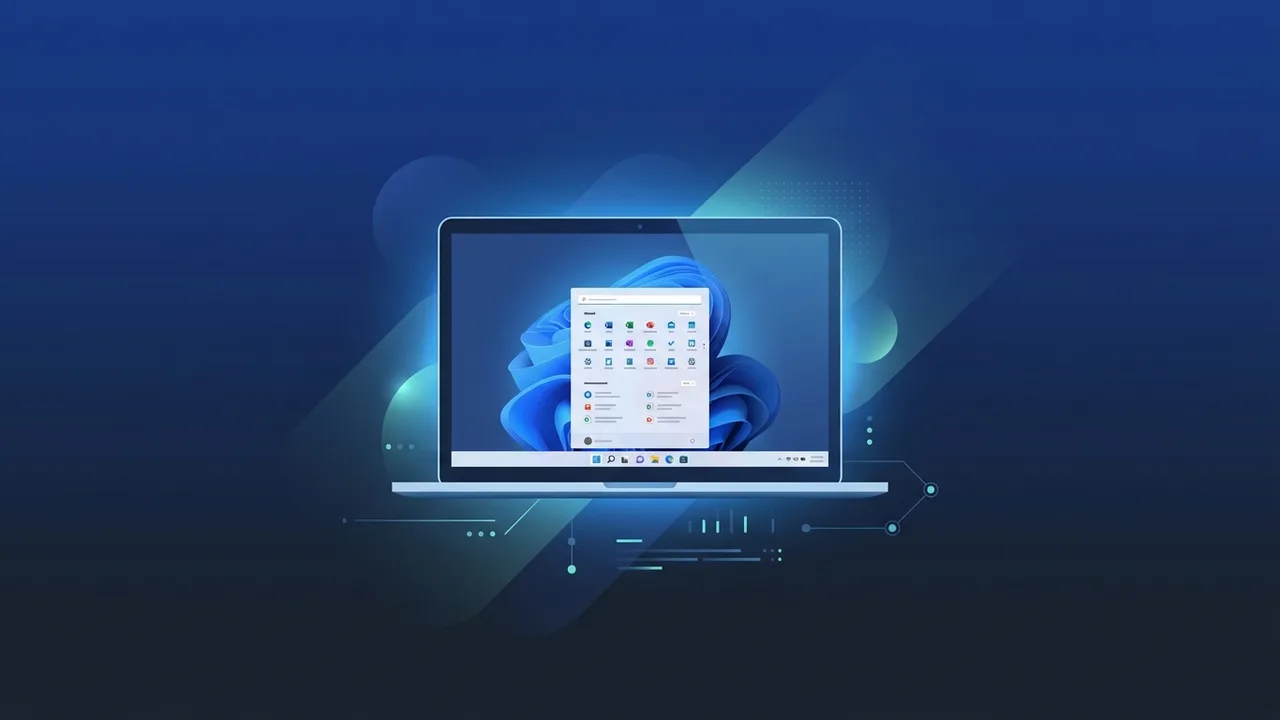
Overview of Windows 11 Home Lifetime
Windows 11 Home Lifetime is one of the most sought-after operating system licenses among individual users and small businesses in Saudi Arabia. Unlike subscription-based models that require monthly or annual renewals, a lifetime license means you pay once and retain full usage rights for as long as you use the same device. This buying guide is designed to walk you through everything you need to know about Windows 11 Home Lifetime so you can make an informed and confident purchasing decision.
It is worth clarifying from the outset that "lifetime" in this context refers to the lifespan of the device on which the license is activated — not a time-limited trial or recurring subscription. Once activated, the license remains valid indefinitely on that machine, making it a highly cost-effective long-term solution.
Key Features of Windows 11 Home Lifetime
Windows 11 Home Lifetime comes packed with features that cater to a wide range of users, from students and professionals to content creators and gamers:
- Redesigned User Interface: A clean, centered taskbar and streamlined Start menu offer a modern aesthetic that improves day-to-day navigation.
- Enhanced Performance: The OS is optimized to reduce boot times and improve application responsiveness, even on mid-range hardware.
- Android App Support: Windows 11 supports running Android applications through the Amazon Appstore, significantly expanding its everyday utility.
- Microsoft Teams Integration: Teams is built directly into the taskbar, enabling seamless communication without needing a separate installation.
- Gaming Improvements: Technologies such as DirectStorage and Auto HDR elevate the PC gaming experience to console-level quality on compatible hardware.
- Advanced Security: The mandatory TPM 2.0 and Secure Boot requirements substantially reduce exposure to malware and firmware-level attacks.
- Full Arabic Language Support: Right-to-left text rendering, improved Arabic fonts, and regional settings make Windows 11 Home Lifetime particularly well-suited for users across the Arab world.
How to Use and Activate Windows 11 Home Lifetime
Once you have obtained your Windows 11 Home Lifetime license, the activation process is straightforward and can be completed in a few simple steps:
- Install the Operating System: If you are upgrading from Windows 10, you can use the Windows Update tool. For a clean installation, download and create bootable media using the official Microsoft Media Creation Tool.
- Enter Your License Key: After installation is complete, navigate to Settings, then Windows Update, then Activation, and enter the product key you received.
- Verify Activation: The system will verify your key online within seconds. A confirmation message reading "Windows is activated" confirms the process was successful.
- Enable Automatic Updates: Once activated, your device will automatically receive security patches and feature updates from Microsoft.
Before purchasing, ensure your device meets the minimum system requirements: a compatible 64-bit processor, at least 4 GB of RAM, 64 GB of storage, and a TPM 2.0 chip. Using Microsoft's PC Health Check tool is the easiest way to confirm compatibility.
Common Questions About Windows 11 Home Lifetime
Buyers in Saudi Arabia frequently raise the following questions before committing to a Windows 11 Home Lifetime purchase:
- Can I transfer the license to another device? A lifetime license is typically tied to the device on which it was first activated and is generally non-transferable to a different machine.
- Does it include future Windows versions? The license covers Windows 11 security and feature updates but does not guarantee a free upgrade to future major OS releases.
- What is the difference between Home and Pro? The Pro edition adds enterprise-oriented features such as BitLocker encryption, Remote Desktop, and domain join capabilities. The Home edition fully covers the needs of individual users and small teams.
- Is the key delivered instantly? Reputable sellers typically deliver license keys digitally within minutes of purchase confirmation.
Important Tips Before You Buy
To ensure you get the most value from your Windows 11 Home Lifetime purchase, keep the following points in mind:
- Check Device Compatibility First: Run the PC Health Check tool before buying to confirm your hardware supports Windows 11. This prevents post-purchase complications.
- Buy from a Trusted Source: Always purchase from a verified seller that provides genuine license keys and offers technical support in case any activation issues arise.
- Store Your Key Securely: Once you receive your license key, save it in a secure location. You may need it again if you ever reinstall the operating system.
- Never Share Your Key: A lifetime license key is intended for a single device. Sharing it with others may invalidate the license entirely.
- Confirm the License Type: Make sure you are purchasing a genuine perpetual license and not a time-limited subscription. The two differ significantly in both cost structure and long-term usage rights.
- Understand What You Are Getting: Windows 11 Home Lifetime does not include Microsoft Office or any additional software. It covers only the operating system itself.
Conclusion
Windows 11 Home Lifetime stands out as a practical, cost-efficient choice for individuals and small businesses in Saudi Arabia who want a genuine, reliable operating system without the burden of recurring subscription fees. Its modern interface, improved performance, robust security architecture, and full Arabic language support make it a worthwhile long-term investment. Before finalizing your purchase, verify your device's compatibility, choose a trusted seller, and keep your license key safe for future use.
You can get a genuine Windows 11 Home Lifetime license from ABMKeys at a competitive price with instant WhatsApp delivery.
Frequently Asked Questions
Is a Windows 11 Home Lifetime license tied to a single device?
Does Windows 11 Home Lifetime include future updates?
What is the difference between Windows 11 Home Lifetime and Windows 11 Pro?
What are the system requirements for Windows 11 Home Lifetime?
You can get a genuine license from ABMKeys at a competitive price with instant WhatsApp delivery.
Buy Now