
Windows 11 Enterprise Lifetime How To: Step by Step
Learn how to install and activate Windows 11 Enterprise Lifetime correctly with this step-by-step guide. A practical guide designed for businesses in Saudi Arabia to ensure security and performance.
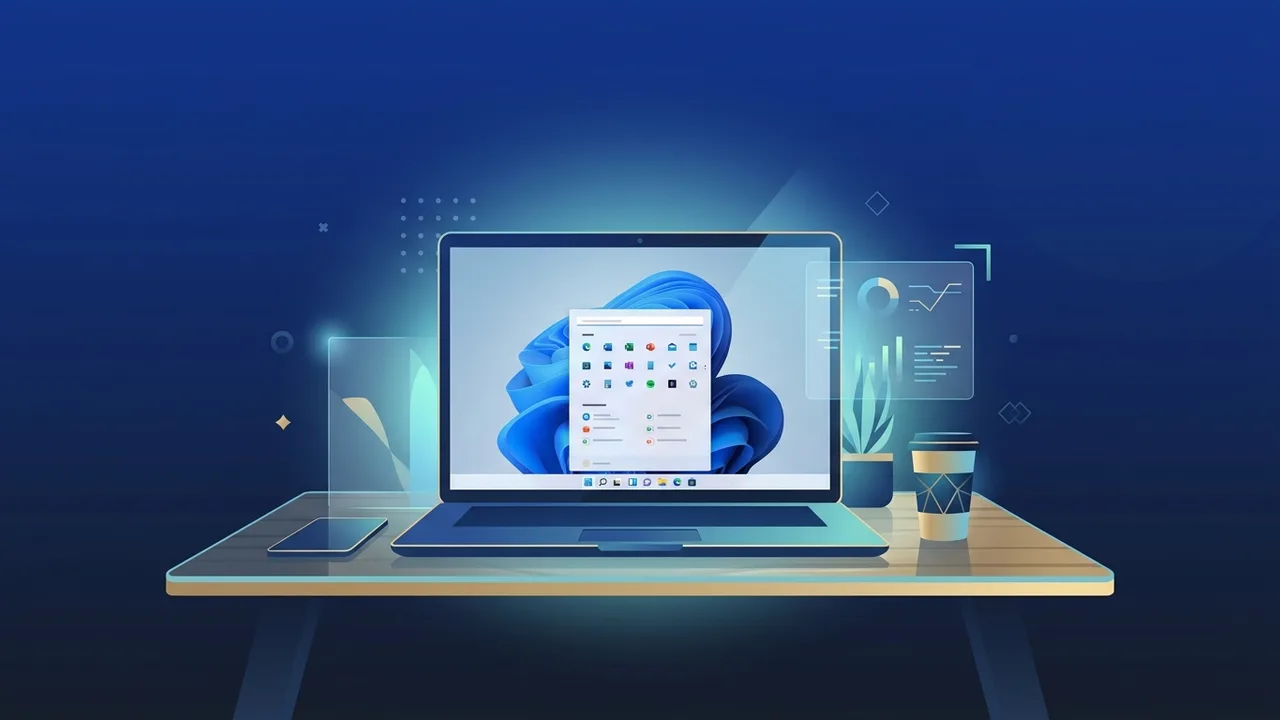
Businesses and enterprises in the Kingdom of Saudi Arabia constantly seek digital solutions that combine high security and long-term stability. Windows 11 Enterprise Lifetime emerges as one of the best operating systems tailored to meet the specific requirements of the business sector and IT professionals. It delivers an integrated workspace that boosts productivity and protects sensitive data from ever-evolving cyber threats, all with the advantage of a lifetime license that eliminates recurring subscription fees.
Overview of Windows 11 Enterprise Lifetime
The Windows 11 Enterprise Lifetime edition is Microsoft's most advanced and secure operating system, designed specifically for medium-to-large organizations, developers, and IT administrators. It excels in managing multiple devices efficiently through both cloud-based and on-premises deployment tools.
In the Saudi market, adoption of this OS is growing rapidly to support digital transformation initiatives in line with Saudi Vision 2030. The operating system provides exceptional stability for corporate environments, thanks to flexible update channels such as the Long-Term Servicing Channel (LTSC), which ensures that critical business operations are not disrupted by frequent feature updates that could affect legacy software compatibility.
Key Features
The Windows 11 Enterprise Lifetime edition contains a comprehensive suite of advanced functionalities, making it the premier choice for professional work environments. Notable key features include:
- Advanced Data Protection: Integrates industry-leading security features like Windows Defender Application Guard and Credential Guard to shield digital identities and corporate assets from sophisticated cyber attacks.
- Simplified Cloud Management: Empowers IT administrators to manage endpoints, deploy software, and enforce security policies remotely using tools like Microsoft Intune and Windows Autopilot.
- Enhanced Virtualization and Networking: Provides full support for Azure Active Directory join and seamless virtual machine deployment via Hyper-V, boosting efficiency for developers and network administrators.
- Operational Stability: Offers flexible licensing schemes and ongoing security patches without forcing unwanted feature updates that might disrupt specialized business applications.
How to Use
To maximize your return on investment and activate your Windows 11 Enterprise Lifetime license correctly, please follow these practical, step-by-step instructions:
Step 1: Verify System Requirements
Before initiating the installation process, ensure your hardware meets the minimum system requirements for Windows 11:
- A compatible 1 GHz or faster 64-bit dual-core processor.
- At least 4 GB of RAM.
- Minimum of 64 GB of available storage space.
- Trusted Platform Module (TPM) version 2.0 enabled.
Step 2: Download the Official ISO File
Go to the official Microsoft website and download the Windows 11 Enterprise ISO. Always secure your installation media from authorized sources to ensure the integrity of the operating system and prevent malware exposure.
Step 3: Create a Bootable USB Drive
Use a trusted utility such as Rufus or Microsoft’s Media Creation Tool to flash the ISO file onto a USB drive with a capacity of 8 GB or more. Restart your computer and boot from the USB drive to launch the installation wizard.
Step 4: Activation and Setup
Once installation is complete, navigate to Settings > Update & Security > Activation. Enter your genuine product key for Windows 11 Enterprise Lifetime to permanently activate the operating system and unlock all corporate features.
Common Questions
Here we address several common inquiries regarding this operating system among IT professionals and business owners in Saudi Arabia:
Does Windows 11 Enterprise Lifetime receive security updates?
Yes, Microsoft provides regular, ongoing security patches and quality updates to protect the system against modern threats without altering core OS behaviors or user interfaces unexpectedly.
What is the difference between Windows 11 Pro and Enterprise?
While the Pro edition target small businesses and advanced users, the Enterprise edition offers sophisticated features for large-scale device management, deep security configurations, and centralized cloud deployment capabilities.
Can I upgrade from Windows 10 Enterprise to Windows 11 Enterprise directly?
Yes, a direct upgrade path is supported at no extra license cost, provided that the existing hardware meets Windows 11's strict system requirements, including the TPM 2.0 module.
Important Tips
To guarantee a secure, reliable experience while running Windows 11 Enterprise Lifetime, consider implementing these best practices:
- Use Genuine Licenses: Steer clear of activation workarounds or third-party cracking tools. These present massive security vulnerabilities and leave your IT infrastructure vulnerable to cyberthreats.
- Configure Automated Backups: Enable integrated cloud-based backup solutions to protect critical corporate files against data loss or hardware failure.
- Apply Proper Firewall Policies: Configure your network firewall and user access rights according to organizational security policies to maintain strict confidentiality and data integrity.
Conclusion
Investing in an advanced operating system like Windows 11 Enterprise Lifetime is a strategic move to fortify your business’s technical infrastructure. Its exceptional security mechanisms and extensive remote management capabilities provide peace of mind and long-term stability for organizations across the Kingdom of Saudi Arabia.
You can get a genuine Windows 11 Enterprise Lifetime license from ABMKeys at a competitive price with instant WhatsApp delivery.
Frequently Asked Questions
Does Windows 11 Enterprise Lifetime receive security updates?
What is the difference between Windows 11 Pro and Enterprise?
Can I upgrade from Windows 10 Enterprise to Windows 11 Enterprise directly?
How can I obtain a genuine and guaranteed product key?
You can get a genuine license from ABMKeys at a competitive price with instant WhatsApp delivery.
Buy Now