
Windows 11 Drivers Explained Simply
Learn the basics of Windows 11 drivers and why they are essential for keeping your PC components and smart card readers running smoothly. Discover official and safe ways to update them.
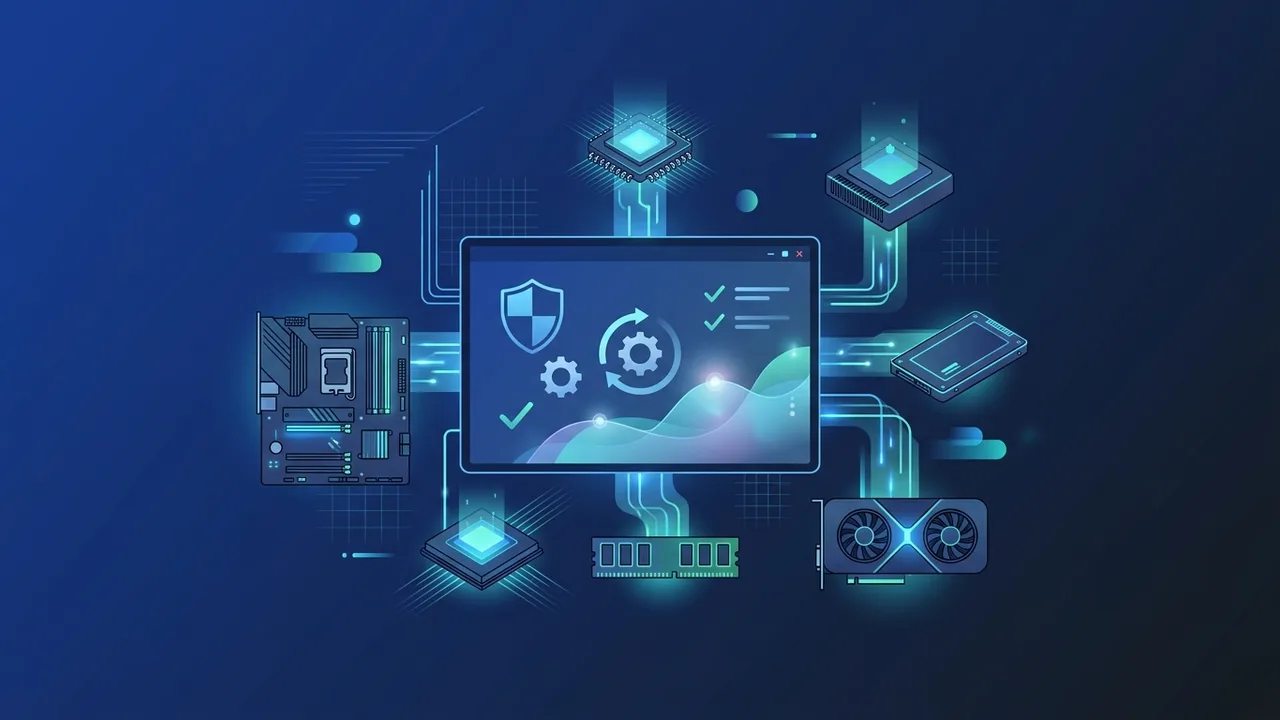
When upgrading to Microsoft's latest operating system, many users encounter technical terms that may seem confusing at first, most notably "device drivers." In this educational, beginner-friendly article, we will take you through everything you need to know about windows 11 drivers and how to ensure your computer runs at peak performance without frustrating system interruptions.
In the Kingdom of Saudi Arabia, students and business professionals rely heavily on laptops and desktop computers (such as Huawei, HP, and Dell devices) for daily productivity. For these computers to interface smoothly with national digital identity platforms like Nafath or Absher Business—which frequently require smart card readers for authentication—understanding how to check and update your drivers is vital for maintaining a seamless workflow.
What Are Windows 11 Drivers and Why Does Your PC Need Them?
Think of device drivers as translators that bridge the gap between your operating system (Windows 11) and the physical hardware components of your computer (such as your display, keyboard, sound card, or smart card reader). Without these translation files, Windows cannot send correct commands to the hardware, rendering them non-functional.
When you complete a secure download windows 11 drivers process, you guarantee that your physical components can exploit their full functional potential. Keeping drivers up to date is essential for several reasons:
- System Stability: Resolves frequent system bugs, avoiding dreaded system crashes or black screens.
- Enhanced Security: Patches system vulnerabilities that malicious actors might exploit via outdated hardware code.
- Hardware Compatibility: Ensures peripheral devices, like biometric scanners or card readers used for local Saudi e-services, communicate correctly with the OS.
How Windows 11 Communicates with Your Hardware Components
Windows 11 manages communication with various internal hardware devices using specialized driver protocols. For example, your display adapter requires advanced software instructions to render high-definition displays, which is why a timely graphics driver update win 11 ensures a fluid visual experience during graphic design tasks or video conferencing.
Similarly, the system relies on the realtek audio driver windows 11 to guarantee high-fidelity audio output during virtual meetings on remote work platforms. For internet access, the network card utilizes specific wireless drivers to secure connection stability, ensuring you never drop out of a critical session on national portals.
Simple Steps to Check Driver Status on Your Computer
You do not need to be an IT specialist to verify if your device drivers are running properly. Windows has a built-in diagnostics utility called Device Manager. Here is how you can use it to perform a windows 11 compatibility check on your hardware:
- Right-click the "Start" button on your taskbar.
- Select device manager windows 11 from the administrative menu.
- Review the list of hardware categories. Look for any item displaying a yellow warning triangle.
- A yellow warning icon indicates that the specific device is missing its proper configuration or needs an urgent update.
Official and Safe Methods to Update Windows 11 Drivers
To keep your system clean and secure, avoid installing drivers from unverified online directories. Instead, rely on these two secure methods:
Method 1: Windows Update Driver Installations
This is the most straightforward and secure path. Microsoft automatically sources compatible, pre-tested software updates directly from device manufacturers. You can access this feature by navigating to Settings > Windows Update > Check for updates.
Method 2: How to Update Drivers Manually
Sometimes, generic update systems do not carry specialized features, such as those for smart card readers or proprietary motherboards using intel drivers windows 11. In such cases, you should manually download the setup files directly from the manufacturer's official support portal and run the installer package.
How to Download Laptop Drivers for Top Brands (HP, Dell, Lenovo)
If you are using a notebook, the safest destination for drivers is the official support website of your laptop brand. Here is how to navigate the main ones:
- HP Laptops: Head to the HP Support site, enter your laptop's serial number, and the portal will list all verified software packages designed for Windows 11.
- Dell Laptops: Utilize the "SupportAssist" application pre-installed or available on Dell’s official website to automatically scan and update your system.
- Lenovo Laptops: Visit the Lenovo Support portal and use the automatic detection tool to download compatible system updates.
- Huawei Laptops: Open the built-in Huawei PC Manager application to keep all hardware components compatible with modern local e-services.
Tips to Avoid Malware and Scam Software When Searching for Drivers
The internet is filled with third-party software claiming they can optimize your computer and update all your drivers with a single click. Most of these applications are malicious utilities that bundle bloatware, tracking cookies, or spyware into your operating system.
To safeguard your computer, keep these safety tips in mind:
- Never download drivers from third-party hosting blogs or forums.
- Always check Windows Update first before seeking external packages.
- Keep Windows Defender activated to automatically scan downloaded setup files before execution.
By keeping your operating system's drivers updated through official channels, you will maintain a secure, fast, and reliable environment for both your professional and educational projects.
If you need a genuine Windows 11 Pro Lifetime license, you'll find it at ABMKeys at a fair price with instant WhatsApp delivery.
Frequently Asked Questions
How do I update my graphics driver on Windows 11?
Are third-party automatic driver updaters safe to use?
Why isn't my smart card reader working with Saudi digital identity portals?
How do I fix frequent Wi-Fi disconnections on Windows 11?
You can get a genuine license from ABMKeys at a competitive price with instant WhatsApp delivery.
Buy Now