
Windows 11 Activation: The Right Way to Do It
A detailed step-by-step guide explaining how to perform Windows 11 activation safely and legally to avoid security risks and ensure access to official system updates.
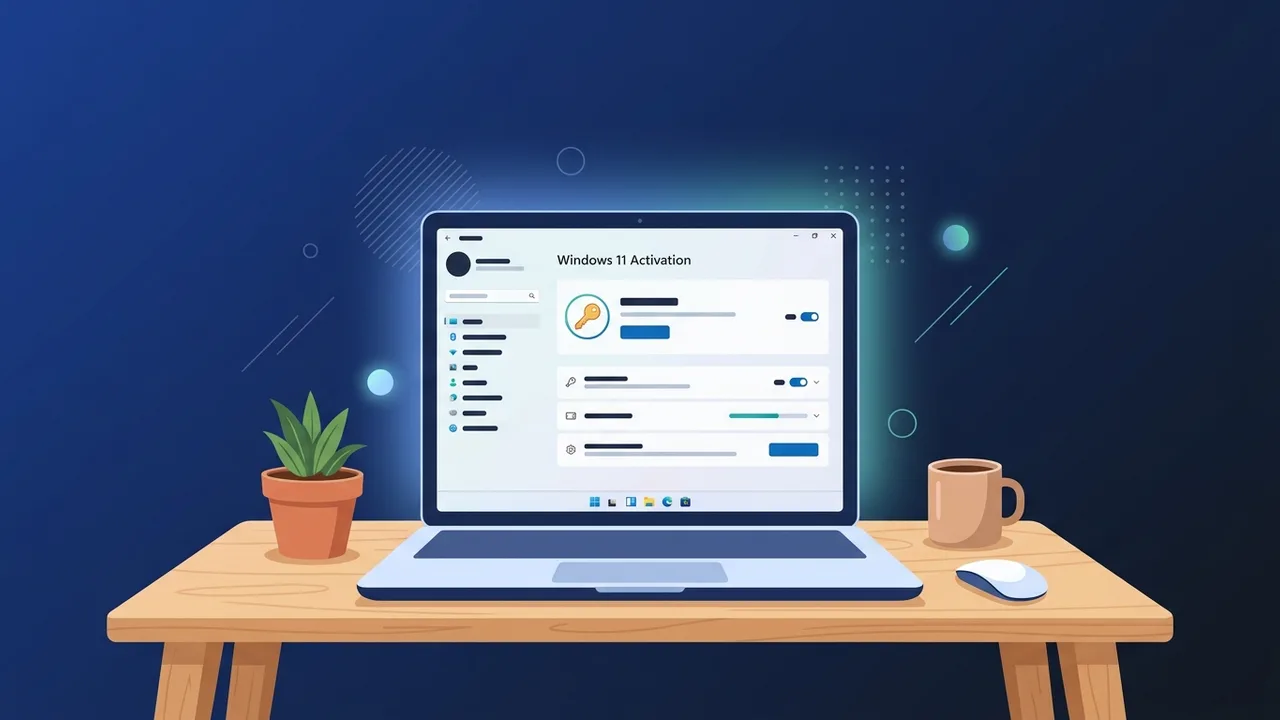
Overview of windows 11 activation
Windows 11 represents a significant leap forward in terms of design, performance, and security. For business professionals and individual users in Saudi Arabia, maintaining a highly stable operating system is crucial for daily productivity. However, to unlock the full potential of this operating system, performing a genuine windows 11 activation is an essential step that should not be overlooked.
Activation verifies that your copy of Windows is genuine and has not been used on more devices than the Microsoft Software License Terms allow. Without a valid activation, users face restrictions such as a persistent activation watermark on the screen, blocked personalization settings, and eventually, the risk of missing vital security updates that protect local systems from modern cyber threats.
Key Features
Activating your operating system brings several essential features and benefits that ensure a premium computing experience:
- Unrestricted Personalization: Change desktop backgrounds, window accent colors, lock screen layouts, and dark/light themes without any limitations.
- Continuous Security Updates: Receive official patches and system updates directly from Microsoft to safeguard your sensitive corporate or personal data from external vulnerabilities.
- Advanced AI Tools: Experience full access to integrated tools like Microsoft Copilot, designed to optimize workflows and boost personal productivity.
- Enhanced Performance & Support: Ensure your system is running at its peak efficiency for heavy software applications and gaming, backed by official technical support channels when needed.
How to Use
To safely complete the windows 11 activation process, follow this simple and practical step-by-step procedure:
Step 1: Checking Activation Status
First, verify whether your system is already activated or requires a new license key. Navigate to the Settings app by pressing (Windows Key + I), select System from the left sidebar, and click on Activation.
Step 2: Entering a Product Key
If your system shows as unactivated, you can easily activate it by entering your official 25-character product key:
- On the Activation page, expand the Upgrade your edition of Windows section or locate the Change product key option and click Change.
- Type or paste your purchased 25-digit product key into the input field.
- Click Next to allow Windows to verify the key with Microsoft's activation servers.
- Click Activate to finalize the process. A success message will appear once verified.
Step 3: Activation via Digital License
If you have a digital license linked to your Microsoft Account, simply log in using that account during or after the installation process. The system will automatically detect the digital license and complete the activation without requiring you to manually enter the license key.
Common Questions
How can I verify if my Windows 11 installation is genuine?
You can check this by going to Settings > System > Activation. The status will display "Windows is activated with a digital license" or "Windows is activated with a product key" if your license is genuine and active.
Can I upgrade from Windows 10 to Windows 11 using my existing key?
Yes, in most cases, if you have a genuine activated Windows 10 installation on a compatible PC, you can upgrade to Windows 11 for free, and your license will automatically transition to the new operating system.
Important Tips
To keep your workstation safe and secure, we recommend keeping the following guidelines in mind:
- Avoid Illegal Activation Tools: Using unauthorized tools, KMS emulators, or cracks poses severe security risks. These unofficial methods often carry trojans, ransomware, and spyware that can compromise your private credentials and network security.
- Link Your License to Your Microsoft Account: Linking your license to a Microsoft account allows you to easily reactivate Windows after significant hardware changes, such as replacing the motherboard or hard drive.
- Only Buy from Reputable Sources: Always purchase software licenses from trusted retailers to guarantee long-term system stability and access to direct technical assistance.
Conclusion
Securing a genuine activation for your operating system is the most reliable way to guarantee seamless operations, continuous security, and a fully customized user experience. By following the correct activation methods, you protect your digital workspace from security vulnerabilities and unlock the true capabilities of Microsoft's latest platform.
If you need a genuine Windows 11 Pro Lifetime license, you'll find it at ABMKeys at a fair price with instant WhatsApp delivery.
Frequently Asked Questions
How do I check if my Windows is activated?
Can I use a Windows 10 key for Windows 11 activation?
What happens if I don't activate Windows 11?
Is KMS or crack software safe to use?
You can get a genuine license from ABMKeys at a competitive price with instant WhatsApp delivery.
Buy Now