
Windows 10 Home Lifetime Step by Step
Learn how to install and activate Windows 10 Home Lifetime using the official and secure step-by-step method. Discover key features and maintenance tips for ultimate PC security.
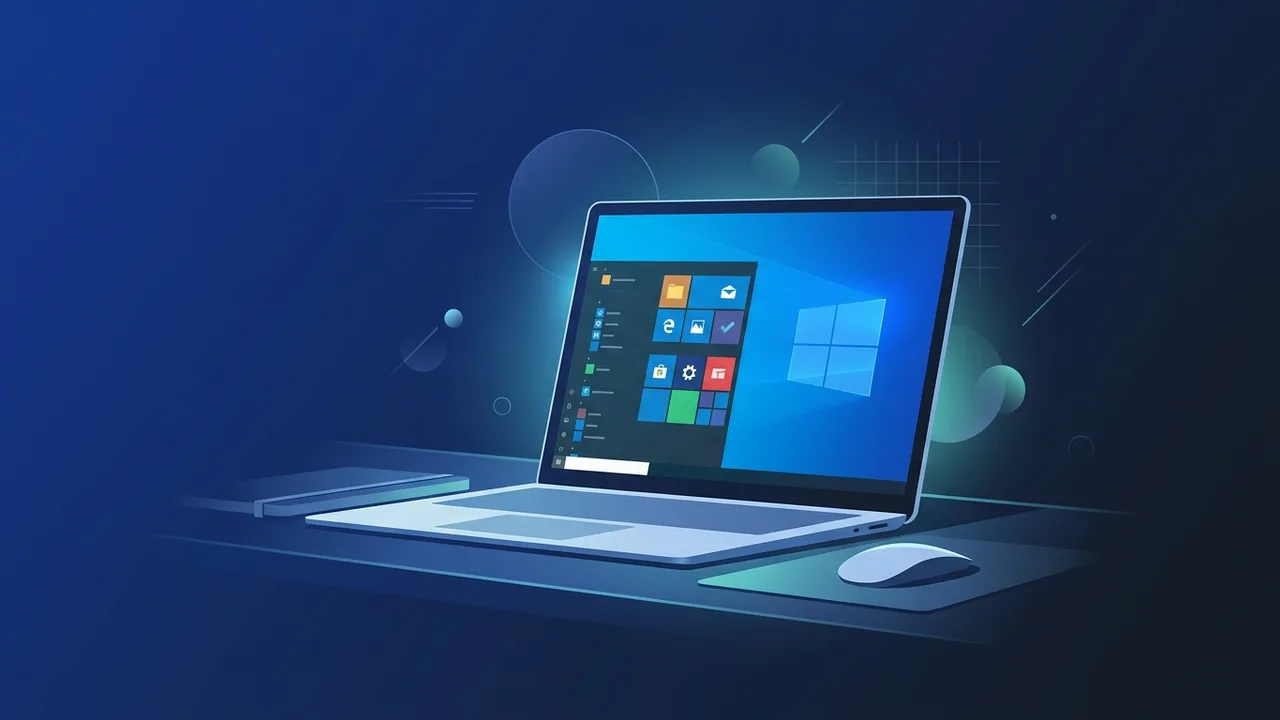
Overview of Windows 10 Home Lifetime
The operating system known as Windows 10 Home Lifetime remains one of the most preferred and widely adopted systems by millions of users worldwide, particularly in Saudi Arabia. This is largely due to its highly intuitive and user-friendly interface that balances everyday functionality with robust multitasking capabilities. This version is designed primarily for individual consumers, students, and small business settings looking for a stable, customizable desktop experience without the unnecessary complexities of enterprise-level systems.
A key advantage of acquiring a Windows 10 Home Lifetime license is that it grants you permanent, unrestricted access to all essential operating system features and official updates without recurring costs or subscription expirations. In today's interconnected digital environment, utilizing a legally licensed system is paramount to maintaining performance integrity and securing sensitive user data from growing cyber threats.
Key Features
Opting for Windows 10 Home Lifetime provides you with an extensive suite of built-in tools aimed at maximizing productivity and refining digital entertainment. Here are some of the standout features that make this software the ideal choice for personal and home use:
- Built-in Security: The integrated Windows Defender Security Center delivers real-time protection against viruses, ransomware, malware, and other online threats, reducing the need for expensive third-party antivirus software.
- Comprehensive App Store: Instantly access the Microsoft Store to safely download verified productivity applications, games, and entertainment software directly to your PC.
- Enhanced Web Browsing: Microsoft Edge provides a fast, secure browsing experience with built-in features to conserve battery life, organize online research, and sync data seamlessly across devices.
- Dedicated Gaming Features: Features like Game Mode optimize your computer's resources to ensure smoother, more stable frame rates and overall gaming performance, satisfying Saudi gaming enthusiasts.
- Eligible Upgrades: Active license holders are entitled to a seamless, free upgrade to Windows 11 Home, provided their computers meet the required hardware specifications.
How to Use
To unlock the potential of your Windows 10 Home Lifetime license and configure it properly on your device, follow this comprehensive, step-by-step installation and activation guide:
Step 1: Check Minimum System Requirements
Before initiating the installation process, verify that your computer meets the official hardware prerequisites:
- Processor: 1 GHz or faster compatible CPU.
- RAM: 1 GB for 32-bit architecture or 2 GB for 64-bit architecture.
- Storage: A minimum of 20 GB of free hard drive space.
- Graphics Card: Compatible with DirectX 9 or later with a WDDM driver.
Step 2: Obtain Official Installation Media
Visit the official Microsoft website and download the Media Creation Tool. This utility allows you to create a bootable USB flash drive or ISO file containing the Windows 10 Home setup files.
Step 3: Install the Operating System
Insert the bootable USB drive into your PC and restart the computer, booting directly from the flash drive. Follow the on-screen prompts to select your preferred language, time zone, and keyboard settings, then proceed with the installation of Windows 10 Home.
Step 4: Activate the Perpetual License
Once the installation is complete and you have accessed the desktop, follow these simple navigation steps to activate your system officially:
- Open the Start Menu and navigate to Settings.
- Click on Update & Security, then select Activation from the left sidebar.
- Click on the option labeled "Change product key".
- Carefully enter your genuine license code to register and activate your Windows 10 Home Lifetime copy instantly.
Common Questions
We have compiled direct and precise answers to the most frequent inquiries from local tech consumers regarding system activation and upgrade paths, helping you make an informed decision when buying software.
Important Tips
To ensure your system operates safely and at peak performance after registering your Windows 10 Home Lifetime license, we highly recommend adhering to these crucial system maintenance guidelines:
- Avoid Unofficial Activation Methods: Stay entirely away from software cracks and illicit activation tools. These files often harbor severe security vulnerabilities and can permanently compromise your personal data.
- Enable Automated Updates: Never disable system updates, as Microsoft regularly releases vital security patches and performance optimization updates to keep your PC secure.
- Perform Routine Backups: Utilize the system's integrated backup tools to save copies of your important files and documents to an external hard drive or secure cloud storage.
- Purchase from Trusted Outlets: Ensure you obtain your product keys from established distributors who provide reliable customer support and authentic licenses to avoid technical complications.
Conclusion
Investing in an authentic Windows 10 Home Lifetime license secures a highly stable, dependable, and threat-protected computing environment free from the anxiety of recurring billing or unexpected operational locks. Following the correct setup path ensures optimal system health and grants access to direct developer support.
You can get a genuine Windows 10 Home Lifetime license from ABMKeys at a competitive price with instant WhatsApp delivery.
Frequently Asked Questions
Can I upgrade my Windows 10 Home Lifetime license to Windows 11 in the future?
What is the difference between Windows 10 Home Lifetime and subscription-based versions?
Will I continue to receive security updates on Windows 10 Home Lifetime?
How can I guarantee my Windows 10 Home Lifetime is legally activated?
You can get a genuine license from ABMKeys at a competitive price with instant WhatsApp delivery.
Buy Now