
Windows 10 Home Lifetime Head-to-Head — Which Fits You?
A comprehensive and neutral comparison of Windows 10 Home Lifetime to help you decide if it fits your daily needs. Learn about key features, setup steps, and tips to avoid counterfeit software.
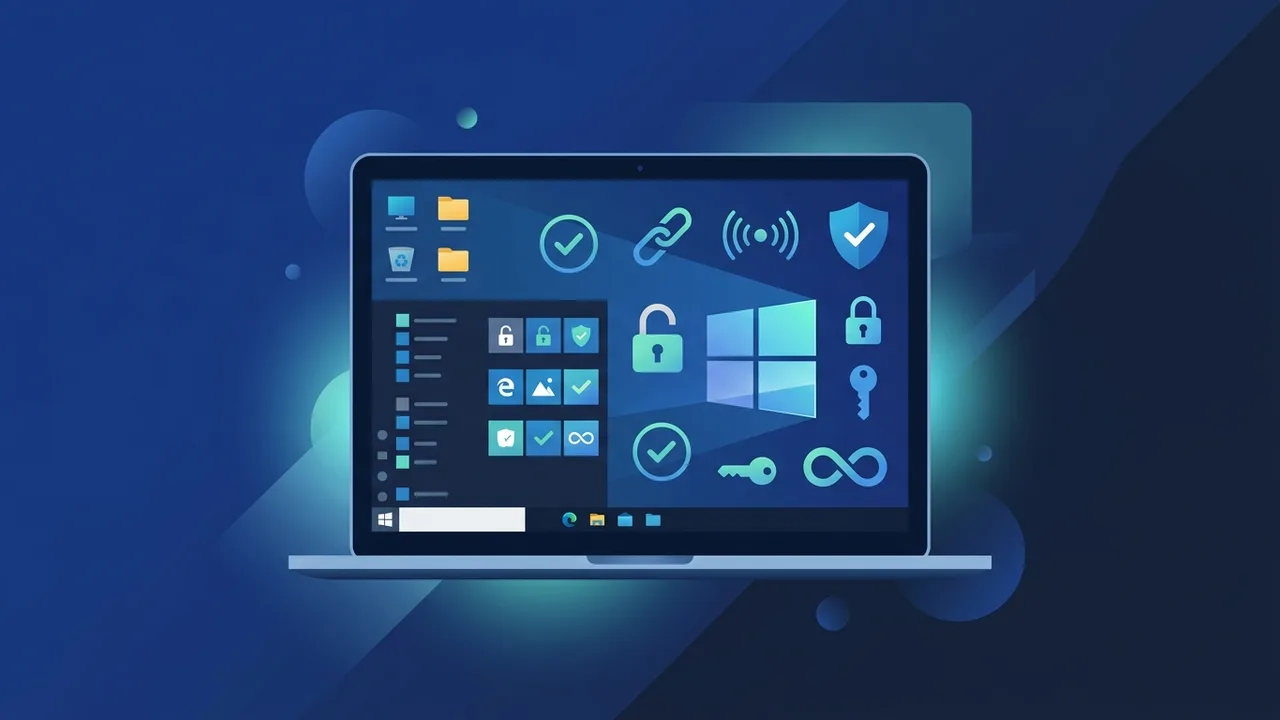
Overview of Windows 10 Home Lifetime
With the rapid digital transformation taking place across Saudi Arabia, many individual users, students, and startups are searching for a reliable and stable operating system. The Windows 10 Home Lifetime edition stands out as one of the most popular choices due to its user-friendly interface and high compatibility with most modern and older hardware. However, before making a purchase decision, many prefer to compare this version with available alternatives to determine if it fully meets their daily and practical needs without having to pay extra for advanced features they might never use in their everyday tasks.
This edition is considered an excellent investment because it grants you a lifetime license linked to your personal computer, meaning complete freedom from recurring monthly or annual subscription costs. The system provides a balanced experience that combines high security with smooth performance, making it perfect for family members engaged in education, entertainment, and everyday work.
Key Features
The Windows 10 Home Lifetime operating system comes with a rich set of technical and security features that make it more than enough for over 90% of regular users. Some of its most prominent features that matter to users include:
- Integrated and Continuous Security: It includes the famous Windows Defender security system, which provides robust and continuous protection against viruses, malware, and ransomware, eliminating the need to buy expensive third-party antivirus software.
- Advanced Gaming Support: It features Game Mode, which optimizes device resource usage during gameplay, alongside full compatibility with DirectX 12 for high-end graphics and visual effects.
- Windows Hello Feature: This allows quick and secure access to your device using fingerprint or facial recognition technology, preventing unauthorized access to your private files.
- Modern Microsoft Edge Browser: Designed to offer a fast, secure, and battery-efficient web browsing experience, with full support for various extensions.
Comparison with Windows 10 Pro
The core difference between the Home and Pro editions lies in the advanced control tools designed for business and corporate environments. For instance, the Pro edition includes BitLocker for full disk encryption, Remote Desktop for secure remote management, and advanced network domain join tools. For average home users and students, Windows 10 Home Lifetime provides everything necessary for studying, daily office work, and secure web browsing at a much lower, highly economical cost.
How to Use
To activate your operating system and fully benefit from all its security and technical features in a legal and proper manner, you can follow these simple, direct steps:
- Download the Official System ISO: Visit the official Microsoft website and download the Media Creation Tool to download the Windows 10 ISO file and write it to a bootable USB drive.
- Install the System: Restart your computer, boot from the USB drive, and follow the on-screen prompts to install the operating system on your primary hard drive.
- Activate with the Genuine Key: When prompted during or after installation, enter your genuine Windows 10 Home Lifetime product key to activate your operating system permanently.
- Check for Updates: Go straight to Settings, choose Update & Security, and download all latest drivers and security patches to keep your system safe and stable.
Common Questions
Many users in KSA ask critical questions regarding the effectiveness of this license and its technical limits. Some ask about the possibility of upgrading to newer systems like Windows 11, while others wonder about the practical differences between consumer licenses and enterprise editions. Understanding these details will help you make an informed choice and secure your digital workspace against unexpected deactivations.
Important Tips
When you decide to activate your operating system, we strongly advise you to follow these guidelines to protect your data and software investments:
- Avoid Cracked Software and Pirated Keys: Using illegal activation tools exposes your PC directly to malware, spyware, and cyber threats, and deprives you of critical security updates from Microsoft.
- Ensure You Buy a Lifetime License: Make sure you are purchasing a genuine, lifetime license (such as Retail or OEM) to avoid your operating system expiring suddenly after a few months.
- Link the License to Your Microsoft Account: Once activated, link your digital license to your Microsoft account. This makes it incredibly easy to reactivate the OS if you perform a hardware upgrade or format your hard drive.
Conclusion
Ultimately, Windows 10 Home Lifetime remains the most balanced and cost-effective solution for home users and students in Saudi Arabia who require reliability, stable performance, and comprehensive security without paying extra for corporate features.
You can get a genuine Windows 10 Home Lifetime license from ABMKeys at a competitive price with instant WhatsApp delivery.
Frequently Asked Questions
Does the Windows 10 Home Lifetime license expire after some time?
Can I upgrade to Windows 11 for free using this edition?
What is the primary difference between Windows 10 Home and Pro?
Does this lifetime license receive security updates from Microsoft?
You can get a genuine license from ABMKeys at a competitive price with instant WhatsApp delivery.
Buy Now