
Windows 10 from Zero to Pro
Learn how to properly set up and customize Windows 10 in this practical step-by-step guide. Discover the main features and helpful tips to boost your system performance and security.
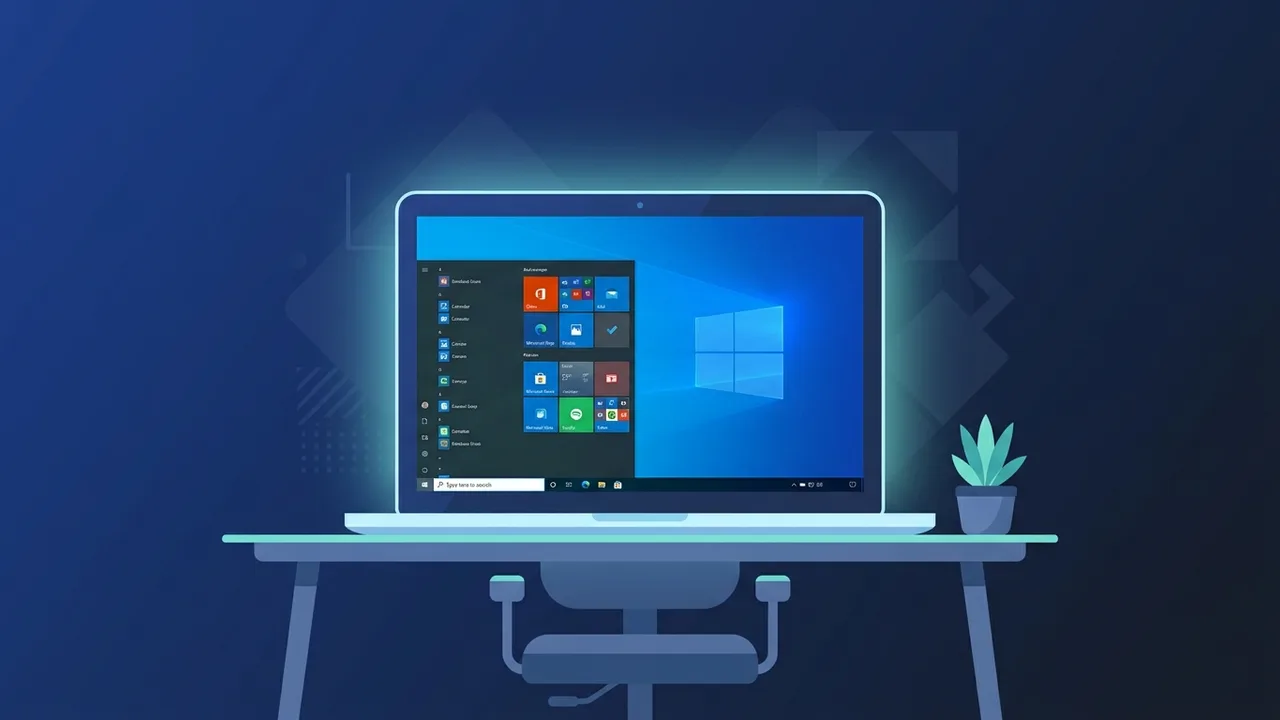
The Windows 10 operating system is one of the most popular and widely used platforms in Saudi Arabia and around the world. It successfully combines a familiar user interface with robust performance that meets the diverse needs of both individual users and business enterprises. Whether you use your computer for daily office tasks, academic studies, or managing business workflows, understanding how to utilize this system effectively is key to boosting your productivity and overall efficiency.
Overview of Windows 10
Microsoft launched Windows 10 to serve as a unified platform across various devices, including desktops, laptops, and tablets. It was developed in response to feedback from millions of users who wanted a cohesive system that blends classic ease of use with highly advanced modern technology. It is characterized by high stability and continuous security updates, making it the preferred choice for government and private entities in the Saudi market seeking a secure and steady computing environment. Additionally, it offers excellent compatibility with a wide range of legacy and modern hardware and software, ensuring a smooth transition for businesses updating their IT infrastructure.
Key Features
The Windows 10 environment delivers a broad array of tools designed to simplify daily computing tasks. Some of its most notable features include:
- The Modern Start Menu: Blends the classic, familiar layout of the traditional Start menu with active Live Tiles from previous editions, giving users quick access to their most-used applications and real-time information.
- Microsoft Edge Browser: A fast, highly secure web browser built specifically to provide a seamless browsing experience that is compatible with modern web standards and optimized for performance.
- Virtual Desktops: A highly useful feature that allows users to create multiple distinct desktop workspaces. This makes it incredibly easy to organize tasks and separate work-related activities from personal use.
- Action Center: A centralized hub for receiving notifications and accessing quick settings like Wi-Fi connections, Bluetooth, Airplane Mode, and screen brightness with a single click.
- Integrated Security: Includes advanced built-in protection through Windows Defender, providing continuous protection against viruses, malware, and ransomware without needing expensive third-party tools.
How to Use
To get the most out of your Windows 10 operating system, you can follow these practical steps to configure and manage your device efficiently:
1. Personalizing the Interface
You can customize the look and feel of your system by going to Settings > Personalization. Here, you can change your background, select a dark or light mode to reduce eye strain, and organize pinned applications in your Start Menu for fast, one-click access.
2. Managing Files with File Explorer
File Explorer in Windows 10 comes with an intuitive interface that makes organizing files and folders highly efficient. You can utilize the "Quick Access" feature to pin your most frequently used folders, saving you valuable time during your daily tasks.
3. Configuring Update and Security Settings
Always ensure that automatic updates are active so that you receive the latest security patches and features. Navigate to Settings > Update & Security > Windows Update, and customize your "Active Hours" so the system does not restart and interrupt you while you work.
4. Optimizing Storage with Storage Sense
Activate the "Storage Sense" feature to automatically free up disk space by getting rid of unnecessary files, such as temporary files and items in your Recycle Bin. Go to Settings > System > Storage to configure this helpful maintenance tool.
Common Questions
Users in Saudi Arabia often have several questions regarding the activation and proper management of their operating system to prevent downtime:
- Is the upgrade to Windows 10 still free? The official free upgrade period has technically ended, but users can still install and activate the system using a genuine product key to receive official updates and full customer support.
- What are the minimum system requirements? The system requires at least a 1 GHz processor, 1 GB of RAM for 32-bit or 2 GB for 64-bit systems, and a minimum of 20 GB of free storage space.
- How do I protect my system from viruses? Rely on the built-in Windows Defender antivirus program and keep it updated. Additionally, practice safe browsing habits, avoid downloading files from untrusted sources, and always use genuine software licenses.
Important Tips
To maintain peak performance and speed on your Windows 10 device, we highly recommend following these guidelines:
- Always Use Genuine Licenses: Avoid using illegal activation tools (cracks). These tools often expose your computer to critical security risks, malware, and data theft, while also depriving you of critical security updates and official support.
- Manage Startup Applications: Disable unnecessary programs from launching automatically when your system boots up. You can manage this via the Task Manager to significantly speed up your startup time.
- Perform Regular Backups: Enable the "File History" feature or use cloud storage solutions to keep secure copies of your important files, preventing data loss in case of unexpected hardware failure.
Conclusion
Ultimately, Windows 10 remains an outstanding choice for users looking for a balance between robust performance, ease of use, and advanced security. By setting up the system correctly and using genuine software licenses, you can enjoy a stable computing experience that keeps your personal and business data fully secure.
If you need a genuine Windows 10 Pro Lifetime license, you'll find it at ABMKeys at a fair price with instant WhatsApp delivery.
Frequently Asked Questions
Can I continue to safely use Windows 10 after its official support ends?
What is the best way to speed up Windows 10 on older hardware?
How can I securely activate my Windows 10 installation?
Is the built-in antivirus in Windows 10 sufficient for daily security?
You can get a genuine license from ABMKeys at a competitive price with instant WhatsApp delivery.
Buy Now