
Which One Should You Pick? Project 2021 Pro Lifetime Comparison
A comprehensive and neutral comparison of Project 2021 Pro Lifetime. Explore its key features, deployment methods, and alternatives to find the right fit for your business.
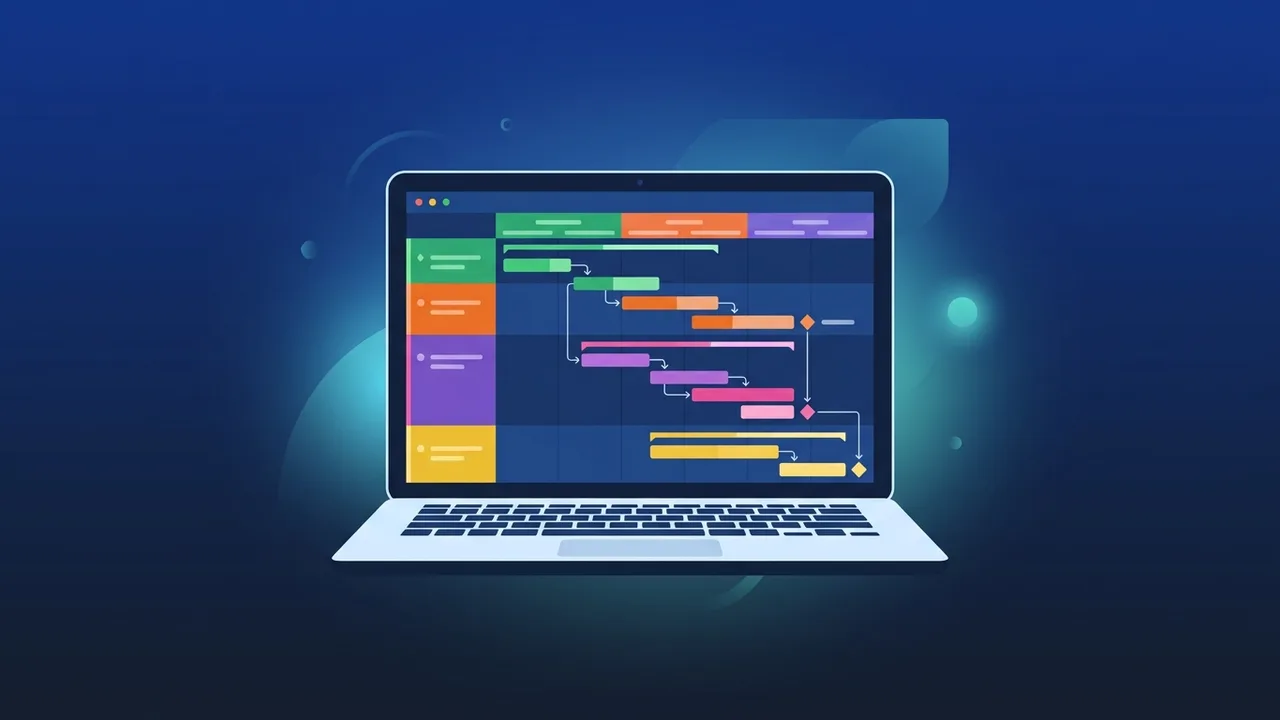
Overview of Project 2021 Pro Lifetime
With the rapid development and grand vision initiatives taking place across Saudi Arabia, managing projects with absolute precision and professional toolsets has become a core requirement for businesses and individuals alike. To meet these high demands, Microsoft Project stands out as an industry-standard solution. Specifically, the Project 2021 Pro Lifetime edition provides an exceptional, offline-capable desktop environment tailored for planning, scheduling, and tracking complex tasks.
Unlike continuous cloud subscriptions that demand monthly or annual overhead costs, a perpetual license offers an incredibly cost-effective path forward. Companies can secure a lifetime license with a one-time purchase, effectively reducing operational software expenses while maintaining access to premium project management features. This article provides a comprehensive, neutral comparison to help you evaluate if this specific lifetime release aligns with your operational goals and budget constraints.
Key Features
The Project 2021 Pro Lifetime edition comes packed with advanced tools that empower managers and teams to deliver work on time and within budget constraints. Here are some of the most critical functionalities:
- Advanced Resource Management: Easily assign tasks, manage human resources, balance workloads, and trace equipment costs to prevent bottlenecks.
- Interactive Timelines and Gantt Charts: Create visually striking project paths, highlight critical paths, and set dependencies with responsive scheduling engines.
- Rich Pre-built Reports: Leverage built-in business intelligence tools to generate professional status reports on costs, tasks, and overall progress without needing external reporting apps.
- One-Time Purchase stability: Since there are no recurring subscription fees, organizations can plan their software budgeting years in advance without worrying about price hikes.
- Seamless Office Integration: Share data easily with companion tools like Excel and PowerPoint to present information to stakeholders with ease.
How to Use
Setting up and integrating Project 2021 Pro Lifetime into your organizational workflow involves a simple but structured process to ensure security and official licensing compliance:
Installation and Activation Steps:
- Acquire a Genuine Product Key: Ensure you obtain a legitimate product license key designated for Project 2021 Professional.
- Download via Official Portal: Download the installation files directly from the official Microsoft account page to guarantee a clean, malware-free installation.
- Activate Your Software: Enter the official product key during setup or prompt screens to permanently associate the software with your system or Microsoft account.
Initiating Your First Project:
Once activated, launch the software and start with a blank template or use one of the many pre-configured industry templates. Be sure to configure the working calendar settings to align with your specific local workweeks (such as Sunday-to-Thursday schedules standard in Saudi Arabia). Next, add your tasks, link dependencies, allocate resources, and establish baseline tracking to monitor ongoing project health closely.
Common Questions
Choosing the right version of project management software often raises several questions regarding compatibility and licensing terms:
What is the benefit of a lifetime perpetual license over a monthly subscription?
A perpetual license provides lifetime access to the software with a single payment, meaning you will not face monthly charges or risk project access blockages if a subscription lapses. It is highly cost-effective for long-term usage.
Can I collaborate with my team using this version?
Yes, the Pro version allows for seamless collaboration, allowing project managers to sync schedules and coordinate updates with team members through shared networks and integrated Microsoft tools.
Important Tips
To maximize your experience with Project 2021 Pro Lifetime, keep the following practical recommendations in mind:
- Verify System Compatibility: This specific 2021 edition requires Windows 10 or Windows 11. Ensure your computer's operating system is updated before proceeding with installation.
- Avoid Using Cracked Software: Unofficial or pirated software poses extreme security risks, including malware exposure and potential data loss, while leaving you without critical Microsoft security updates.
- Leverage Built-in Templates: Save time by using the standard templates for software development, construction schedules, and marketing campaigns instead of creating plans from scratch.
- Secure Your Account Details: Keep the Microsoft account credentials used during the initial key association safe, as you may need them if you move to a new PC or reinstall your OS.
Conclusion
Opting for Project 2021 Pro Lifetime is a highly practical decision for organizations and independent project managers seeking premium scheduling tools with a predictable, single-payment budget model. By choosing an authentic license, you safeguard your workspace, secure continuous updates, and equip your business with a stable tool to drive successful project deliveries across various industries.
You can get a genuine Project 2021 Pro Lifetime license from ABMKeys at a competitive price with instant WhatsApp delivery.
Frequently Asked Questions
Can I transfer the Project 2021 Pro Lifetime license to another device?
Does Project 2021 Pro Lifetime require a monthly subscription?
Does Project 2021 Pro Lifetime work on macOS?
What is the main difference between the Pro and Standard versions?
You can get a genuine license from ABMKeys at a competitive price with instant WhatsApp delivery.
Buy Now