
What Makes Office 2016 Pro Plus Lifetime Stand Out? A Deep Dive
A simple and comprehensive beginner's guide to the Office 2016 Pro Plus Lifetime license. Learn about its features, usage, and why it is a great one-time purchase.
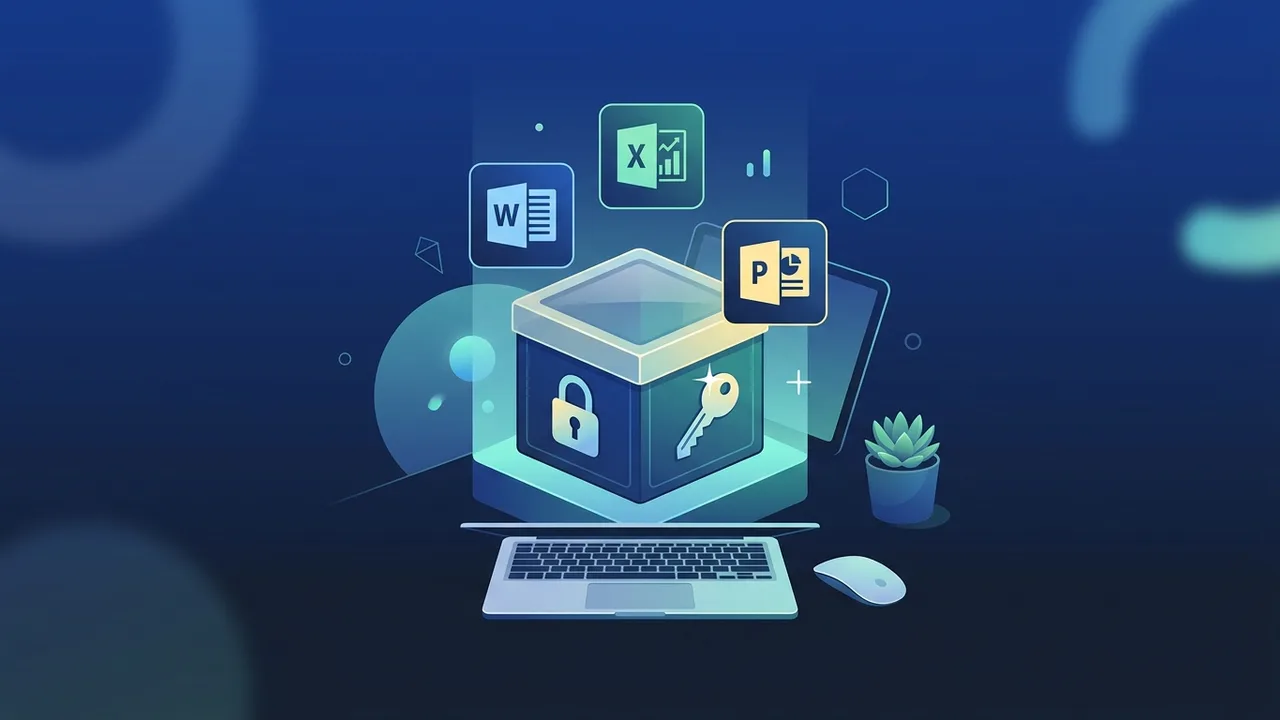
Overview of Office 2016 Pro Plus Lifetime
In the modern digital workspace, choosing the right productivity tools is essential for maintaining efficiency and organization. For many professionals, students, and businesses in Saudi Arabia, finding a stable and cost-effective software solution is a top priority. This is where the Office 2016 Pro Plus Lifetime license comes into play, offering a robust suite of desktop applications that can handle demanding office tasks without the ongoing burden of subscription costs.
The 'Professional Plus' edition represents Microsoft's most comprehensive package tailored for advanced business and productivity needs. It includes all the classic desktop programs that users rely on daily, such as Word, Excel, PowerPoint, Outlook, Access, Publisher, and OneNote. Unlike subscription-based alternatives, the 'Lifetime' perpetual license allows users to make a single one-time purchase. Once activated, the software belongs to you forever on that device, freeing you from monthly or annual recurring billing cycles.
Key Features
The Office 2016 Pro Plus Lifetime edition offers a myriad of advantages that make it a compelling choice for both personal use and professional setups. Here are the most prominent features of this perpetual software license:
- One-Time Payment Model: The defining benefit is the lack of subscription fees. You pay once and enjoy permanent access to the entire application suite, providing clear financial predictability for individuals and corporate budgets alike.
- Complete Professional Application Suite: Users gain full access to standard-setting programs: Word for document drafting, Excel for deep data analysis, PowerPoint for stunning presentations, Outlook for efficient email management, and Access and Publisher for advanced database and publishing tasks.
- Reliable Offline Functionality: Since the applications are installed directly onto your local hard drive, you do not need a continuous high-speed internet connection to edit, save, or manage your files, ensuring privacy and uninterrupted workflow.
- Optimized System Performance: This version is highly optimized to run smoothly on older or mid-range computer hardware, consuming fewer system resources compared to heavily cloud-reliant modern software suites.
- Excellent File Compatibility: Working with international standards is effortless. Files created in this suite maintain pristine formatting when shared with users of newer or older office platforms.
How to Use
Setting up your Office 2016 Pro Plus Lifetime license is designed to be an easy, stress-free process even for beginners. By following these clear, logical steps, you can have your suite fully operational in no time:
- Acquire Your Digital Product Key: Once your purchase is complete, you will receive a 25-character digital activation code sent to you instantly. This is your official proof of license.
- Access the Official Microsoft Portal: Open your web browser and navigate to setup.office.com. Sign in using your personal or corporate Microsoft account. Logging in ensures that your new digital license is safely tied to your account identity.
- Enter the Activation Key: Copy and paste your unique 25-character product key into the designated input fields. Choose your preferred region and language settings (such as English or Arabic) from the drop-down menus.
- Download the Software Installer: After Microsoft validates the key, you will be redirected to download the setup file. Run this file to start the installation process, which will run in the background.
- Finalize Activation: Open any application, such as Word, click on the 'Account' section, and verify that your suite is successfully activated under a perpetual license.
Common Questions
When considering transitioning to a perpetual software model, users often have various questions regarding its capabilities and features. Here are some of the most frequent queries addressed:
Can this software suite be installed on multiple computers simultaneously?
Typically, a retail lifetime key for this suite is designed to be activated on only one computer (PC or laptop) at a time. If you attempt to use the same activation code on multiple devices, the license may be flagged or suspended. For multiple workstations, separate keys must be acquired.
How does this version differ from Microsoft 365?
The main difference lies in the pricing model and update cycle. Microsoft 365 requires ongoing monthly or annual subscription fees to maintain access, but it includes cloud storage and continuous feature upgrades. In contrast, the lifetime edition of 2016 is a one-time purchase with permanent access to the core stable features without recurring costs.
Does the program support Arabic language and right-to-left formatting?
Yes, the software fully supports Arabic language packs, enabling native right-to-left text alignment, precise spellchecking, and a fully localized user interface. This makes it ideal for local businesses, governmental bodies, and educational institutes in Saudi Arabia.
Important Tips
To ensure a safe, secure, and long-lasting software experience on your computer, keep the following professional tips in mind:
- Avoid Cracked Software and Activators: Never use third-party activation tools or illegal KMS crack programs. These downloads are notorious for containing malware, spyware, and ransomware that can steal your personal credentials or damage your local files.
- Secure Your Connected Microsoft Account: Since your lifetime product key links directly to your Microsoft account, ensure you use a strong password and keep your credentials safe. This allows you to easily reinstall the suite if you format your drive or buy a new computer.
- Keep Windows Updated: Running the latest security updates and patches for your Windows operating system ensures optimal compatibility and protects your software environment from bugs and system conflicts.
- Buy from Trustworthy Merchants: Always source your digital software licenses from verified, reputable online platforms that offer dedicated support, real activation guarantees, and responsive client communication to protect your investment.
Conclusion
Choosing a reliable, high-performance office suite is a cornerstone of daily productivity. A perpetual software license offers a perfect balance of predictable cost, stellar offline stability, and robust administrative features. It remains a powerful asset for anybody looking to achieve professional-grade results without recurring subscription headaches.
You can get a genuine Office 2016 Pro Plus Lifetime license from ABMKeys at a competitive price with instant WhatsApp delivery.
Frequently Asked Questions
Can I activate Office 2016 Pro Plus Lifetime on more than one computer?
What is the difference between Office 2016 Pro Plus Lifetime and a 365 subscription?
Does running the applications require an active internet connection?
Does Office 2016 Pro Plus Lifetime fully support the Arabic language?
You can get a genuine license from ABMKeys at a competitive price with instant WhatsApp delivery.
Buy Now