
VMware Workstation Pro 17 Explained Simply
Learn about VMware Workstation Pro 17, the leading virtualization software to run multiple virtual machines on PC. A beginner-friendly explanation of features, requirements, and licensing in KSA.
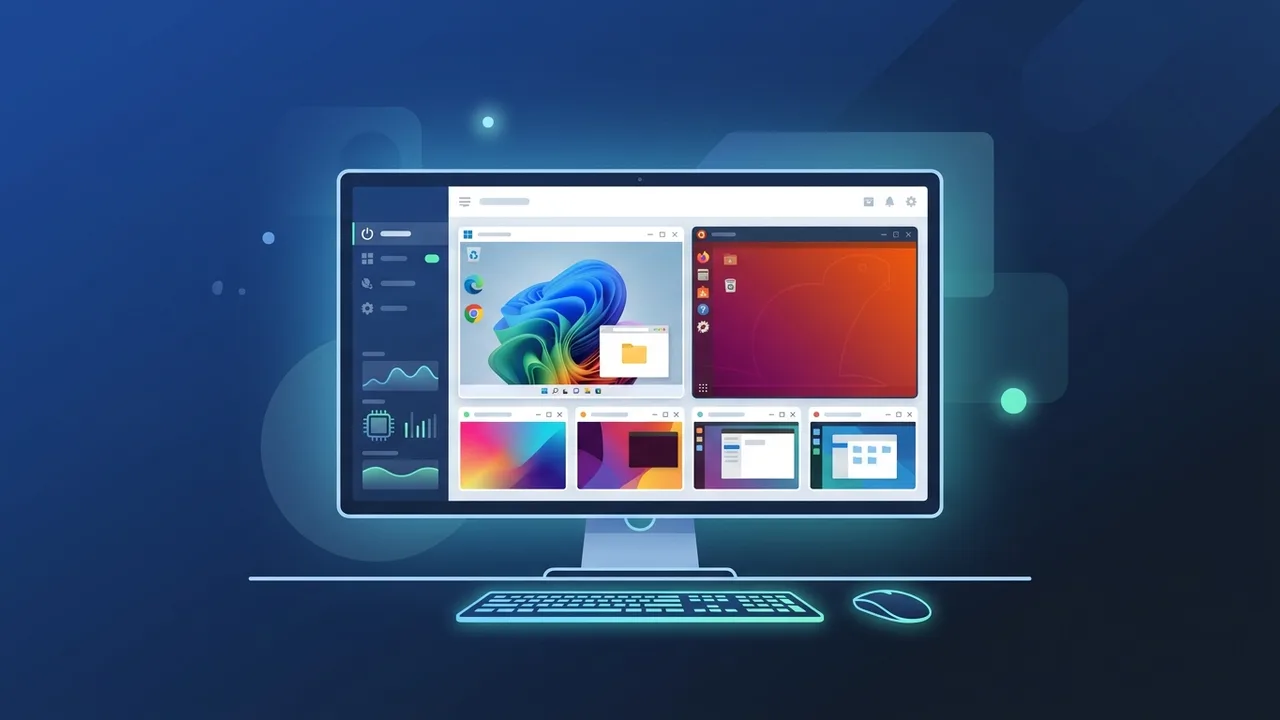
The Kingdom of Saudi Arabia is experiencing an unprecedented digital transformation in alignment with Saudi Vision 2030, putting a major focus on cybersecurity and technical education. In Saudi academic institutions, such as the computer science colleges at King Saud University and King Abdulaziz University, there is a growing demand for advanced virtualization technology. Both students and IT professionals seek secure and scalable environments to test applications and learn operating systems, where VMware Workstation Pro 17 stands out as the premier industry standard.
What is VMware Workstation Pro 17 and How Does It Work?
VMware Workstation Pro 17 is an industry-leading virtualization software designed to run multiple, isolated operating systems on a single physical x86 computer. Operating as a Type 2 hypervisor, it sits on top of your host operating system (Windows or Linux) and acts as an abstraction layer that virtualizes physical hardware components like the CPU, RAM, storage, and network adapters.
If you are looking for a VMware Workstation 17 tutorial, understanding the core mechanism is simple: the host machine allocates a portion of its hardware resources to guest operating systems. This allows users to run virtual machines on PC simultaneously. Whether you are running complex network configurations or testing different platforms, this tool ensures complete isolation, meaning any crash or malware inside the guest system remains completely contained and cannot affect your physical computer.
The Importance of Virtual Machines for Beginners
Virtualization is a fundamental building block for anyone starting a career in IT, systems administration, or cybersecurity. For beginners, it eliminates the fear of making mistakes. Instead of risking your main operating system, you can explore, modify system files, and install experimental software inside a completely isolated environment.
This software allows you to create virtual machine Windows 11 or Linux distributions for learning purposes. It provides a highly secure sandbox for analyzing malware or testing security configurations. Furthermore, it saves significant hardware costs by enabling students to simulate an entire network of connected servers and clients on just one laptop, fast-tracking their practical learning journey.
Key Features and Updates in VMware Workstation Pro 17
The release of VMware Workstation Pro 17 introduced critical updates tailored for modern computing environments. The most prominent update is the integration of Virtual Trusted Platform Module (vTPM 2.0). This feature allows users to easily create virtual machine Windows 11 without bypassing Microsoft's strict hardware security checks, making it highly useful for testing enterprise-grade configurations.
Graphics rendering also received a massive boost with support for DirectX 11 and OpenGL 4.3, allowing resource-heavy 3D applications and developer tools to run smoothly. Additional features include an automated virtual machine start option on host boot, stronger VM encryption algorithms, and improved virtual network customization, giving advanced users absolute control over their simulated network architectures.
System Requirements to Run VMware Workstation 17 Efficiently
To run multiple virtual machines concurrently without performance bottlenecks, your host system must meet certain hardware requirements. Ensuring your PC is properly equipped will make learning how to use VMware for beginners a seamless experience:
- Processor (CPU): A compatible 64-bit Intel or AMD multi-core processor with virtualization technology (Intel VT-x or AMD-V) enabled in the BIOS/UEFI settings.
- Memory (RAM): A minimum of 8 GB is required, but 16 GB or higher is highly recommended to allocate sufficient memory to each running guest OS.
- Storage: An SSD (Solid State Drive) is strongly recommended for storing virtual machine disks (VMDKs) to ensure fast boot times and rapid file transfer rates.
- Host OS: Windows 10, Windows 11, or supported 64-bit Linux distributions.
The Difference Between VMware Workstation Pro and Workstation Player
When selecting the right software, users often compare the Pro version with VMware Workstation Player. Workstation Player is a free, basic version designed for non-commercial, single-machine use. It lacks advanced features such as taking multiple Snapshots (which allow you to save a specific state of the OS and roll back to it instantly), advanced network configuration, and running multiple virtual machines at the same time.
On the other hand, Workstation Pro is the complete enterprise suite built for developers and IT specialists. When comparing VirtualBox vs VMware Workstation, VirtualBox is an open-source option, but VMware Workstation Pro consistently outperforms it in disk read/write speeds, high-performance 3D graphics rendering, and seamless host-to-guest integration, making it the preferred choice for academic and professional environments alike.
How to Secure a Genuine VMware Workstation Pro 17 License in Saudi Arabia
For organizations, universities, and professionals in Saudi Arabia, using genuine software is a vital step toward maintaining strict cybersecurity compliance. Utilizing cracked versions introduces severe malware risks and lacks crucial safety patches. Therefore, acquiring a legitimate VMware Workstation Pro activation key is essential for anyone aiming for a secure professional setup.
As digital transformation accelerates across the Kingdom, finding a reliable VMware Saudi Arabia distributor or store that supports local payment methods is easier than ever. You can securely purchase original software keys using convenient Saudi payment options such as Mada, STC Pay, and Apple Pay. This guarantees your access to official software updates, security fixes, and uninterrupted performance.
You can get a genuine VMware Workstation Pro 17 license from ABMKeys at a competitive price with instant WhatsApp delivery.
Frequently Asked Questions
Does VMware Workstation Pro 17 support Windows 11 as a virtual machine?
What is the main difference between VMware Workstation Pro and Workstation Player?
Can I run VMware Workstation Pro 17 on AMD processors?
How can I buy a genuine VMware license in Saudi Arabia?
You can get a genuine license from ABMKeys at a competitive price with instant WhatsApp delivery.
Buy Now