
V Ray 6 for sketchup windows: Common Problems and How to Solve Them
Learn about the most common issues faced by V Ray 6 for sketchup windows users and discover practical solutions to ensure stable, fast rendering without unexpected crashes.
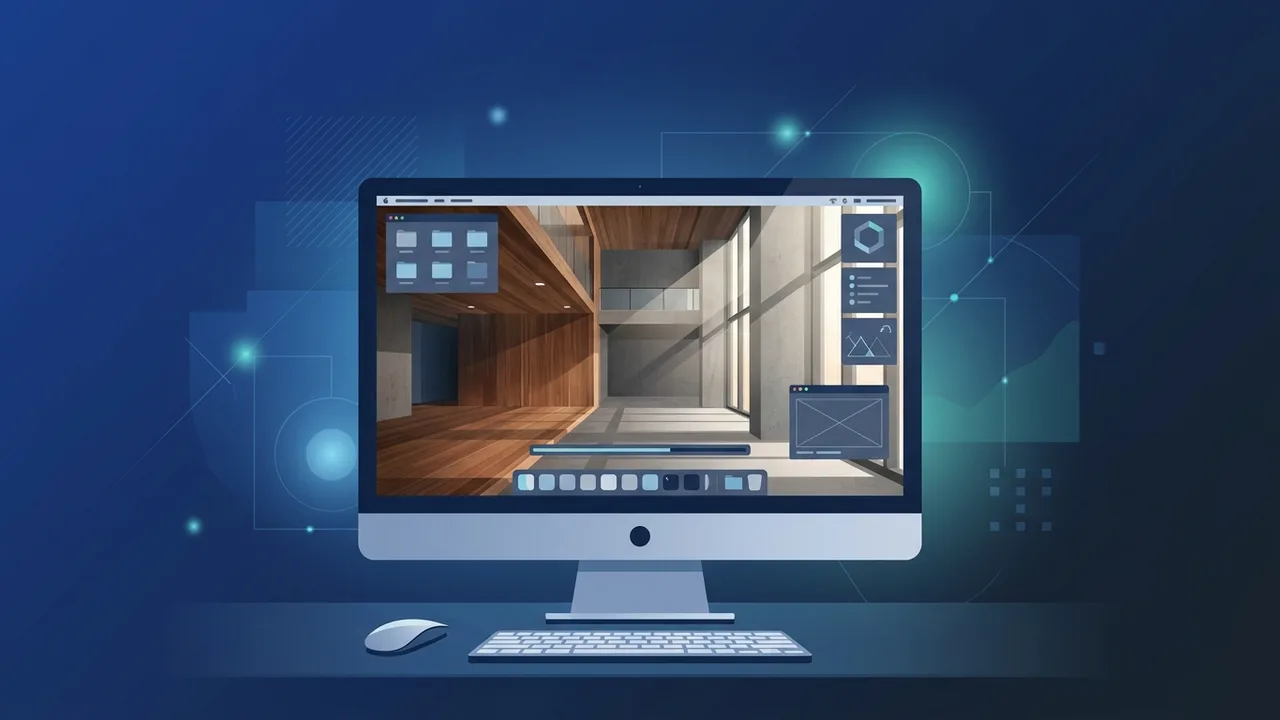
Overview of V Ray 6 for sketchup windows
The V Ray 6 for sketchup windows software is widely recognized as one of the most powerful and comprehensive rendering engines in the architectural and design industry in Saudi Arabia. Professional designers, architects, and 3D visualizers rely on this tool to produce photorealistic images that bring conceptual blueprints to life. Designed to work fluidly within the SketchUp environment, it eliminates the hassle of importing and exporting files between separate software platforms.
Running seamlessly on the Windows operating system, it takes full advantage of modern multi-core processors and GPU acceleration to speed up processing times. However, technical issues can occasionally disrupt the creative workflow. Understanding the software's architecture and learning how to address common errors is key to maintaining a smooth, efficient rendering process.
Key Features
With the release of V Ray 6 for sketchup windows, designers gain access to an array of revolutionary features designed to elevate 3D rendering projects to professional levels. Key highlights include:
- Chaos Scatter: Enables users to effortlessly populate scenes with millions of 3D objects, such as vegetation, rocks, or cars, without cluttering the main SketchUp file structure.
- V-Ray Enmesh: Allows the creation of intricate, repetitive 3D patterns on surfaces (like chain-link fences or fabrics) with minimal memory consumption compared to traditional geometric modeling.
- Procedural Clouds: Generates dynamic, highly realistic cloudy skies that automatically adjust and react to changes in the sun's position and lighting environment.
- Chaos Cloud Rendering: Offloads heavy rendering tasks to remote cloud servers with a single click, freeing local resources for continued design work.
- Chaos Cosmos Library: An integrated, curated collection of thousands of render-ready high-quality assets, including furniture, plants, and models that drop directly into the project.
How to Use
To maximize performance and prevent potential system bottlenecks while working with V Ray 6 for sketchup windows, follow these standard, professional practices:
1. Clean Your Scene File
Before launching a render, make sure to clean your 3D model of unnecessary geometry and unused elements by using SketchUp’s built-in "Purge Unused" tool. This keeps the file size lightweight and reduces startup processing times.
2. Configure Render Engines Correctly
Open the Asset Editor and choose the appropriate engine for your hardware. If your workstation features a robust NVIDIA graphics card, select CUDA or RTX rendering to harness the massive speed advantages of modern graphics processors.
3. Control Textures and Mapping
Ensure that all materials and maps are properly assigned. Avoid using extremely high-resolution textures (such as uncompressed 8K images) on tiny background props, as this wastes system memory and slows down scene loading.
Common Questions
Why does my software crash during the rendering phase?
Crashes during rendering are usually caused by running out of system RAM or video memory (VRAM) when processing complex models or oversized textures. To solve this, optimize high-poly models, turn complex geometries into proxies, and close memory-heavy background applications.
How do I resolve a licensing or validation error?
This message often occurs if the local license server app is blocked by system firewalls or is not active. To fix it, ensure that the Chaos License Server service is running in the background and that you are using a legitimate, authorized product license.
What causes dark spots or weird lighting artifacts in the render output?
Lighting artifacts often result from overlapping faces (known as Z-fighting) or reversed polygon normals. Check your model to make sure all exterior faces are oriented correctly (white side facing out) and ensure that faces do not directly occupy the exact same physical coordinates.
How can I reduce render times without losing output quality?
Utilize the Denoiser feature built into the engine. This allows you to lower the overall noise threshold settings, which dramatically cuts down render times while yielding a clean, noise-free final image.
Important Tips
Achieving stable, fast, and high-quality results with V Ray 6 for sketchup windows requires a systematic approach to system optimization. Keep these essential tips in mind:
- Keep GPU Drivers Updated: Always install the latest NVIDIA Studio Drivers instead of Game Ready Drivers. Studio Drivers are optimized specifically for stability and performance in content creation apps.
- Organize Scene Geometry: Group objects properly into tags and components. Hide heavy vegetation or background details when working on other parts of the scene to keep viewport response snappy.
- Use Genuine Licenses: Unofficial or cracked software causes unexpected application crashes, corrupts valuable project files, and poses significant security risks to corporate or freelance IT infrastructure in Saudi Arabia.
Conclusion
Investing in reliable, professional-grade rendering tools like V Ray 6 for sketchup windows is key to winning clients and delivering projects that stand out in the competitive Saudi design market. By understanding the software's core functions and properly managing system resources, you can prevent major issues and maintain a productive, high-quality workflow.
You can get a genuine V Ray 6 for sketchup windows license from ABMKeys at a competitive price with instant WhatsApp delivery.
Frequently Asked Questions
Why does V Ray 6 for sketchup windows crash during rendering?
How can I fix the licensing error in the software?
What is the fastest way to reduce render times without losing quality?
What causes black spots or artifacts in the final render image?
You can get a genuine license from ABMKeys at a competitive price with instant WhatsApp delivery.
Buy Now