
Understanding Windows 10 Audio Driver and Its Key Uses
Learn about the importance of the Windows 10 audio driver, how to safely install it, and solve common sound issues. Discover how a genuine Windows license ensures secure automatic driver updates.
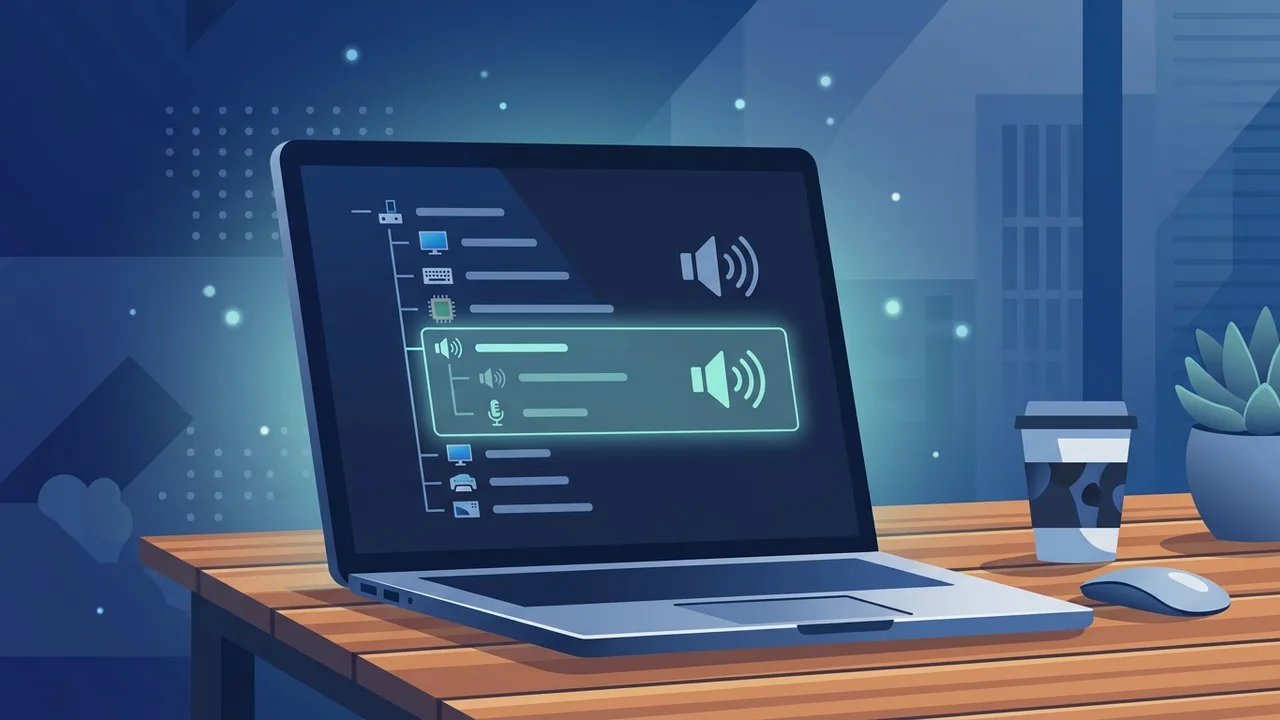
A seamless computing experience relies heavily on clear, uninterrupted sound. For professionals and students in Saudi Arabia using personal computers for distance learning via the Madrasati platform or executing daily remote work tasks, a properly configured windows 10 audio driver acts as the vital link that enables your speakers, headphones, and microphone to function flawlessly.
What is a Windows 10 Audio Driver and Why Does Your Device Need It?
An audio driver is a dedicated software component that allows your operating system to communicate effectively with physical sound hardware, such as your internal motherboard chip or external sound cards. Without this digital translator, Windows cannot process audio signals or direct them to your output devices.
In Saudi Arabia, where many rely on premium laptops from leading brands like HP, Dell, and Lenovo for active communications, having a fully functional system is non-negotiable. Utilizing a genuine windows 10 key KSA guarantees that your operating system communicates perfectly with your hardware, preventing corrupted driver setups often associated with cracked or unverified Windows editions.
How to Identify the Sound Card Model Installed on Your Computer
Before attempting any manual software installations, you must identify your exact hardware model to prevent installing mismatched files. You can find this information easily using built-in Windows administrative utilities:
- Right-click the Start menu icon and select 'Device Manager' from the context list.
- Locate the category labeled 'Sound, video and game controllers' and expand it.
- Identify the active hardware name listed there; common examples include Realtek High Definition Audio or Intel Smart Sound.
Understanding these device manager audio drivers details helps you pinpoint the exact software file you need to download without causing compatibility errors.
Safe and Free Ways to Download and Install Audio Drivers for Windows 10
If you need to perform a download audio driver windows 10 procedure, there are several highly secure, zero-cost avenues available:
- Official OEM Support Portal: Visit the official support page of your computer manufacturer (such as HP, Dell, or Lenovo). Enter your device serial number to fetch verified, stable drivers.
- Direct Chipset Manufacturer: For systems with integrated sound chips, conducting a Realtek audio driver download directly from their certified web portal is a highly recommended and safe choice.
- Check Your System Type: Always ensure you download the correct version matching your operating system architecture, specifically selecting a 64-bit driver if you are running a 64-bit operating system.
Step-by-Step Guide to Fixing No Sound Issues in Windows 10
Encountering a sudden loss of sound can disrupt your workflow. Here is a practical sequence for windows 10 audio troubleshooting to help you fix sound windows 10 issues safely:
- Restart Audio Services: Press Windows Key + R, type 'services.msc', locate 'Windows Audio' in the services list, right-click it, and select 'Restart'.
- Run Windows Troubleshooter: Right-click the speaker icon in the taskbar and select 'Troubleshoot sound problems' to allow Windows to perform an automated diagnostic and repair.
- Reinstall or update sound card driver: Open Device Manager, right-click your active audio hardware, and select 'Update Driver'. Alternatively, choose 'Uninstall device' and reboot your computer to allow Windows to reinitialize the hardware with a fresh configuration.
How Windows 10 Automatic Updates Help Install Audio Drivers Seamlessly
Microsoft integrates robust automation through its updating ecosystem. A verified system connected to a windows update driver download cycle automatically fetches the latest, digitally-signed audio configurations in the background without requiring manual intervention.
If you are operating on a non-genuine OS, these critical security and driver updates are frequently blocked or restricted, leading to broken driver structures and persistent sound drops. Investing in a genuine setup ensures hassle-free automatic maintenance for all your hardware components.
Tips to Protect Your Device from Malware When Downloading Drivers
The web is saturated with fraudulent websites posing as driver update hubs. To keep your device secure, follow these essential cybersecurity tips:
- Never download driver executable files from third-party forums or unverified driver updater software.
- Ensure your active antivirus program is fully enabled when installing downloaded packages.
- Always create a system restore point before applying manual hardware changes so you can safely rollback if any instability occurs.
If you need a genuine Windows 10 Pro Lifetime license, you'll find it at ABMKeys at a fair price with instant WhatsApp delivery.
Frequently Asked Questions
How can I download a Windows 10 64-bit audio driver for free?
What is the best option when searching for a free audio driver program?
Why does my sound suddenly stop working, and how can I fix it on Windows 10?
Does a genuine Windows 10 key help update the audio driver automatically?
You can get a genuine license from ABMKeys at a competitive price with instant WhatsApp delivery.
Buy Now