
Understanding DaVinci Resolve Studio 19 Windows Lifetime and Its Key Uses
Learn everything about the professional editing software DaVinci Resolve Studio 19 Windows Lifetime, its key AI-powered features, intuitive workflows, and essential tips for Windows beginners.
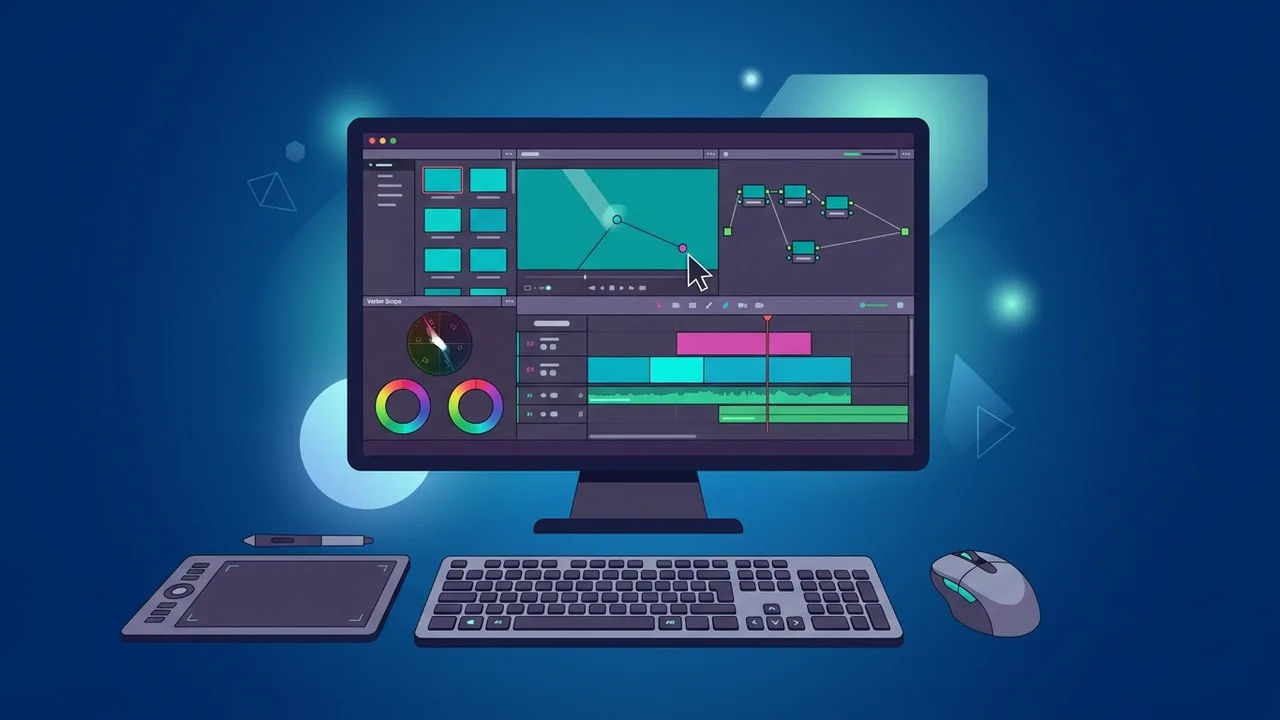
Overview of DaVinci Resolve Studio 19 windows lifetime
In the rapidly evolving world of video production, both professional filmmakers and aspiring content creators seek powerful tools that offer creative freedom without financial compromises. Among the top-tier solutions in the industry, DaVinci Resolve Studio 19 windows lifetime stands out as a comprehensive, industry-standard software for video editing, color grading, visual effects, and audio post-production. Designed to run seamlessly on the Windows operating system, this perpetual license model allows users to purchase the software once and enjoy lifetime access to pro-grade tools without subscription worries. In this educational guide, we will break down what makes this software a must-have for content creators.
DaVinci Resolve Studio 19 windows lifetime is the fully featured, premium version of the legendary editing suite developed by Blackmagic Design. While the free version is highly capable, the Studio edition unlocks massive performance upgrades and advanced tools powered by the DaVinci Neural Engine (an AI-driven processing core). The lifetime aspect is a key highlight, providing users with a one-time purchase model that includes free future updates. For Windows users in Saudi Arabia and worldwide, this license means no recurring monthly fees, rendering it a highly cost-effective option for independent creators, boutique studios, and large production houses alike. It utilizes modern GPU acceleration to easily handle resolutions up to 32K and high frame rates with ultimate performance stability.
Key Features
The features of DaVinci Resolve Studio 19 windows lifetime explain why it remains the top choice for Hollywood blockbusters and popular online creators alike:
- Advanced Color Grading: Recognized as the world's most advanced color grading system, it offers HDR grading wheels, curves, and tracking tools to achieve perfect cinematic looks.
- DaVinci Neural Engine (AI): Unlocks smart features like magic mask, facial recognition, voice isolation, smart reframe, and automatic speed warp for ultra-smooth slow motion.
- Fairlight Audio Post-Production: A dedicated workspace with a high-performance audio engine, supporting up to 2,000 tracks with real-time effects, EQ, dynamics, and advanced noise reduction.
- Fusion Visual Effects: A node-based 2D and 3D compositing environment directly built into the software, allowing users to create Hollywood-style visual effects and motion graphics easily without jumping between third-party programs.
- Broad Format Support: Native support for professional formats, including AV1, HEVC, ProRes, and various camera RAW profiles with hardware-accelerated decoding for ultra-fast playback.
How to Use
For beginners, learning DaVinci Resolve Studio 19 windows lifetime is highly intuitive thanks to its structured, page-based workflow that mimics real-world production pipelines:
- Media Page: Your starting point for importing footage, organizing raw assets into bins, and preparing media metadata for smooth project management.
- Cut and Edit Pages: The Cut page is optimized for fast-turnaround projects and quick assemblies, while the Edit page provides a traditional, robust timeline editor for complex storytelling.
- Fusion Page: The node-based workspace where you can build advanced visual effects, title sequences, and perform clean green screen keying.
- Color Page: Where the magic happens. Use color wheels, nodes, and scopes to color-correct and grade your videos for a professional look.
- Fairlight Page: The sound studio. Sync audio, apply voice-isolation filters, and mix multi-channel tracks to perfection.
- Deliver Page: Choose from various output formats, pre-configured presets for online platforms, or high-fidelity master renders, then export your video instantly.
Common Questions
When starting with DaVinci Resolve Studio 19 windows lifetime, beginners often have several burning questions. These frequently cover topics such as the core differences between the free and paid versions, the system requirements needed to run the program smoothly on Windows, and how the licensing activation works on multiple devices.
In the next section of this article, we address these specific queries to help Saudi users make an informed decision and start their video editing journey with complete ease and absolute confidence.
Important Tips
To get the absolute best performance out of DaVinci Resolve Studio 19 windows lifetime on your Windows PC, keep these helpful tips in mind:
- Keep GPU Drivers Updated: Always use the latest GPU drivers. For Nvidia users, we highly recommend installing Studio Drivers instead of Game Ready Drivers for maximum stability in rendering.
- Prioritize High RAM: Video editing is memory-intensive. A minimum of 16 GB of RAM is recommended, but 32 GB or higher is optimal for smooth 4K editing and multi-layer rendering.
- Use High-Speed SSDs: Install the program and save your media cache files on an SSD rather than a traditional HDD to avoid editing lag and loading bottlenecks.
- Pace Your Learning: Focus on mastering one page at a time. Start with the Edit page before diving deep into complex Color Nodes or Fusion visual effects.
Conclusion
Investing in DaVinci Resolve Studio 19 windows lifetime provides creators and production studios in the Saudi market with a highly efficient, robust, and permanent video production solution. With its perpetual licensing model, you avoid the hassle of ongoing fees while gaining access to Hollywood-grade editing, color grading, visual effects, and audio tools powered by cutting-edge artificial intelligence.
You can get a genuine DaVinci Resolve Studio 19 Windows Lifetime license from ABMKeys at a competitive price with instant WhatsApp delivery.
Frequently Asked Questions
What is the difference between the free version and DaVinci Resolve Studio 19 Windows Lifetime?
Is the software license truly a permanent lifetime license?
On how many devices can I activate this software license?
Does the software require high-end computer specifications to run?
You can get a genuine license from ABMKeys at a competitive price with instant WhatsApp delivery.
Buy Now