
Understanding ABBYY FineReader PDF with OCR and Its Key Uses
Learn how ABBYY FineReader PDF with OCR helps businesses and individuals convert scanned documents and images into editable, searchable text with high accuracy to accelerate digital workflows.
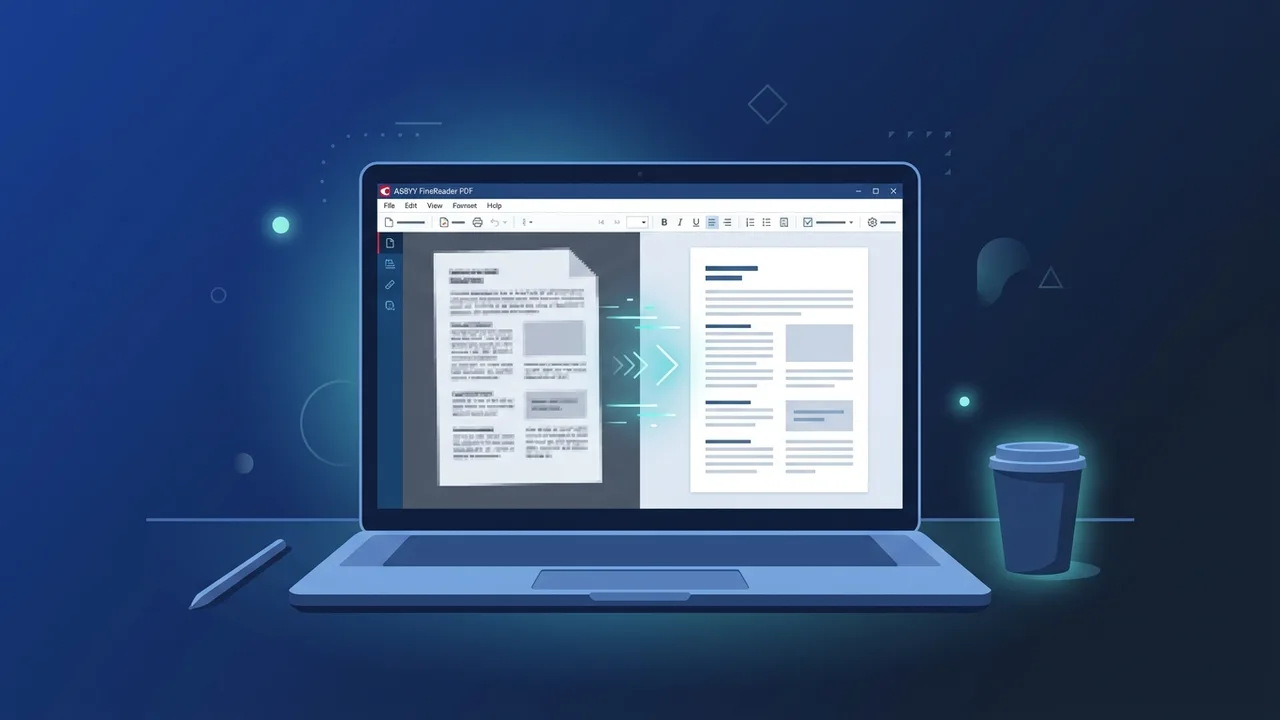
Overview of ABBYY FineReader PDF with OCR
In today's fast-paced digital business landscape, organization efficiency relies heavily on digital transformation and moving toward paperless operations. Modern enterprises and individual professionals require reliable tools to convert hard-copy documents into easily accessible, digital assets. ABBYY FineReader PDF with OCR stands as a leading global solution designed specifically for advanced document management and text recognition. Powered by cutting-edge optical character recognition (OCR) technology, this software seamlessly converts scanned files, paper documents, and images into fully editable and searchable digital files.
Using ABBYY FineReader PDF with OCR helps bridge the gap between physical and digital document workflows. Its intuitive interface and sophisticated artificial intelligence algorithms allow users to stop wasting time on manual retyping. Instead, users can focus on optimizing their daily productivity, ensuring that every piece of information within their legacy archives is easily retrievable, accurate, and ready for instant sharing across teams.
Key Features
The software features a comprehensive suite of powerful tools tailored to the needs of modern professional environments. Key highlights include:
- High-Accuracy Text Recognition: Choosing ABBYY FineReader PDF with OCR allows organizations to experience industry-leading text conversion across multiple languages. It retains original formatting, headers, footers, and font styles with remarkable precision.
- Complete PDF Editing Capabilities: Beyond conversion, the software provides a full array of PDF editing features. Users can modify texts directly inside existing PDF documents, update images, add collaborative comments, and rearrange pages without requiring external tools.
- Smart Document Comparison: When working with complex tables, ABBYY FineReader PDF with OCR ensures that comparing two versions of a document—even in different formats like PDF and Word—is quick and accurate, highlighting differences instantly to avoid legal or operational discrepancies.
- Advanced Task Automation: With the Hot Folder utility, you can automate routine document conversion workflows. Users can set up designated folders that automatically convert any incoming image or PDF file to their desired format.
- Data Security and Redaction: Protect sensitive business information by applying secure passwords, adding digital signatures, and using the built-in redaction tool to black out confidential data before distribution.
How to Use
The user-friendly interface makes navigating the software straightforward, even for beginners. Follow these simple steps to begin converting your files:
Step 1: Import Your Document
Launch the application and import your document. You can upload existing scanned PDFs, image files captured via mobile cameras, or scan physical papers directly using a connected scanner from within the program interface.
Step 2: Set the Document Languages
Navigate to the language settings panel and select the primary languages present in your document. This optimizes the processing engine and helps the OCR algorithm reference the correct vocabulary databases for enhanced accuracy.
Step 3: Run the Conversion Engine
Initiate the automated recognition process. The advanced engine will analyze the document layout, identifying paragraphs, tables, and images, and then reconstruct the document as a fully searchable, interactive digital text file.
Step 4: Verify and Export
Use the built-in verification tool to quickly review any highlighted words that might contain recognition doubts. Once verified, save and export the final document to your preferred format, such as Word, Excel, or searchable PDF formats optimized for long-term archiving.
Common Questions
Many professional users frequently ask questions about integrating this tool into their daily operational workflows:
- Does the program work without an active internet connection? Yes, the software processes files locally on your computer device, ensuring maximum security and data privacy without requiring constant internet access during operation.
- What output file formats are supported? The software supports export to a wide variety of popular formats, including Microsoft Word, Excel, PowerPoint, plain text files, and specialized PDF/A formats designed for archival compliance.
- Can it recognize complex tables and formatting? Yes, the sophisticated layout retention technology automatically detects and reconstructs intricate tables, spreadsheet borders, and graphic blocks, maintaining the visual integrity of the original layout.
Important Tips
To maximize the efficiency of your document scanning and conversion workflows, consider implementing these practical practices:
- Optimize Your Scan Resolution: Always scan your documents at a resolution of 300 DPI. This provides the recognition engine with the ideal level of detail without making the resulting file sizes unnecessarily large.
- Ensure Proper Page Alignment: Place pages flat and aligned on the scanner bed. While the software does include automatic skew-correction capabilities, high-quality initial scans lead to much faster and more accurate text recognition outputs.
- Utilize the Spelling Verification Assistant: Do not skip the built-in proofreading stage. Taking a minute to review flagged words ensures that specialized terminology and unique acronyms are preserved perfectly in the final export.
Conclusion
Transitioning to digital workflows is a necessary step for organizations looking to optimize resources and enhance operational speed. Indeed, ABBYY FineReader PDF with OCR is more than just a converter; it is a complete, powerful document processing system that empowers users to work smarter, eliminate manual data entry errors, and focus on high-value tasks that drive overall business success.
You can get a genuine ABBYY FineReader PDF with OCR license from ABMKeys at a competitive price with instant WhatsApp delivery.
Frequently Asked Questions
Does this software support Arabic character recognition?
Do I need an active internet connection to process files?
What file formats can I convert my documents into?
Can I automate the document conversion process for high volumes?
You can get a genuine license from ABMKeys at a competitive price with instant WhatsApp delivery.
Buy Now