
The Key Differences in Windows Server 2019 Datacenter
A practical and neutral comparison highlighting the main differences between Windows Server 2019 Datacenter and other editions to help you choose the best OS for your infrastructure.
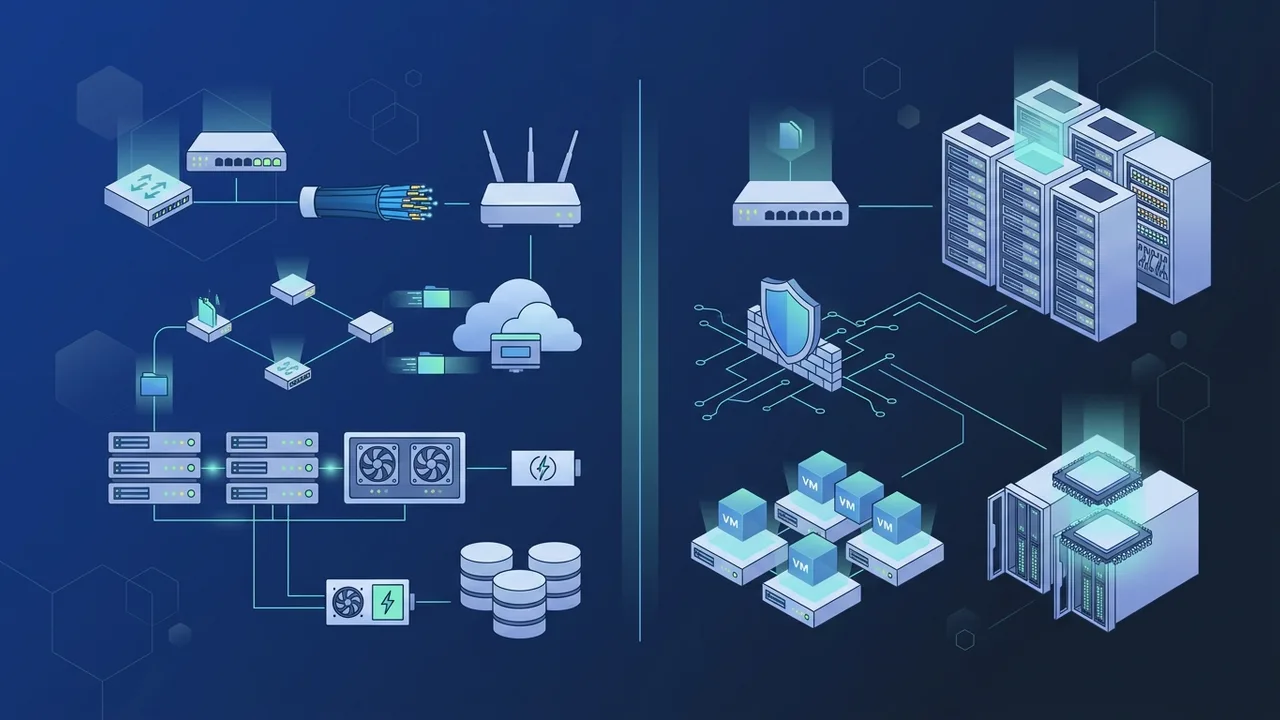
Selecting the right operating system for enterprise servers is a foundational decision for building a robust and secure digital infrastructure. In the Saudi business landscape, corporate entities, government agencies, and growing enterprises seek a balance between system performance, high scalability, and overall cost efficiency. Amid these demands, Windows Server 2019 Datacenter stands out as a high-tier solution designed specifically for highly virtualized environments and modern hybrid cloud setups. This article offers a comprehensive, neutral comparison to help IT managers and decision-makers in Saudi Arabia understand the key benefits of this edition and make informed infrastructure investments.
Overview of Windows Server 2019 Datacenter
Windows Server 2019 Datacenter is the most comprehensive and powerful edition within the Windows Server 2019 family. It is specifically engineered for large-scale, enterprise-grade datacenters that heavily rely on virtualization and cloud-based operating models. While the Standard edition is highly popular and capable for basic physical servers with minimal virtualization needs, the Datacenter edition breaks all barriers by offering unlimited virtualization rights. Under a fully licensed Datacenter host, IT administrators can deploy an unlimited number of Hyper-V virtual machines (VMs) and containers. This crucial difference makes the Datacenter edition the most financially viable and operationally logical choice for companies running dozens or hundreds of virtualized workloads on physical hypervisors. Instead of purchasing multiple Standard licenses to stack VM rights, a single Datacenter license covers the entire hardware capability, ensuring seamless growth.
Key Features
The Datacenter edition boasts exclusive, enterprise-class features that are completely absent or limited in lower-tier versions. These features include:
- Storage Spaces Direct (S2D): This technology allows organizations to build highly scalable, software-defined storage solutions using industry-standard servers equipped with local drives. S2D eliminates the need for expensive, specialized Storage Area Network (SAN) hardware, significantly lowering infrastructure acquisition and maintenance costs.
- Software-Defined Networking (SDN): This provides a centralized and programmable console to configure and manage physical and virtual network infrastructure. SDN makes it vastly easier for Saudi IT teams to optimize data traffic flow, secure connections, and dynamically deploy network resources.
- Shielded Virtual Machines: This feature brings advanced security protocols to protect virtual workloads against unauthorized access or tampering. By encrypting VMs and utilizing virtualization-based security, it safeguards sensitive organizational data even from administrators who have access to the physical host.
- Unlimited Container Support: It permits running an infinite number of Windows Server Containers and Hyper-V Containers. This is a game-changer for software developers and DevOps teams looking to build, test, and deploy modern microservices without resource limitations.
How to Use
Implementing Windows Server 2019 Datacenter requires precise physical planning and a deep understanding of core-based licensing. The deployment begins with verifying hardware compatibility against the robust system requirements of enterprise databases and hypervisors. Once installed, administrators can leverage the web-based "Windows Admin Center" to manage their entire infrastructure from a single, intuitive interface. This console simplifies monitoring Storage Spaces Direct clusters, configuring virtual networks, and executing seamless rolling upgrades. Furthermore, the operating system is natively designed for hybrid cloud integration. Businesses in Saudi Arabia can effortlessly connect their on-premises workloads to public cloud systems like Azure for backup services, disaster recovery, and hybrid identity management through Active Directory, achieving optimal business continuity.
Common Questions
To help clarify technical and licensing aspects, here are some of the most common questions surrounding Windows Server 2019 Datacenter:
- When does it make sense to choose Datacenter over Standard? The critical tipping point is the virtualization density. If your physical server host is planned to run more than 10 to 14 virtual machines, the Datacenter edition becomes highly cost-effective compared to stacking multiple Standard licenses to cover the same VM count.
- Are Client Access Licenses (CALs) still required? Yes, the core server license only covers the operating system and physical processors. To legally connect and access server services like file sharing, printing, or Active Directory, each user or device requires a separate Client Access License (CAL).
- Can I upgrade directly from Standard to Datacenter? Yes, Microsoft provides a direct and non-disruptive upgrade path. Admins can run a simple PowerShell command to input the new license key, upgrading the system on-the-fly without needing a clean reinstallation.
Important Tips
To ensure you maximize your return on investment when deploying this operating system, consider the following critical best practices:
- Verify Core Counts Correctly: The licensing model is based entirely on physical processor cores. You must license all physical cores on the server host, with a minimum requirement of 8 cores per processor and 16 cores per physical server. Ensure your license purchase aligns precisely with your hardware specs.
- Plan for Future Virtual Growth: Evaluate your long-term scaling strategy. Opting for the Datacenter edition early in your infrastructure modernization phase prevents unexpected license restructuring costs down the road as your virtual workloads grow.
- Leverage Advanced Security Features: In alignment with Saudi Arabia's National Cybersecurity Authority (NCA) guidelines, enterprises should utilize Shielded VMs and secure boot options to enforce strict data protection and meet compliance criteria.
- Acquire Genuine Licensing: Enterprise stability relies on authentic software. Always procure original licenses from authorized partners to guarantee access to critical security patches, feature updates, and official technical support.
Conclusion
Windows Server 2019 Datacenter represents a powerful, long-term strategic investment for modern enterprises aiming for unmatched scalability, security, and virtualization freedom. By delivering exclusive technologies like Storage Spaces Direct, Software-Defined Networking, and unlimited VM rights, it serves as an unparalleled foundation for handling heavy enterprise workloads with maximum stability.
You can get a genuine Windows Server 2019 Datacenter license from ABMKeys at a competitive price with instant WhatsApp delivery.
Frequently Asked Questions
What is the main difference between Datacenter and Standard editions?
How is Windows Server 2019 Datacenter licensed?
Does the Datacenter edition require Client Access Licenses (CALs)?
Does this edition support hybrid cloud environments?
You can get a genuine license from ABMKeys at a competitive price with instant WhatsApp delivery.
Buy Now