
The Easiest Way to sql server management studio download
This guide provides a complete step-by-step walkthrough for SQL Server Management Studio download, covering system requirements, installation, and initial server connection. Discover the tool's key features and practical tips for a safe and successful setup.
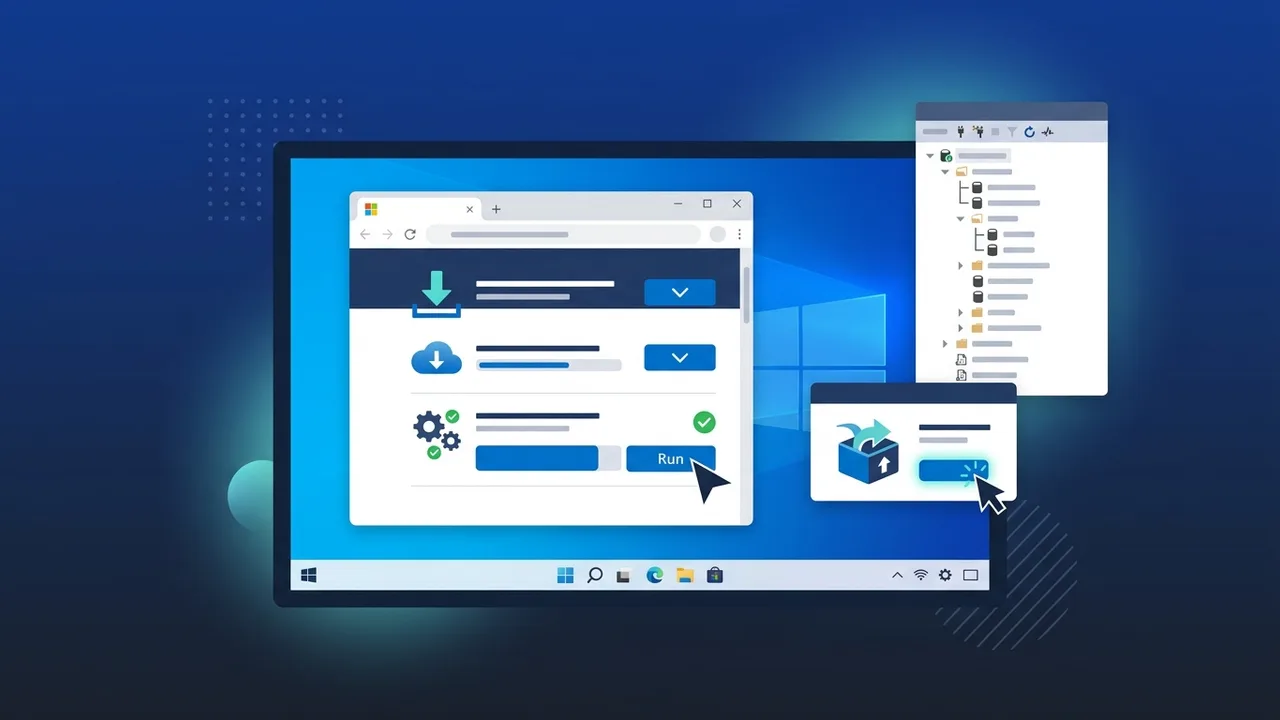
Overview of SQL Server Management Studio Download
SQL Server Management Studio (SSMS) is the go-to graphical tool for database administrators and developers working with Microsoft SQL Server environments. When looking for a reliable SQL Server Management Studio download, users gain access to a powerful interface that simplifies database creation, management, querying, and monitoring — all without relying solely on command-line operations. Whether you manage a small business database or an enterprise-level data infrastructure, SSMS remains an essential part of the SQL Server ecosystem.
The tool is freely available from Microsoft's official website, making the SQL Server Management Studio download process straightforward. However, to run a full production SQL Server environment, a valid SQL Server license is required. This guide walks you through every step of the download, installation, and initial connection process.
Key Features of SQL Server Management Studio
Understanding what SSMS offers will help you make the most of it after your SQL Server Management Studio download is complete:
- Graphical Object Explorer: Visualize and navigate all database objects — tables, views, stored procedures, and more — in a structured tree.
- T-SQL Query Editor: A feature-rich editor with IntelliSense, syntax highlighting, and query execution plans.
- Security and User Management: Manage logins, roles, and permissions with precision through a visual interface.
- Backup and Restore Wizards: Run backup and restore operations step by step with built-in wizards.
- Performance Monitoring Tools: Use Activity Monitor and Execution Plans to diagnose slow queries and bottlenecks.
- Azure Integration: Connect directly to Azure SQL databases alongside on-premises instances.
- Import and Export Data: Migrate data between databases using straightforward wizards without writing complex scripts.
How to Use: SQL Server Management Studio Download and Installation Guide
Step 1: Verify System Requirements
Before initiating the SQL Server Management Studio download, confirm that your machine runs Windows 10 (version 1607) or later. You will need at least 2 GB of free disk space and 4 GB of RAM for comfortable performance. A stable internet connection is required for the download itself.
Step 2: Visit the Official Microsoft Page
Navigate to Microsoft's official documentation or download portal and search for the SQL Server Management Studio download page. Always use the official Microsoft source to avoid modified or potentially harmful installer files. Look for the clearly labeled download link on the SSMS release notes page.
Step 3: Choose the Right Version
Microsoft releases multiple versions of SSMS. Select the latest General Availability (GA) release for the best stability and security. If your SQL Server instance is an older version, verify compatibility between the SSMS version and your server version before downloading.
Step 4: Run the Installer
Once the SQL Server Management Studio download completes, locate the file (typically named SSMS-Setup-ENU.exe) and run it with administrator privileges. The setup wizard will guide you through the license agreement, installation path selection, and the installation process itself. The process typically takes five to ten minutes depending on your hardware.
Step 5: Restart Your Machine
After installation finishes, you will likely be prompted to restart your computer to complete the setup. Allow the restart, and once your system boots, you should find the SSMS shortcut in your Start menu or on your desktop.
Step 6: Connect to a SQL Server Instance
Open SSMS. The Connect to Server dialog will appear automatically. Enter your server name or IP address, choose your authentication method (Windows Authentication for domain environments or SQL Server Authentication for username and password login), and click Connect. For a local instance, you can enter (local) or simply a period (.) as the server name.
Step 7: Explore the Interface and Begin Working
After a successful connection, the Object Explorer panel on the left displays all databases and objects on your server. From here, you can create new databases, write and execute T-SQL queries, manage users, configure server settings, and perform backups — all through an intuitive visual interface.
Common Questions About SQL Server Management Studio Download
Below are the most frequently asked questions from users who are new to the SQL Server Management Studio download process:
- Is SSMS completely free? Yes, SSMS itself is free to download and use. However, the SQL Server engine it connects to requires a valid license for production use.
- Does SSMS work on macOS or Linux? No, SSMS is a Windows-only application. Users on other operating systems can use Azure Data Studio, which is cross-platform.
- What is the difference between SQL Server and SSMS? SQL Server is the database engine that stores and processes data. SSMS is the graphical management tool used to interact with that engine.
- Can I install SSMS without having SQL Server installed locally? Yes. SSMS can be installed on any Windows machine and used to connect to remote SQL Server instances over a network.
Important Tips for a Smooth SQL Server Management Studio Download and Setup
- Always download SSMS exclusively from Microsoft's official website to ensure file integrity and security.
- Keep SSMS updated regularly. Microsoft releases updates frequently that include security patches and performance improvements.
- In corporate environments, consult your IT policy team before installing any software to ensure compliance with internal standards.
- Export your SSMS settings (Tools > Import and Export Settings) before upgrading to a new version so your preferences are preserved.
- When connecting to production databases, use accounts with minimum required permissions to reduce security risks.
- Enable encrypted connections in SSMS when working with sensitive or regulated data.
Conclusion
The SQL Server Management Studio download process is straightforward when you follow the correct steps from official sources. SSMS provides a comprehensive environment for managing SQL Server databases, making it indispensable for database administrators, developers, and IT teams of all sizes. By following the seven steps outlined in this guide, you can have SSMS installed and connected to your server in under thirty minutes.
Remember that getting the most out of SSMS requires a genuine SQL Server license — one that ensures you receive official updates, technical support, and the highest levels of security for your data infrastructure.
If you need a genuine SQL Server 2022 Standard license, you'll find it at ABMKeys at a fair price with instant WhatsApp delivery.
Frequently Asked Questions
Is SQL Server Management Studio free to download?
What operating systems support SSMS?
What is the difference between SQL Server and SQL Server Management Studio?
Can I install SSMS without installing SQL Server on the same machine?
You can get a genuine license from ABMKeys at a competitive price with instant WhatsApp delivery.
Buy Now