
The Easiest Way to learn Photoshop
Discover how to master digital design and image editing in Saudi Arabia. This step-by-step guide explains key features, basic tools, and tips for learning Photoshop effectively.
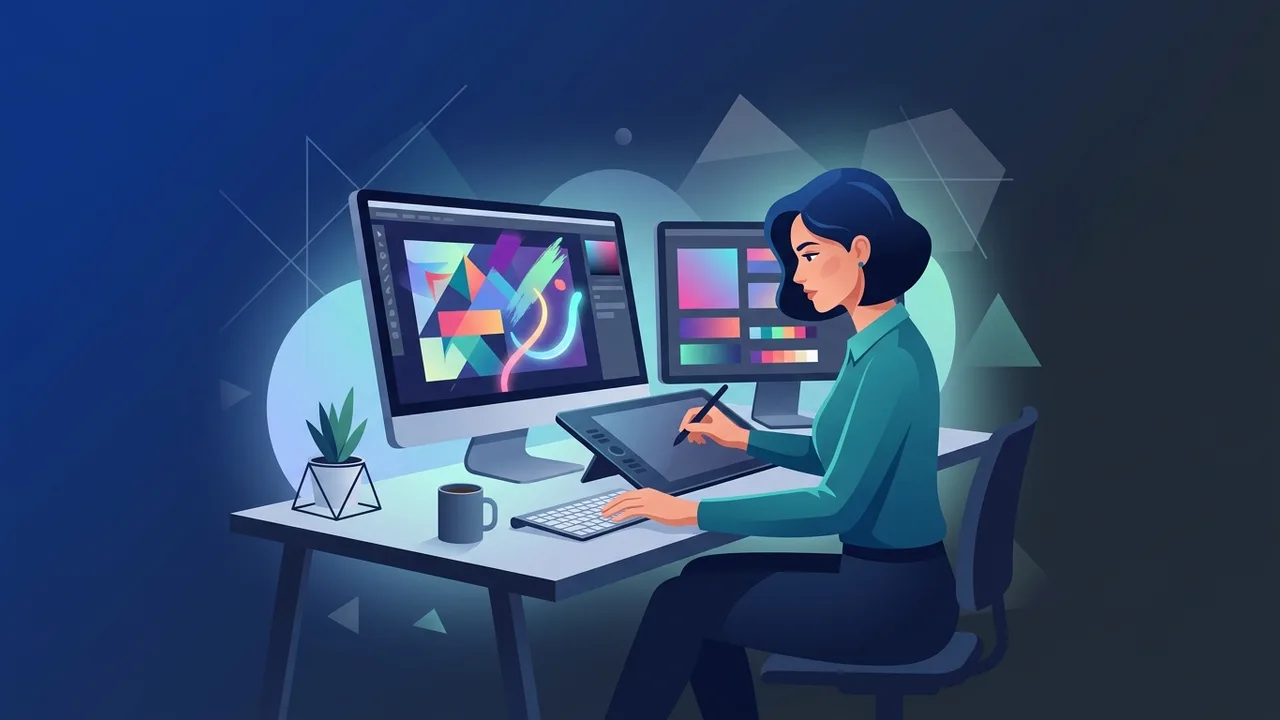
Overview of learn Photoshop
The digital landscape in Saudi Arabia is evolving rapidly, driven by the ambitious goals of Vision 2030. In this vibrant creative economy, mastering professional design tools is no longer optional. When you choose to learn Photoshop, you unlock a world of professional opportunities in graphic design, digital marketing, and content creation across the Kingdom, allowing you to elevate your personal career or expand your business reach.
Adobe Photoshop is the undisputed global standard for image editing, digital art, and graphic design. To learn Photoshop successfully, one must understand that it is more than just a simple photo retouching tool; it is a comprehensive platform for visual storytelling. For professionals and business owners in Saudi Arabia, mastering this software enables the creation of high-quality branding materials, social media graphics, and web assets without relying on outsourced agencies. The application of Photoshop is incredibly diverse, spanning from image manipulation and digital painting to web layout design and interface prototyping. This is why deciding to learn Photoshop is one of the most rewarding steps you can take for your career development in KSA, particularly with the booming creative, entertainment, and digital sectors in major hubs like Riyadh, Jeddah, and Dammam.
Key Features
The software boasts several advanced features that make it indispensable for creative design tasks and digital manipulation:
- Layer-Based Editing: Work on individual elements independently, allowing non-destructive editing and absolute creative control over complex layouts.
- Advanced Selection Tools: Utilize industry-leading selection features, including smart AI-powered subject detection, to isolate elements effortlessly and precisely.
- Professional Color Grading: Adjust lighting, contrast, exposure, saturation, and color balance to professional-grade standards with advanced rendering tools.
- Typography and Vector Shapes: Integrate high-quality fonts and vector paths to construct stunning promotional materials and professional branding packages.
- Seamless Adobe Integration: Collaborate easily with other Creative Cloud tools like Illustrator and InDesign for advanced, multi-stage professional workflows.
How to Use
To put your journey to learn Photoshop into action, follow these fundamental steps to design your first creative project:
1. Set Up Your Document and Canvas
Open the application and select 'New File'. Define your canvas size, resolution (typically 300 DPI for high-quality print and 72 DPI for web platforms), and the appropriate color mode depending on the output target.
2. Explore the Main Workspace
Familiarize yourself with the interface, which contains the main Canvas in the center, the Toolbar on the left side, and the Layers Panel on the right side of the screen.
3. Master Layer Management
Always create a new layer for each edit. This ensures your original files remain safe and permits easy, non-destructive modification of individual graphic elements.
4. Utilize Adjustment Layers
In addition to basic layers, understanding Adjustment Layers is a vital step as you learn Photoshop. Adjustment Layers allow you to modify lighting, exposure, and color balance dynamically without altering the pixel information of your original images.
5. Save and Export Correctly
Keep your raw working files in PSD format to preserve layers for future edits, and export final products in JPG or PNG depending on your transparency and web optimization requirements.
Common Questions
Many beginners in the Saudi market ask about the best ways to start and how to balance tool quality with learning difficulty. Common concerns include system performance requirements and whether learning the software requires professional artistic skills. Using genuine software licenses is crucial in addressing stability issues, as it prevents sudden crashes and ensures that valuable creative assets are not lost during intensive editing tasks. Investing in legitimate assets pays off by preventing downtime in professional corporate environments.
Important Tips
To accelerate your progress as you learn Photoshop, follow these professional tips:
- Practice Daily: Consistent effort is vital. Spend at least 30 minutes every day experimenting with new tools and recreating existing designs to build strong visual muscle memory.
- Prioritize Original Software: Always use genuine, official software. Non-licensed or cracked copies can lead to unexpected system crashes, data loss, or malware exposure. Genuine licenses ensure continuous security updates and smooth performance on your system.
- Learn Keyboard Shortcuts: Using shortcuts like Ctrl+Z for undoing and Ctrl+T for free transforming will dramatically speed up your production time and enhance your workflow.
- Seek Constructive Feedback: Share your projects with design groups in Saudi Arabia to receive professional advice and refine your digital skills over time.
Conclusion
Mastering digital design skills is an excellent way to stand out in the competitive Saudi job market. When you learn Photoshop with patience and structured practice, you gain an invaluable skill that can transform your career or elevate your business's visual marketing efforts. Ensure your workspace is optimized with legitimate tools to keep your focus entirely on creating exceptional designs and delivering professional visual results.
If you need a genuine Adobe Master Collection 2025 Windows Lifetime license, you'll find it at ABMKeys at a fair price with instant WhatsApp delivery.
Frequently Asked Questions
Is Photoshop difficult for beginners to learn?
What are the system requirements to run the software smoothly?
Why is it recommended to use original software instead of cracked versions?
Does the software support the Arabic language fully?
You can get a genuine license from ABMKeys at a competitive price with instant WhatsApp delivery.
Buy Now