
The Easiest Way to Free Editable Excel Templates
Learn how to choose, customize, and edit ready-made Excel templates to fit Saudi market requirements, including 15% VAT, RTL layout, and ZATCA guidelines safely.
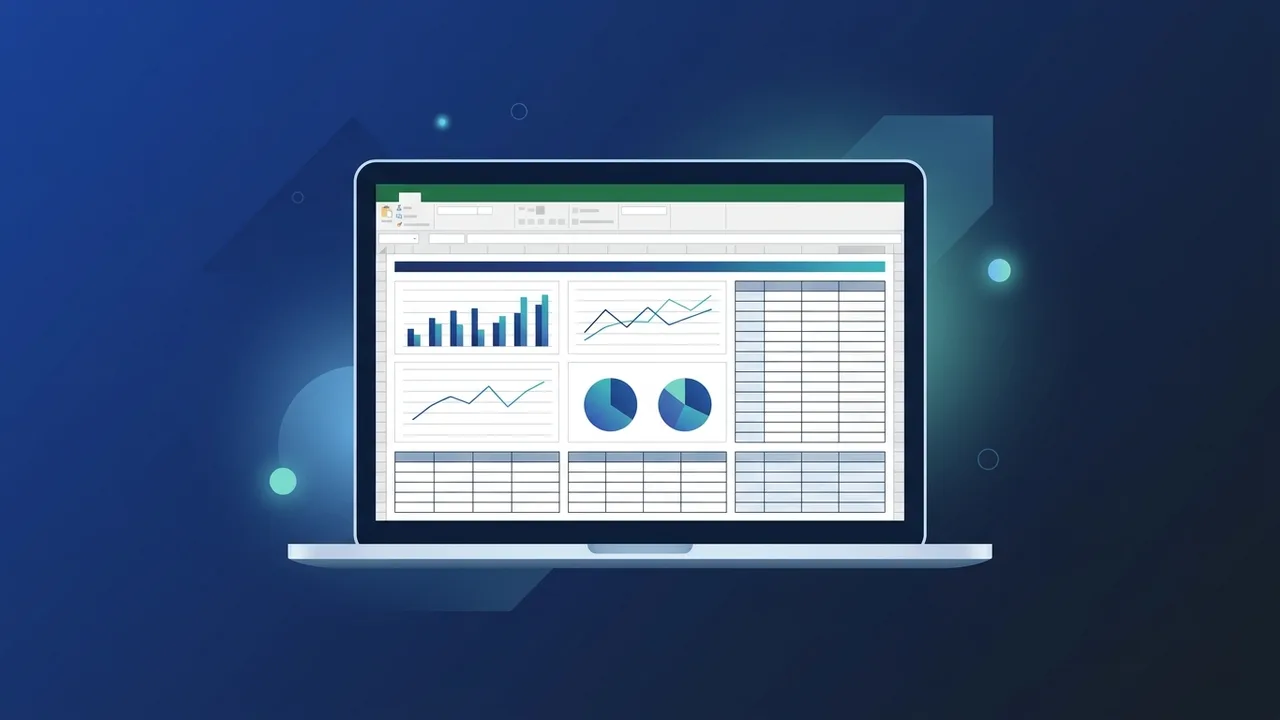
In today's fast-paced environment, using free editable excel templates is one of the most efficient ways to manage tasks, analyze financial data, and streamline operations. Instead of spending hours building complex grids, formulas, and visual dashboards from scratch, ready-made templates allow you to jump straight into data entry with professional design and guaranteed calculation accuracy.
What Are Ready-to-Use Excel Templates and How Do They Benefit Your Business?
Using ready-made excel sheets allows organizations to leverage standard layouts optimized by experts. These professional excel spreadsheets eliminate the trial-and-error phase of dashboard creation, standardizing formatting and metrics across teams.
When you incorporate free editable excel templates into your daily operations, you secure immediate access to clean visual structures. For businesses, this translates to faster turnaround times for monthly reports, budget proposals, and operational reviews, transforming raw numbers into structured data ready for executive-level presentations.
Practical Steps to Search and Safely Download the Best Free Excel Templates
Downloading resources from untrusted online databases can expose your systems to malware. Follow these practical steps to secure clean, functional templates:
- Rely on Official Sources: Your first choice should always be Microsoft's built-in template library, accessible directly within the application or via their verified web platform.
- Use Targeted Keywords: To narrow down your searches safely, look for terms like free excel templates download along with the specific category you require.
- Inspect File Formats: Ensure the downloaded file ends in a standard (.xlsx) extension. Be highly cautious of macro-enabled workbooks (.xlsm) unless they originate from a verified and completely trusted publisher.
Step-by-Step Guide to Customizing and Editing Excel Templates to Fit Your Needs
To effectively customize free editable excel templates for the Middle East market, you need to align the configuration with local business standards and practices:
Setting Up Right-to-Left (RTL) View
Most default setups are built for Left-to-Right orientation. When working with arabic excel templates, switch the direction by navigating to the 'Page Layout' tab and clicking on 'Sheet Right-to-Left' to ensure correct reading alignment for local team members.
Implementing 15% Saudi VAT
Saudi companies must adhere to ZATCA (Zakat, Tax and Customs Authority) regulations. Easily adjust any financial templates to reflect the 15% Value Added Tax by editing the tax cells to multiply taxable subtotals by 0.15, keeping your e-invoicing and accounting procedures legally compliant.
Integrating Hijri and Gregorian Calendars
For sales trackers and HR rosters, supporting both Hijri and Gregorian calendars is crucial. You can adjust cell formatting parameters to display dates in the Hijri format, which is vital for government transactions and public sector alignments within the Saudi market.
Most Popular Ready-Made Excel Templates for Project Management, Finance, and Startups
Finding the right free editable excel templates for specific workflows can instantly boost your business efficiency. Here are the most prominent templates you can download today:
- Excel Budget Template Free: A must-have for tracking startup cash flow, projection analysis, and annual departmental expenditures without complex setup steps.
- Excel Project Management Template: Utilizing dynamic Gantt charts and progress meters, this allows project leads to assign tasks, define timelines, and track completion statuses in real time.
- Customizable Excel Dashboard: An integrated control center that aggregates key performance indicators (KPIs) into clean graphs, simplifying monthly presentations for board members.
Common Mistakes to Avoid When Editing Formulas in Ready-Made Excel Templates
When you edit excel formulas in a pre-designed spreadsheet, minor modifications can sometimes disrupt the flow of calculations. Watch out for these frequent slip-ups:
- Overwriting Formula Cells: Never input absolute values manually into cells that host automated calculations; doing so breaks the integrity of dynamic data updates.
- Misusing Absolute References ($): If you drag formulas to fill adjacent cells without locking key cell references using the dollar sign, you will trigger the invalid reference (#REF!) error.
- Neglecting Range Updates: Always ensure that adding new rows or columns does not exclude critical data from SUM, AVERAGE, or VLOOKUP ranges.
How to Secure and Protect Your Data in Shared Excel Sheets After Customization
Data security is vital when sharing reports with external auditors or internal teams. After successfully finalizing your free editable excel templates, protect the sheet integrity before distributing it:
Lock your critical calculations to prevent accidental edits. Go to the 'Review' tab, select 'Protect Sheet', and assign a strong password to lock mathematical parameters while leaving data-entry fields open. Additionally, you can utilize built-in history tracking to monitor updates, keeping your localized spreadsheets accurate, secure, and ready for compliant business transactions.
If you need a genuine Office 2021 Pro Plus Lifetime license, you'll find it at ABMKeys at a fair price with instant WhatsApp delivery.
Frequently Asked Questions
How can I change the orientation of Excel templates to Right-to-Left (RTL)?
How do I add the 15% VAT to my ready-made financial templates?
Can I integrate both Hijri and Gregorian dates in Excel templates?
How do I protect cells containing critical formulas from accidental edits?
You can get a genuine license from ABMKeys at a competitive price with instant WhatsApp delivery.
Buy Now