
The Easiest Way to Find the original Windows 11 price
Discover the original Windows 11 price in this practical step-by-step guide. Learn about license differences and how to safely activate your system.
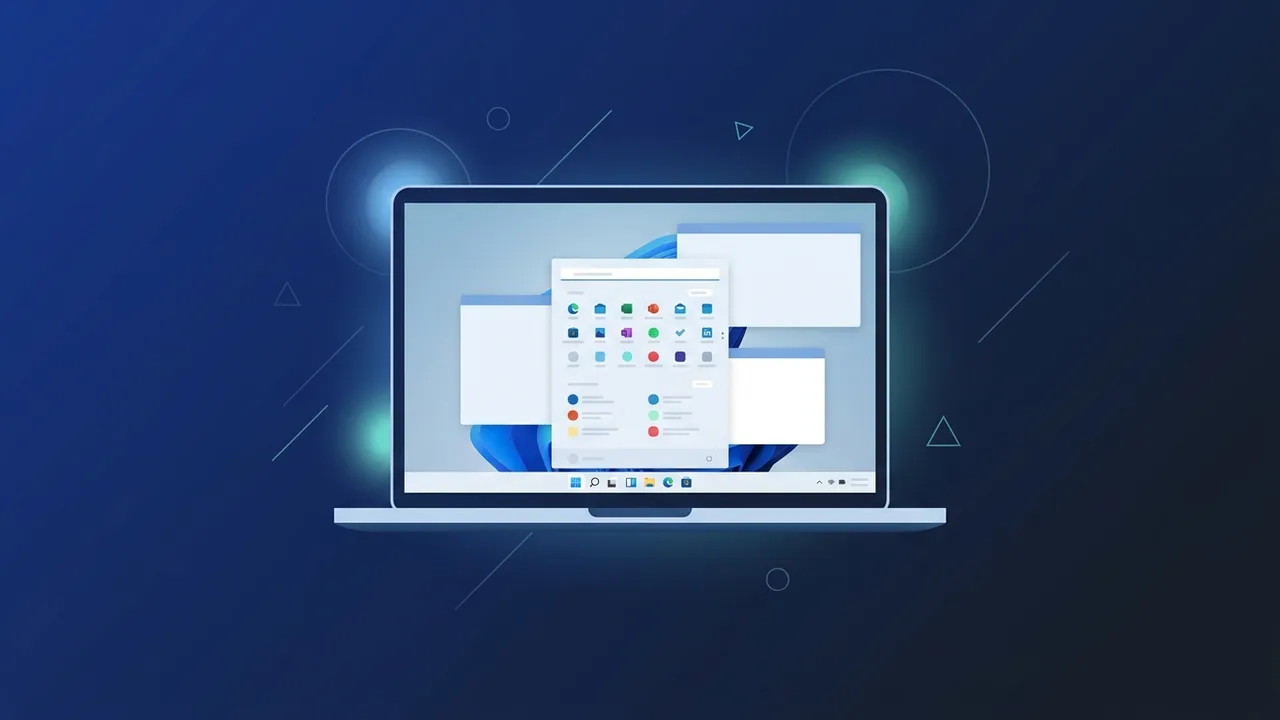
Upgrading to Microsoft's latest operating system is a crucial step for users seeking high performance and advanced security. However, searching for the original Windows 11 price is of great importance for individuals and businesses in Saudi Arabia to ensure they obtain a legitimate copy and avoid the security risks associated with pirated or cracked software.
Overview of original Windows 11 price
The original Windows 11 price varies based on several main factors, most notably the edition type and the license type chosen. Microsoft provides two main editions for individual and business users:
- Windows 11 Home Edition: Designed for personal and home use, it comes at an official global retail price of approximately $139 USD when purchased directly from the official Microsoft website.
- Windows 11 Pro Edition: Geared towards business professionals who require advanced security features and sophisticated network management, with an official starting price of around $199 USD.
It is important to know that the local original Windows 11 price can vary significantly in the Saudi market due to special offers and discounts provided by authorized digital distribution channels. For instance, OEM licenses (which bind directly to the device's motherboard) can be acquired at highly economical prices compared to retail licenses (which can be transferred from one device to another).
Key Features
Investing in paying the original Windows 11 price provides users with a wide range of features and benefits that are not available in unlicensed copies, including:
- Continuous and Integrated Security: The original operating system provides comprehensive defense against malware and ransomware through regular and prompt security patches from Microsoft.
- System Stability: Enjoy a crash-free experience, eliminating the sudden blue screen errors common in modified and cracked versions of Windows.
- Modernized Interface: A clean, modern interface designed to ease navigation with smart window organization features (Snap Layouts) and improved multitasking.
- Android App Support: The ability to run mobile applications directly on your PC using the integrated subsystem.
- Optimized Gaming Performance: Support for advanced technologies like Auto HDR and DirectStorage that significantly boost game loading times and graphics rendering.
How to Use
After understanding the costs and buying a license, activating and installing the operating system requires following structured, practical steps to ensure a smooth deployment in compliance with Microsoft guidelines:
Step 1: Verify Hardware Compatibility
First, ensure your PC meets the basic hardware requirements for Windows 11, such as a compatible 64-bit processor, at least 4 GB of RAM, and TPM 2.0 support.
Step 2: Download the Media Creation Tool
Visit the official Microsoft website and download the Media Creation Tool to burn the Windows 11 ISO file onto a USB flash drive with at least 8 GB of storage space.
Step 3: Install the Operating System
Restart your computer, boot from the USB flash drive, and follow the on-screen installation prompts to complete a clean installation of Windows 11.
Step 4: Enter Your Product Key
During or after the installation process, you will be prompted to enter your 25-character product key to activate the license and unlock the operating system's full potential.
Common Questions
There are several common questions that users in Saudi Arabia frequently ask regarding Windows licenses and their pricing structures:
Is upgrading from Windows 10 to Windows 11 free?
Yes, if your current computer runs a genuine and activated copy of Windows 10 and meets the system requirements for Windows 11, you can upgrade for free without paying extra fees.
What is the difference between OEM and Retail licenses?
An OEM license is tied to a single machine (the motherboard) and cannot be transferred to another computer if it breaks down. A Retail license allows you to transfer the activation key to a new PC in the future, provided you deactivate it from the old one.
Do cheap genuine keys compromise device security?
As long as the key is genuine and activated directly online through Microsoft's official activation servers without using third-party crack tools, your device remains secure and will receive all official updates.
Important Tips
To ensure a safe purchase experience and avoid digital fraud, please follow these guidelines when checking the original Windows 11 price and buying online:
- Avoid free crack tools: These activators almost always contain hidden Trojan horses and spyware designed to steal personal and financial credentials.
- Choose reputable digital stores: Make sure to read verified user reviews and confirm that the seller offers reliable technical support after purchase.
- Back up your product key: Write down your activation key in a secure physical location or link it to your personal Microsoft account for easy recovery in the future.
Conclusion
Acquiring a genuine operating system license is a necessary investment to protect your files and ensure your PC runs at its peak performance and stability. Understanding the components of the original Windows 11 price allows you to make an informed decision and select the exact licensing option that fits your budget and technological needs without taking risks with pirated software.
If you need a genuine Windows 11 Pro Lifetime license, you'll find it at ABMKeys at a fair price with instant WhatsApp delivery.Frequently Asked Questions
Is upgrading from Windows 10 to Windows 11 free?
What is the difference between OEM and Retail licenses?
Do cheap genuine keys compromise device security?
How can I activate Windows 11 after purchasing?
You can get a genuine license from ABMKeys at a competitive price with instant WhatsApp delivery.
Buy Now