
The Easiest Way to excel logo
Learn how to use the excel logo correctly in your corporate reports and presentations. Discover key design features, the best file formats, and tips to maintain professional branding standards.
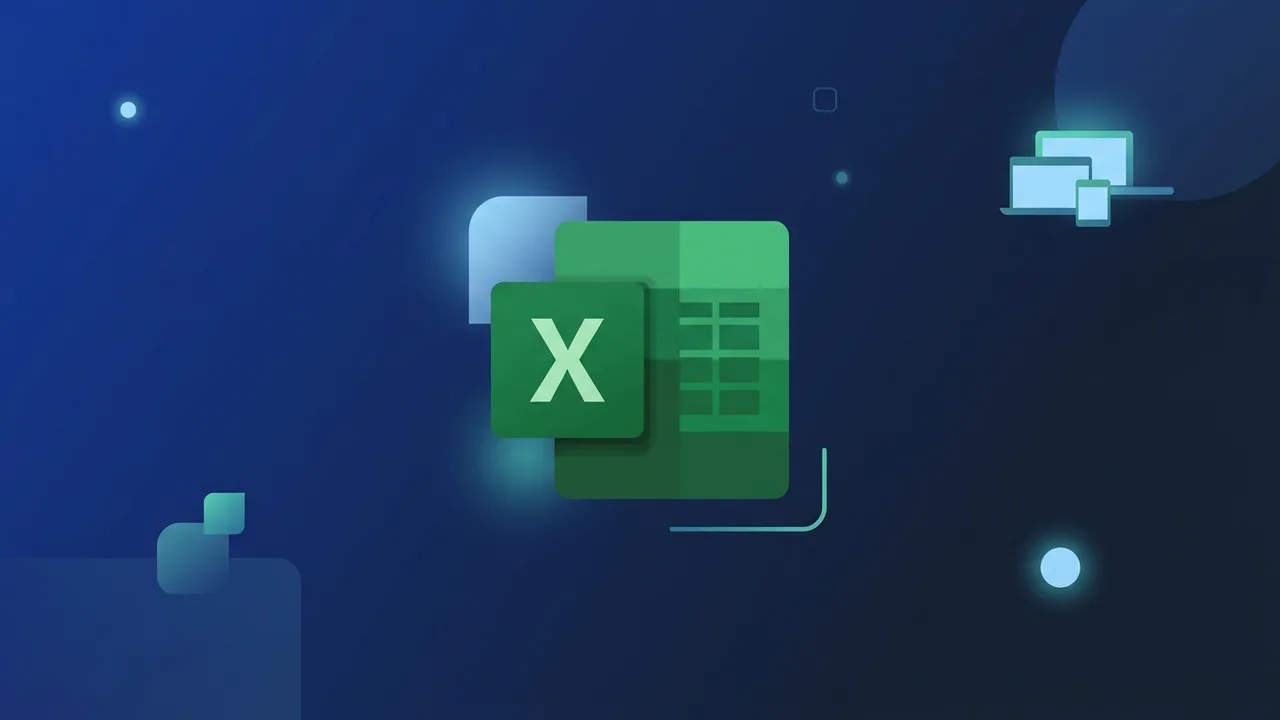
Overview of excel logo
The excel logo is one of the most recognizable visual symbols in the global and Saudi corporate landscape. Representing the world’s leading spreadsheet and data analysis tool, Microsoft Excel, this green icon has become synonymous with efficiency, organization, and professional data management. Over the years, the design of the icon has undergone significant changes to align with contemporary digital design aesthetics.
Today, the icon's visual identity is deeply rooted in Microsoft's Fluent Design System. This modern design language emphasizes depth, light, and soft layers, creating an icon that is both sleek and highly professional. For businesses and professionals in Saudi Arabia, using the correct and high-resolution version of the excel logo in training manuals, dashboard designs, and presentation decks is crucial for establishing visual credibility and maintaining corporate standards.
Evolution of the Brand Mark
Historically, the visual identifier started as a simple, flat 2D icon in early operating systems. As technology evolved, the brand introduced subtle gradients and structural changes, moving from a heavy 3D block to the streamlined, semi-flat design of the 2013 and 2016 versions. The latest iteration balances flat minimalism with modern volumetric lighting, ensuring the icon looks sharp and easily identifiable on screens of all sizes, from mobile devices to large enterprise displays.
Key Features
The modern excel logo is crafted with specific elements that communicate its core functional purpose. Understanding these key features helps designers and professionals utilize the icon more effectively:
- Distinctive Green Color Palette: The primary use of green symbolizes financial growth, analytical precision, and corporate productivity, making it the perfect representation for spreadsheet applications.
- The Iconic "X" Character: Centered prominently on the left panel, the letter "X" provides instant brand recall and distinguishes it from other applications within the productivity suite.
- The Grid Pattern: The background element features clean intersecting gridlines that represent rows and columns, immediately communicating data structuring and calculation.
- Multi-Format Scalability: The modern icon is optimized for both raster (PNG) and vector (SVG) formats, maintaining absolute clarity across various digital and physical mediums.
How to Use
Integrating the excel logo into corporate documentation, technical slides, or web interfaces requires careful attention to design guidelines. Here is a practical, step-by-step guide to doing it the right way:
Step 1: Select the Proper File Format
Choose your file format based on the final output medium. For web pages, digital dashboards, or PowerPoint presentations, a high-resolution PNG with a transparent background is ideal. If you are creating large printable materials or high-definition PDFs, utilize the SVG format, which scales infinitely without losing edge sharpness or color fidelity.
Step 2: Maintain Proper Clear Space
Always leave adequate breathing room around the icon. This clear space ensures that other visual elements, such as text, titles, or secondary graphics, do not crowd the icon. Keeping a clear margin around the symbol helps it remain impactful and visually distinct on the page.
Step 3: Preserve the Original Color Palette
Do not apply custom color overlays or filters to the icon. The green gradients are carefully calibrated to match Microsoft's official brand guidelines. Altering these colors can reduce brand recognition and make corporate documents look unprofessional or unofficial.
Step 4: Lock the Aspect Ratio
When resizing the icon in design software or document editors, always lock the aspect ratio by holding down the Shift key. Stretching or squeezing the icon horizontally or vertically distorts the professional look and compromises the integrity of the design.
Common Questions
Where can I download the official version of the icon?
The official, high-quality icon can be sourced directly from Microsoft’s official brand libraries, or accessed via the built-in icon insertion tools inside modern productivity suites to guarantee licensing compliance and quality.
Am I allowed to change the colors to match my company branding?
It is highly recommended to keep the official green color palette intact. Modifying the colors of registered software logos violates brand guidelines and can make corporate presentations appear non-standard.
What is the difference between PNG and SVG versions of the icon?
PNG is a pixel-based format with a transparent background, perfect for digital screens. SVG is a vector format that uses mathematical paths, allowing it to scale to any size without losing crispness, ideal for professional designers.
Is the icon uniform across different operating systems?
Yes, Microsoft maintains visual consistency across Windows, macOS, iOS, and Android to ensure that users enjoy a cohesive cross-platform experience regardless of the device they use.
Important Tips
To ensure your corporate documents and visual assets maintain the highest professional standards, consider these essential styling and layout tips:
- Keep Icons Up-to-Date: Avoid using outdated versions of the icon from older software iterations. Using the latest design shows that your organization is modern and up-to-date with current technologies.
- Use Clean Backgrounds: Place the icon on light-colored or neutral backgrounds (such as white or light gray) to ensure the green shades contrast well and remain highly visible.
- Scale Moderately: Ensure the icon is sized proportionally relative to surrounding text and elements. It should serve as a supportive visual aid rather than dominating the layout.
- Respect Copyright and Trademarks: Use the icon solely for educational, editorial, or illustrative purposes to indicate software compatibility, adhering to intellectual property best practices.
Conclusion
Using the official excel logo correctly is a simple yet powerful way to elevate the professionalism of your reports, training guides, and dashboards. By selecting the right file formats, respecting the original design attributes, and applying proper spacing, you ensure your visual communication aligns with global design standards.
If you need a genuine Office 2021 Pro Plus Lifetime license, you'll find it at ABMKeys at a fair price with instant WhatsApp delivery.
Frequently Asked Questions
Where can I download the official version of the icon?
Am I allowed to change the colors to match my company branding?
What is the difference between PNG and SVG versions of the icon?
Is the icon uniform across different operating systems?
You can get a genuine license from ABMKeys at a competitive price with instant WhatsApp delivery.
Buy Now