
The Easiest Way to download windows 11 32 bit arabic
Learn the facts about how to download windows 11 32 bit arabic, why Microsoft dropped 32-bit OS support, and the best practical solutions to run legacy apps on a 64-bit Arabic system.
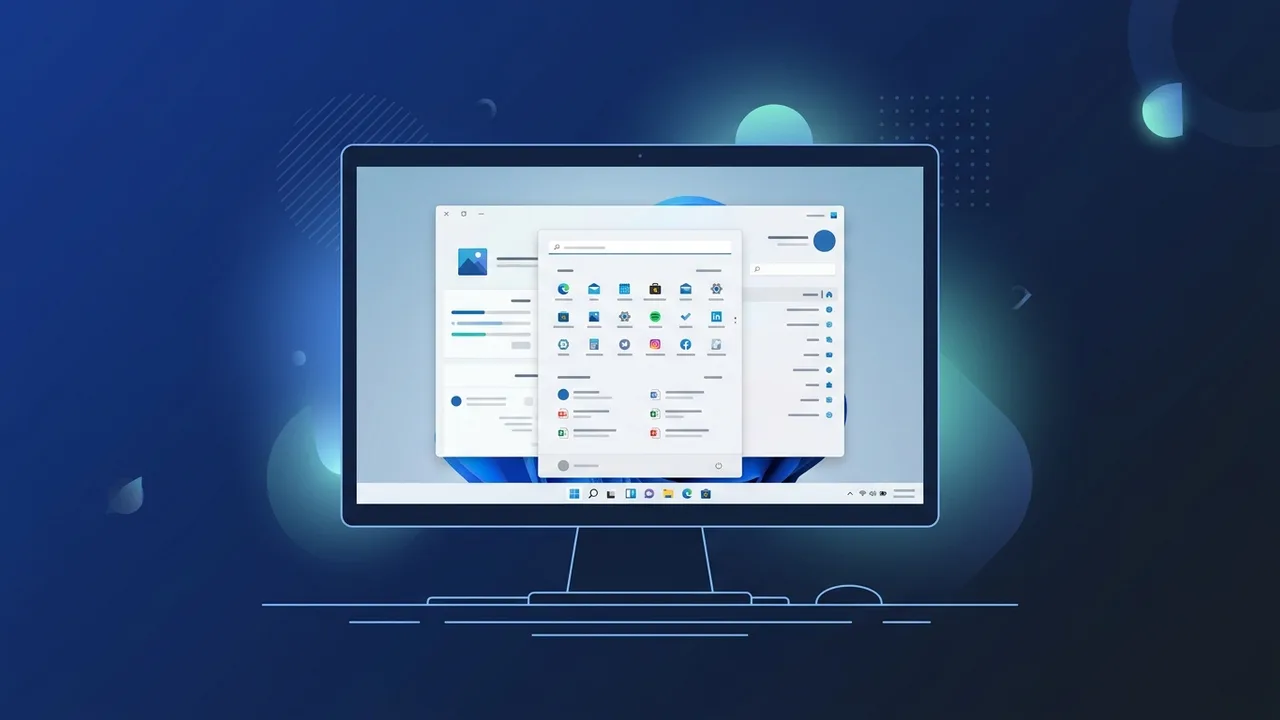
Many users in Saudi Arabia look for ways to download windows 11 32 bit arabic to upgrade their older computers or run specific legacy software that requires a localized Arabic environment. However, understanding the technical landscape of modern operating systems is crucial before attempting this upgrade process.
Overview of download windows 11 32 bit arabic
When searching for options to download windows 11 32 bit arabic, it is highly important to understand that Microsoft has officially dropped support for 32-bit (x86) system architectures starting with Windows 11. Consequently, there is no official, standalone 32-bit version of Windows 11 available for installation.
This structural change was made to ensure higher security, optimize CPU performance, and fully utilize modern hardware standards. Fortunately, users who rely on older 32-bit Arabic applications can still upgrade to Windows 11 64-bit, as the system includes native compatibility layers that run 32-bit software flawlessly and without stability issues.
Key Features
By moving to the supported modern architecture instead of searching for unsafe modified versions to download windows 11 32 bit arabic, you gain access to outstanding modern capabilities:
- Seamless Legacy Support (WoW64): The integrated Windows on Windows 64-bit subsystem allows older 32-bit software to run smoothly on the newer 64-bit platform.
- Fully Localized Arabic Interface: The system features complete right-to-left alignment, tailored specifically for Arabic-speaking professionals and enterprises.
- Advanced Security Measures: Requires hardware-level protections like TPM 2.0 and Secure Boot to safeguard your valuable data from modern cyber threats.
- Enhanced Workspace Organization: Snap Layouts and virtual desktops let you arrange multiple windows and applications to boost daily productivity.
How to Use
If you want to transition your workflow and ensure your legacy programs continue to run, follow these practical steps to set up Windows 11 correctly:
Step 1: Verify Hardware Architecture Compatibility
First, verify whether your existing computer processor supports a 64-bit operating system by following these instructions:
- Open the Start Menu and click on Settings.
- Go to System and select the About section.
- Look under System type; if it displays x64-based processor, your hardware is ready for the official Windows 11.
Step 2: Download the Genuine Arabic Windows 11 ISO
Since the official edition is 64-bit and fully supports 32-bit applications, you can obtain it securely from official sources:
- Visit the official Microsoft Software Download page.
- Scroll down to Download Windows 11 Disk Image (ISO).
- Select Arabic from the product language dropdown menu and click Confirm.
- Download the official 64-bit ISO file.
Step 3: Create Bootable Installation Media
Use a clean USB flash drive (minimum 8GB) and a trusted tool like Rufus to write the ISO file to the drive. Once prepared, boot your computer from the USB to begin a clean installation of the Arabic operating system.
Common Questions
Here are answers to some of the most frequent questions regarding compatibility and 32-bit operating environments:
Can I run my old 32-bit accounting or business software on Windows 11?
Yes, absolutely. Windows 11 has robust backward compatibility that automatically runs 32-bit applications without requiring extra configuration or third-party tools.
Is there an official modified 32-bit Windows 11 release?
No, Microsoft does not provide any official 32-bit release. Any online sources offering modified 32-bit versions are unofficial and potentially unsafe to install.
Important Tips
To ensure a smooth transition when researching how to download windows 11 32 bit arabic, keep these essential professional tips in mind:
- Avoid Untrusted Third-Party ISOs: Many websites offer modified files claiming to be 32-bit versions of Windows 11. Avoid these downloads completely, as they often contain spyware, lack security updates, and can cause system instability.
- Always Backup Your Data: Before performing a clean installation of any operating system, back up all your critical business files and personal data to an external drive or cloud storage.
- Acquire a Valid Product Key: Utilizing a genuine product license ensures you receive automatic security updates, patch fixes, and complete access to Microsoft support.
Conclusion
In summary, while an official way to download windows 11 32 bit arabic as a standalone 32-bit OS does not exist, the modern 64-bit Arabic edition serves as a superior alternative. It offers full compatibility with your existing 32-bit programs while delivering advanced security and modern features suitable for Saudi businesses and individual users.
If you need a genuine Windows 11 Pro Lifetime license, you'll find it at ABMKeys at a fair price with instant WhatsApp delivery.
Frequently Asked Questions
Is there an official 32-bit version of Windows 11 available?
How can I run older 32-bit software on Windows 11?
Does running 32-bit applications affect Windows 11 performance?
Should I download modified Windows 11 ISOs built for 32-bit CPUs?
You can get a genuine license from ABMKeys at a competitive price with instant WhatsApp delivery.
Buy Now