
The Easiest Way to download windows 11
Learn the practical step-by-step process to download Windows 11 and install it safely on your computer. This guide covers the key features and official setup steps to ensure a stable and fast operating system.
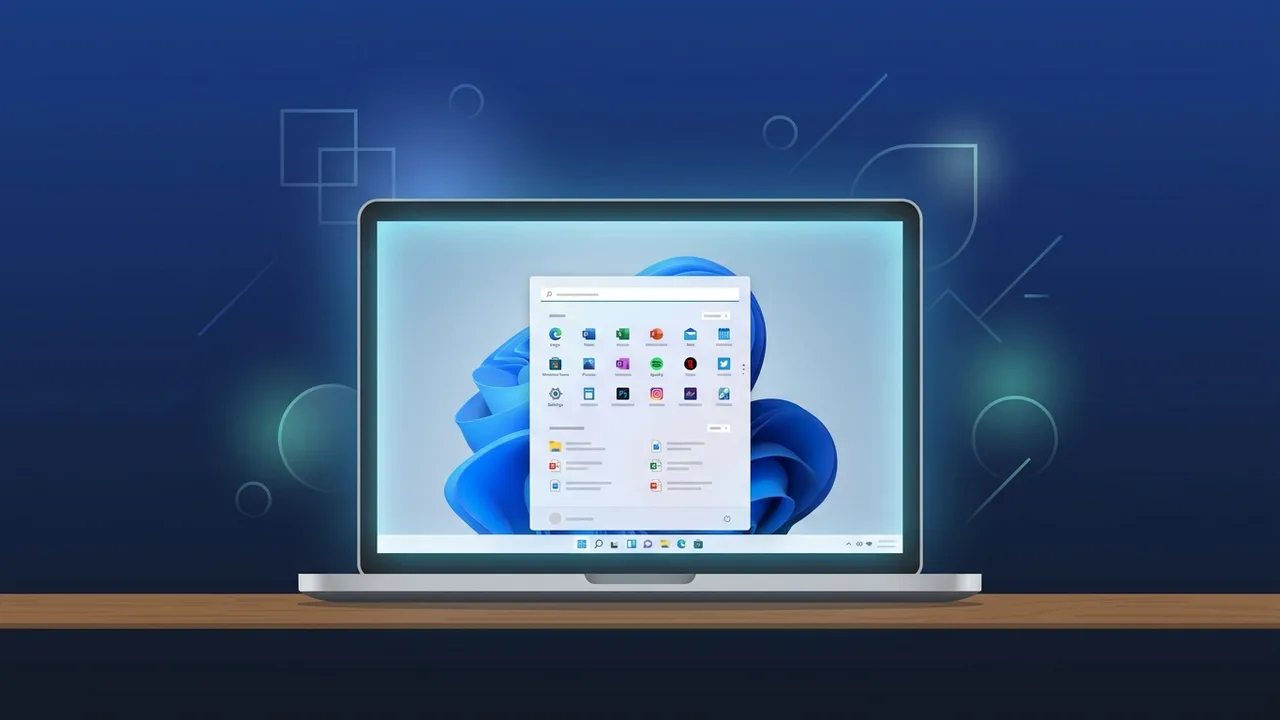
Overview of download windows 11
Microsoft Windows 11 represents a monumental shift in personal and professional operating systems. Across Saudi Arabia, the business landscape, educational institutions, and residential sectors are experiencing rapid digitization in alignment with modern developmental goals. This dynamic environment makes a reliable, secure, and technologically advanced operating system more of a necessity than a luxury. Choosing to download windows 11 serves as a strategic decision that equips users with a highly functional and modern workstation layout.
The primary design objective of Windows 11 centers on optimizing user focus and minimizing clutter through an updated interface. In addition, the operating system is built upon a strict hardware-backed security foundation. This guarantees that modern enterprises and individual users in Saudi Arabia enjoy robust protection for their sensitive information, shielding essential systems against contemporary cyber-attacks and vulnerabilities in the digital sphere.
Key Features
The updated desktop environment introduces a suite of cutting-edge, productivity-oriented tools engineered to refine everyday task execution. Some of the standout highlights include:
- Aesthetic and Centered Interface: The user interface has been fully refreshed. Featuring a centered Start menu and Taskbar, rounded window corners, and subtle animation patterns, it offers a visually pleasing workspace designed to reduce eye strain during prolonged screen sessions.
- Seamless Multitasking with Snap Layouts: This powerful feature enables you to automatically organize open application windows into predefined grids on your monitor. This permits users to easily consult databases, write documents, and read emails side-by-side without visual clutter.
- Built-In Microsoft Teams Integration: The globally popular communication software is now natively embedded within the system\'s taskbar. Professionals and students can easily launch messaging chats and initiate remote meetings with colleagues in seconds, eliminating the need to install or run external software packages.
- A Paradigm Shift in Gaming: Enthusiasts gain access to groundbreaking features such as Auto HDR, which breathes rich, lifelike colors into existing game engines, and DirectStorage, which facilitates rapid loading phases by feeding data directly to the graphics card without overloading the CPU.
- Next-Level Hardware Security: Security acts as a cornerstone of the OS architecture. By requiring hardware modules such as TPM 2.0 and Secure Boot, Windows 11 establishes a robust defense perimeter, blocking malicious scripts and rootkits from compromising your machine at boot time.
How to Use
To carry out a flawless transition to the new operating system without risking data loss, we highly recommend following these step-by-step instructions to ensure a standard and fully optimized installation process:
- Analyze Hardware Specifications: Prior to taking any action, download the official PC Health Check utility from Microsoft. The tool automatically analyzes your computer\'s CPU speed, system memory, and storage availability to verify if it is compatible with the OS.
- Secure Your Personal Files: Major changes to system files can sometimes lead to unexpected hardware conflicts. Take a moment to back up your critical spreadsheets, documents, family pictures, and settings onto a secure external drive or cloud-based server.
- Navigate to Official Sources: Launch your web browser and navigate to Microsoft\'s secure portal to download windows 11. Always source your files through official channels to steer clear of bootleg distributions loaded with spyware.
- Utilize the Media Creation Tool: Download this light, free-of-charge utility provided by Microsoft. This tool simplifies the process of downloading clean ISO setup files or transferring them directly onto a flash drive.
- Prepare Your USB Flash Drive: Connect an empty USB storage device with at least 8 GB of available capacity. Run the Media Creation Tool, select the setup media creation option for another PC, and allow the software to format and create a bootable drive.
- Execute Booting and Installation: Restart your computer and tap the boot-menu key specific to your motherboard (such as F12, F2, or Escape). Select the USB drive as your primary boot source, and when the installation wizard appears, set your language options and click "Install Now".
- Complete Setup and Activation: Once the installation finishes and the system launches, navigate to Settings, click on System, and access the Activation menu. Here, input your original product key to validate your license, which unlocks all security defenses and official updates.
Common Questions
What is a TPM 2.0 module and why is it necessary to download windows 11?
TPM 2.0 (Trusted Platform Module) is a specialized physical chip found on contemporary computer motherboards. It provides critical, hardware-level security operations, such as handling cryptographic key generation to shield personal data against physical and cyber theft. Microsoft made this chip mandatory to offer the highest levels of safety in today\'s digital threat climate.
Will I be able to upgrade my current Windows 10 OS without wiping my programs?
Yes, if your computer hardware fully meets the requirements, you can utilize Microsoft\'s official Installation Assistant to perform an in-place upgrade. This preserves your current files, desktop applications, and settings. However, creating a comprehensive backup beforehand remains an essential precaution for safety.
Important Tips
To secure a dependable, peak-performing experience for your home computer or corporate networks after completing the process to download windows 11, follow these expert suggestions:
- Shun Unauthorized Activation Cracks: Refrain from utilizing free activation tools, activators, or key generators found online. These unauthorized applications almost always contain hidden Trojan horses and ransomware designed to lock your personal files for ransom.
- Ensure a Stable Network Connection: Operating system download packages are massive. Always try to utilize an Ethernet cable connection rather than Wi-Fi while performing the initial download to protect files against corruption.
- Maintain Current Hardware Drivers: Upon setting up your desktop, visit the official support pages of your hardware manufacturers (like Nvidia, AMD, or Intel) to download the latest drivers optimized for the environment, ensuring maximum speed and stability.
Conclusion
In summary, choosing to upgrade your computing system to Microsoft\'s latest operating system represents a smart and highly proactive move toward a more productive and secure digital lifestyle. By adhering to the official, structured guidelines presented in this guide, you can modernize your computer with ease and enjoy a fast, reliable desktop environment built for the modern demands of Saudi Arabia\'s personal and business landscapes.
If you need a genuine Windows 11 Pro Lifetime license, you\'ll find it at ABMKeys at a fair price with instant WhatsApp delivery.
Frequently Asked Questions
Can I download Windows 11 for free?
What are the minimum system requirements to download Windows 11?
How can I check if my computer supports Windows 11?
Will I lose my personal files when upgrading to Windows 11?
You can get a genuine license from ABMKeys at a competitive price with instant WhatsApp delivery.
Buy Now