
The Easiest Way to Download Excel
Learn the easiest way to download excel and install it safely on your device step-by-step. Discover the core differences between perpetual licenses and subscriptions to choose the best option.
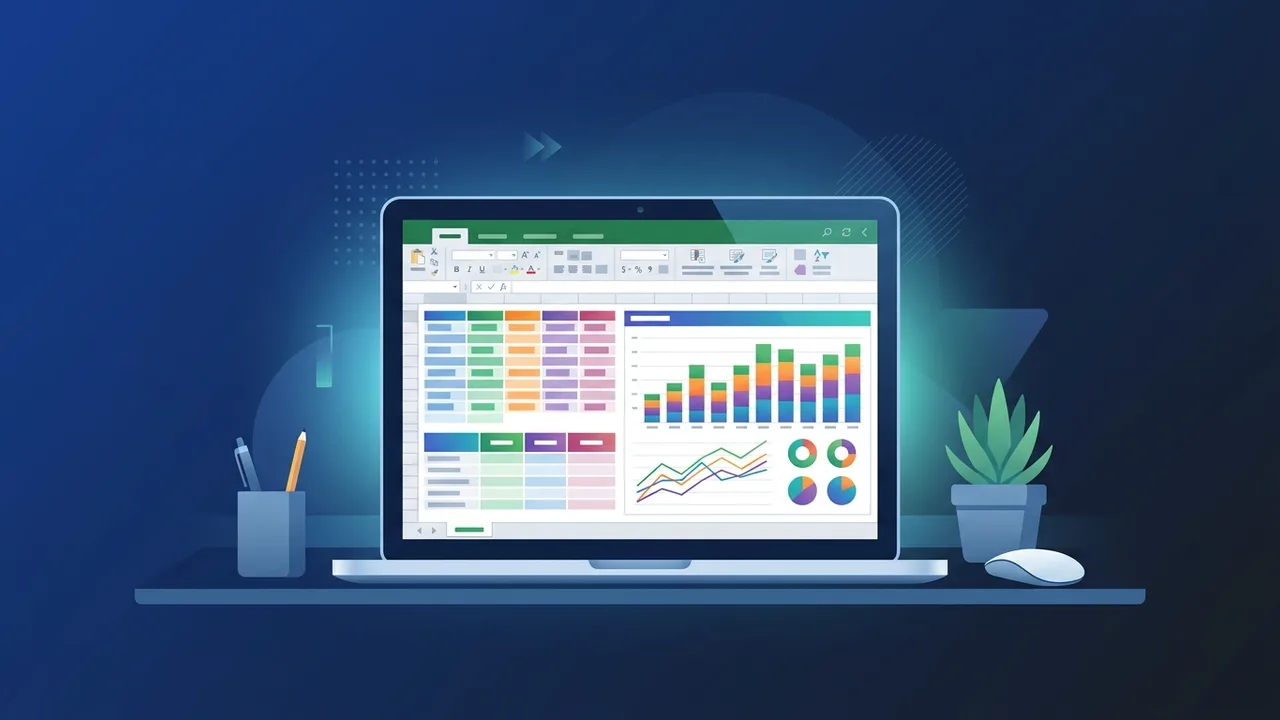
Overview of download excel
Microsoft Excel is the definitive benchmark for data management and analytical operations across diverse commercial sectors in Saudi Arabia. Whether you are an academic student coordinating educational research, a strategic startup founder in Riyadh, or a senior financial analyst in a major enterprise, the decision to download excel and set it up on your hardware remains your very first step toward creating structured, scalable, and highly productive workflows.
Prior to beginning the physical setup, it is crucial to recognize the distinctive options offered by Microsoft to ensure you choose the system that perfectly aligns with your operational budget and specific project demands. Users generally choose between Microsoft 365, which operates on a recurring subscription model with rolling updates and cloud storage benefits, and perpetual standalone editions like Office 2021 Pro Plus. This perpetual lifetime option represents a highly popular alternative in the local Saudi corporate ecosystem because it requires only a single upfront purchase and completely eliminates future recurring subscription fees.
Key Features
Once you install this premier spreadsheet tool on your system, you gain immediate access to an extensive ecosystem of advanced utilities designed to optimize complex data analysis. Here are the core features of the modern software:
- Advanced PivotTables and Charting: Dynamically restructure, filter, and summarize extensive, multi-column datasets in seconds to present visual conclusions that facilitate swift executive decision-making.
- Innovative Calculations and Formulas: Deploy modern formulas like XLOOKUP, dynamic arrays, and advanced statistical logic to easily link, verify, and calculate complex numeric operations across multiple sheets.
- Secure Cloud Synchronization: Real-time co-authoring enables cross-functional teams to collaborate simultaneously on a single master workbook, mitigating version control issues and keeping information current.
- Integrated Analytical Intellect: Automate data pattern recognition, generate instant visualization trends, and draft accurate forecasting predictions using embedded computational intelligence tools.
How to Use
To ensure a highly secure, reliable setup and prevent system vulnerabilities, you must follow the correct and official methods to download excel on your personal or corporate device. Below is the step-by-step installation guide:
Step 1: Sign in to Your Official Microsoft Account
Go to the official Microsoft Office setup web portal. Log in with your registered personal or organization-related Microsoft credentials associated with your authentic software purchase.
Step 2: Enter Your Software Product Activation Key
Input your authentic product key to associate the perpetual license permanently with your profile. This interface will also allow you to select your preferred display language (e.g., English or Arabic) and the correct architecture (64-bit is highly recommended for modern hardware).
Step 3: Download and Run the Microsoft Installer
Click the 'Install' button to retrieve the secure web installer file. Navigate to your system's download directory, launch the application file, and allow the automated installer to download and configure the complete office suite in the background.
Step 4: Launch and Activate Your Spreadsheet Application
Open the program from your applications directory. Sign in using the exact same Microsoft account to automatically validate your license activation, enabling you to immediately create and manage highly secure worksheets.
Common Questions
Many users in the Saudi Arabian market frequently ask specific technical and purchasing questions before acquiring their software. Here are detailed answers to the most common queries:
Can I obtain Excel separately without getting the whole Office package?
Yes, Microsoft offers standalone Excel licenses for purchase. However, acquiring it as a component of the comprehensive Office suite is highly recommended, as it delivers much better economic value and ensures seamless integration with Word and PowerPoint.
What is the core difference between a Microsoft 365 subscription and a perpetual version?
Microsoft 365 requires monthly or annual subscription fees to maintain access and cloud updates, whereas a perpetual license (like Office 2021) is a single, one-time purchase that remains valid forever on your machine without further billing.
Important Tips
When preparing to download excel, prioritizing data safety and genuine licensing is extremely vital to secure your corporate and personal digital assets:
First, strictly avoid utilizing untrusted third-party distribution sites, cracks, or unauthorized software patch generators. These compromised installation files frequently contain concealed malware, ransomware, and spyware that can easily compromise your sensitive databases, expose credit card details, and lead to permanent data loss.
Second, always secure genuine activation product keys from trusted, established distributors. Authentic keys link directly to Microsoft services, ensuring you receive critical security updates, maintain legal compliance, and can access continuous official technical support without interruption.
Conclusion
Downloading and activating an authentic version of Excel is a highly critical investment in your productivity, corporate security, and analytic efficiency in Saudi Arabia. By choosing authorized deployment methods and utilizing genuine lifetime product keys, you establish a resilient, secure workstation optimized for sustainable business success.
If you need a genuine Office 2021 Pro Plus Lifetime license, you'll find it at ABMKeys at a fair price with instant WhatsApp delivery.
Frequently Asked Questions
Can I download excel individually without the entire Office suite?
What is the core difference between a Microsoft 365 subscription and a perpetual version?
How can I make sure the downloaded version is genuine and secure?
Does Excel work properly without an active internet connection?
You can get a genuine license from ABMKeys at a competitive price with instant WhatsApp delivery.
Buy Now