
sql server integration services Step by Step
Learn how to build high-performance ETL workflows with sql server integration services. This practical guide walks you through setup, package design, and best practices.
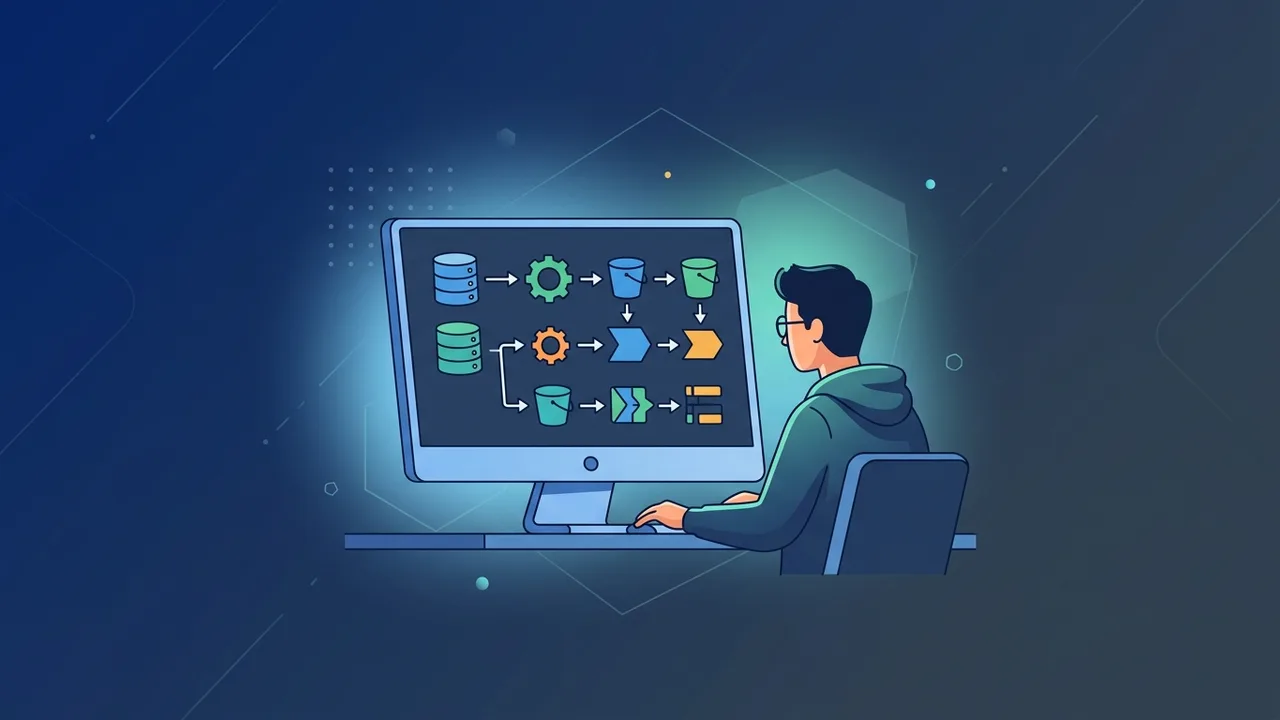
Data management is the cornerstone of business growth in today’s highly competitive digital landscape. In this environment, sql server integration services (commonly known as SSIS) stands out as a powerful platform for building high-performance data integration and workflow solutions. Whether you are looking to consolidate data from disparate systems or build automated enterprise data warehouses, understanding how to utilize this technology effectively can transform your daily data management processes and enable smart decision-making.
Overview of sql server integration services
The sql server integration services platform is an enterprise-grade ETL (Extract, Transform, and Load) tool developed by Microsoft as part of the SQL Server suite. It is specifically designed to solve complex business problems by copying, moving, and transforming data across diverse technical environments.
In the context of Saudi Arabia's rapid digital transformation aligned with Vision 2030, local organizations across major hubs like Riyadh, Jeddah, and Dammam are generating massive amounts of operational data daily. Managing this data requires robust infrastructure. Utilizing this tool allows organizations to bridge the gap between legacy systems and modern cloud architectures, creating a seamless stream of clean data ready for analytical tools like Power BI. Businesses can extract information from flat files, XML, external databases, or cloud sources, apply custom business logic to sanitize the data, and load it into a unified data warehouse for secure storage.
Key Features
There are several standout capabilities that make sql server integration services a preferred choice for database administrators and business intelligence developers globally:
- High-Speed ETL Processing: SSIS utilizes an in-memory data processing pipeline, allowing it to extract, transform, and load millions of records with minimal latency and high performance.
- Extensive Connector Ecosystem: It provides built-in connectors for almost all common data sources, including Oracle, Excel, Azure SQL, flat files, and legacy databases.
- Rich Data Transformation Tools: It includes a wide range of graphical transformations, such as sorting, aggregating, merging, and fuzzy lookup for advanced data cleansing and validation.
- Visual Development Interface: Using SQL Server Data Tools (SSDT) within Visual Studio, developers can visually design integration packages with simple drag-and-drop operations instead of writing manual code.
- Robust Workflow Automation: Beyond moving data, it can send email alerts, download files via FTP, execute SQL scripts, and manage complex execution paths based on operational results.
- Sophisticated Error Handling: Instead of failing an entire multi-gigabyte data transfer due to a single corrupted row, it allows developers to redirect bad records to an isolated error destination for manual inspection, ensuring continuous operations.
How to Use
Getting started with sql server integration services is straightforward when following a structured, step-by-step approach to building your first integration package:
Step 1: Set Up the Development Environment
First, ensure you have a running instance of SQL Server. Next, install Visual Studio along with the SQL Server Integration Services projects extension, which provides the necessary designers, tools, and project templates.
Step 2: Create a New Project
Launch Visual Studio, click "Create a new project," search for the "Integration Services Project" template, and click Next. Name your project and choose an appropriate local directory to save your working files.
Step 3: Define the Control Flow
In the Control Flow tab, you define the overall workflow. Drag a "Data Flow Task" from the SSIS Toolbox and drop it onto the design canvas. This task acts as the main engine for executing your data movement logic.
Step 4: Configure the Data Flow
Double-click the Data Flow Task to switch to the Data Flow designer. Here, you will add three main components to orchestrate your data movement:
- Source: Add a source component (e.g., OLE DB Source for SQL databases or Flat File Source for CSV files) and configure its connection properties.
- Transformation: Drag a transformation tool (like Data Conversion or Derived Column) and link it directly to your source component.
- Destination: Add a destination component (e.g., OLE DB Destination) to write the cleaned and transformed data into your target database.
Step 5: Execute and Test
Click the "Start" button on the toolbar. SSIS will compile and run your package locally. Green checkmarks will appear on each component indicating successful execution, and the number of processed rows will be displayed in real time.
Common Questions
Many professionals looking to deploy database solutions ask crucial questions to optimize their system architecture:
- Can SSIS run on cloud environments? Yes, you can deploy and run sql server integration services packages directly in the cloud using Azure Data Factory's SSIS Integration Runtime for maximum scalability.
- What is the difference between Control Flow and Data Flow? Control Flow is responsible for the orchestrational logic and task sequencing, whereas Data Flow handles the actual extracting, transforming, and loading of data records.
- Does using this tool require advanced coding skills? No, the visual drag-and-drop interface covers most ETL requirements. However, you can write custom scripts in C# or VB.NET for advanced and highly customized logical operations.
Important Tips
To ensure your sql server integration services packages run efficiently under heavy production workloads and handle large datasets smoothly, keep these best practices in mind:
- Optimize Buffer Configurations: Adjust properties like DefaultMaxBufferRows and DefaultBufferMaxsize to match your server's RAM capabilities, which prevents disk paging and speeds up execution.
- Filter Data at the Source: Never pull full database tables if you only need a subset of data. Use specific SQL queries with WHERE clauses in your source component to minimize network bandwidth usage.
- Configure Comprehensive Logging: Enable built-in logging features to write errors and warnings to a SQL Server database table, which makes troubleshooting in production environments much simpler.
- Manage Package Security: Secure sensitive information, such as passwords in connection strings, by setting the appropriate Package Protection Level (e.g., EncryptSensitiveWithPassword) to prevent data leaks.
Conclusion
Implementing sql server integration services provides organizations with a highly scalable, reliable, and automated solution to overcome data silos and streamline complex ETL operations. With its intuitive visual environment and powerful processing performance, it remains an essential asset for modern data-driven architectures.
If you need a genuine SQL Server 2022 Standard license, you'll find it at ABMKeys at a fair price with instant WhatsApp delivery.
Frequently Asked Questions
What is the primary function of SQL Server Integration Services?
Does using SSIS require a separate license?
Does SSIS support connecting to non-Microsoft databases?
How can I improve data processing speeds in SSIS?
You can get a genuine license from ABMKeys at a competitive price with instant WhatsApp delivery.
Buy Now