
Ready-Made Excel Sheets from Zero to Pro
Discover how to utilize ready-made Excel sheets to streamline your daily tasks. This practical guide covers key features, step-by-step usage, and tips to ensure data accuracy for your business.
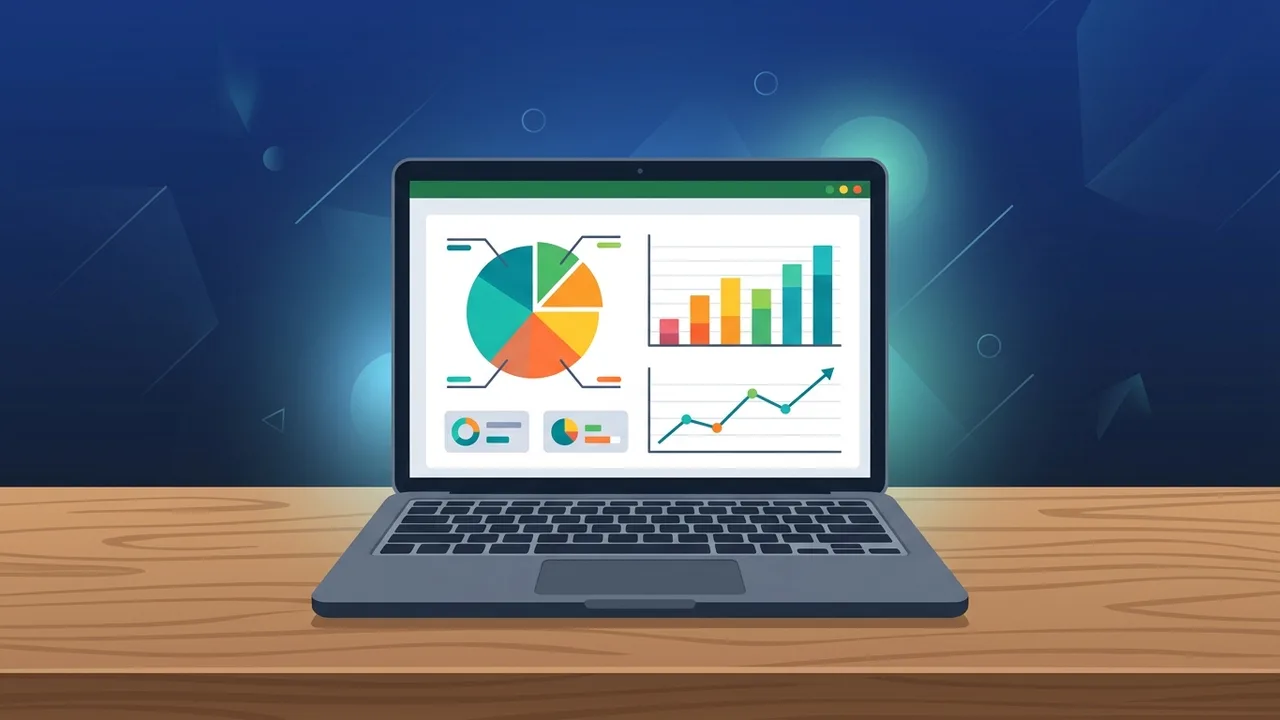
In today's fast-paced business environment in Saudi Arabia, efficiency is the key to maintaining a competitive edge. This is why ready-made Excel sheets have become indispensable tools for both individuals and enterprises looking to streamline operations. These professionally pre-built templates eliminate the steep learning curve of advanced formula design, allowing users to dive straight into inputting data, analyzing results, and making informed strategic decisions without having to construct complex layouts from scratch.
Overview of ready-made Excel sheets
In essence, ready-made Excel sheets are digital templates meticulously constructed by database analysts, professional accountants, and business advisors. They come pre-configured with organized tables, custom formatting, and integrated algebraic formulas that automatically process inputs. Whether you run a startup in Riyadh or manage logistics for a large corporation in Jeddah, these templates are versatile enough to cover a wide spectrum of functional requirements. This includes financial tracking, inventory management, human resource payroll, and dynamic project timelines.
The main strength of utilizing pre-formatted files is that they translate complicated mathematical functions into user-friendly interfaces. You do not need a background in software development or advanced accounting; the embedded logic operates seamlessly in the background, updating live charts and visual elements as you input daily transactions.
Key Features
Integrating ready-made Excel sheets into your corporate workflow or personal planning offers several high-value advantages designed to optimize your time and data accuracy. Key benefits include the following:
- Massive Time and Resource Savings: Creating custom dashboards from the ground up requires substantial time testing logic and aesthetics. Pre-built layouts let you initiate your project and start generating visual reports immediately.
- Minimized Human Error and Higher Accuracy: The math formulas embedded in these sheets have been systematically audited and validated. This dramatically lowers the risk of calculation mistakes that could lead to negative financial outcomes.
- Polished Professional Visuals: Templates often feature highly engaging data visualization elements, such as dynamic graphs and conditional color coding, making it easy to present reports to executive management or external investors.
- Extensive Customization Options: Despite being pre-formatted, these documents provide complete flexibility. You can alter color schemes, modify labels, and easily integrate company branding to fit the unique identity of your business in the Saudi market.
How to Use
To ensure optimal execution and extract the maximum utility from ready-made Excel sheets, we recommend adopting a systematic approach. Follow this practical step-by-step methodology:
Step 1: Choose the Right Template for Your Goal
First, evaluate your administrative or operational needs. Determine whether you require a cash flow statement, a project Gantt chart, or a simple staff attendance sheet, then select the template that aligns with those precise criteria.
Step 2: Run the Template on Genuine Office Software
Always launch your spreadsheet templates inside a legitimate, licensed version of Microsoft Excel. Unofficial or cracked software often fails to support advanced macros (VBA) or modern functions, which can break the template's automated layout.
Step 3: Personalize Settings and Insert Core Data
Update the core variables first. Enter your company name, select your currency preferences, and begin typing your historical data into the dedicated data-input fields. These cells are typically highlighted or color-coded to distinguish them from protected formula ranges.
Step 4: Verify Calculations and Explore Visual Reports
Once you finish uploading your metrics, navigate to the summary tabs. Ensure that all automated formulas calculate your totals correctly and inspect the live charts to verify that the generated results accurately mirror your operations.
Common Questions
Many users have technical questions regarding the activation, customization, and security of ready-made spreadsheets. In the section below, we address the most frequent inquiries to help you navigate your document with total confidence and zero operational disruptions.
Important Tips
To guarantee the long-term integrity of your database and safeguard your ready-made Excel sheets against corruption, always practice the following essential guidelines:
- Run Legitimate and Patched Software: Utilizing a fully licensed copy of Microsoft Office ensures your app receives constant updates. This prevents unexpected crashes when executing complex data operations or running embedded macros.
- Perform Automated Cloud Backups: Do not rely solely on your computer's local drive. Set up real-time syncing to secure cloud platforms like OneDrive to safeguard your historical records against hardware failures.
- Lock Vital Formula Cells: To prevent team members or yourself from accidentally overwriting critical system formulas, apply worksheet protection to cells containing complex calculations.
- Validate with Test Data: Before rolling out a new template across your company, input some dummy numbers to ensure all logical conditions function precisely as expected for your specific use-case.
Conclusion
Utilizing pre-built digital spreadsheets represents a modern approach to managing complex data quickly and effortlessly. By incorporating optimized tools into your business structure, you save valuable time, eliminate calculation errors, and establish a clear path for smart decision-making that supports your enterprise's progress within the Saudi Arabian market.
If you need a genuine Office 2021 Pro Plus Lifetime license, you'll find it at ABMKeys at a fair price with instant WhatsApp delivery.
Frequently Asked Questions
Do ready-made Excel sheets work on all versions of Microsoft Office?
How can I protect formulas in the sheet from being accidentally edited?
Can I customize the colors and logos in ready-made Excel sheets to match my brand?
Does using ready-made templates protect my data from being lost?
You can get a genuine license from ABMKeys at a competitive price with instant WhatsApp delivery.
Buy Now