
Photoshop for photos from Zero to Pro
Learn how to use Photoshop for photos step-by-step with a practical, professional workflow. Discover key features, color adjustments, and retouching tips to elevate your digital imagery.
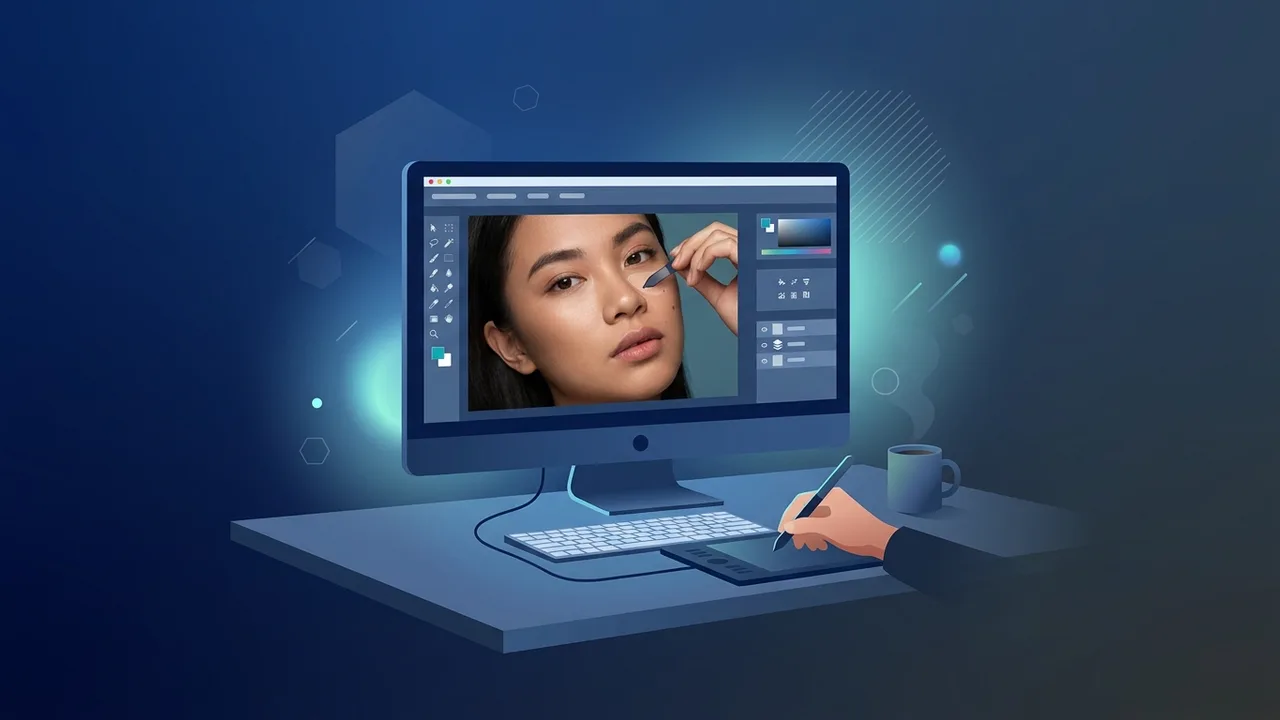
In today's visual-driven digital era, professional image editing has become an indispensable skill for photographers, designers, and content creators across Saudi Arabia. When it comes to editing, Photoshop for photos stands as the ultimate global benchmark, offering unmatched tools to transform ordinary shots into striking visual masterpieces. Whether you are marketing a growing business in Riyadh or pursuing creative lifestyle photography in Jeddah, understanding this software is key to unlocking your professional potential.
Overview of Photoshop for photos
Adobe Photoshop is the gold standard in digital image manipulation and graphic design. The application provides users with absolute control over pixel-level details, allowing for precise adjustments in exposure, color grading, and structural composition. When using Photoshop for photos, you are not just applying basic pre-made filters; you are actively reshaping the visual narrative to match your creative direction or your brand's unique identity.
The software is highly flexible and fully supports various camera file systems, from the uncompressed RAW formats preferred by professional portrait and landscape photographers in Saudi Arabia, to standard formats like JPEG and PNG. This versatility makes it the perfect utility for producing high-caliber marketing materials that align with local digital standards and global e-commerce platforms.
Key Features
The program contains a massive toolkit of intelligent utilities and features designed to simplify editing tasks. Key highlights of Photoshop for photos include:
- Advanced Layer System: Isolates individual components of your graphic onto separate planes, allowing for adjustments without affecting the rest of the canvas.
- Adobe Sensei AI: Introduces revolutionary generative features like Generative Fill, enabling users to add or remove assets seamlessly with simple prompts.
- Smart Selection Tools: Specialized selection features that quickly isolate complex subjects, like hair or transparent glass, saving hours of manual cutting.
- Integrated Camera Raw: A powerful engine built directly into the workflow, facilitating professional adjustments to shadows, contrast, and white balance.
- Advanced Retouching Tools: Including the Spot Healing Brush and Clone Stamp to effortlessly remove dust, blemishes, or distracting background objects.
How to Use
To maximize your productivity with Photoshop for photos, it is best to follow a structured, non-destructive editing workflow. This keeps your raw image data intact while saving valuable hours:
Step 1: Import and Document Configuration
Launch the application and drag your file into the workspace, or navigate to File and select Open. Keep your workspace organized by keeping essential panels like Layers and Properties visible on your screen for quick access.
Step 2: Initialize Non-Destructive Workflow
Duplicate your background layer immediately by pressing Ctrl + J on Windows. Always use dedicated Adjustment Layers for altering exposure and color tones. This ensures you can easily modify or delete your changes later without permanently altering the original image.
Step 3: Color and Exposure Correction
Head to your Adjustments panel and choose Curves or Levels to balance your highlights and shadows. Use the Color Balance tool to correct color casts caused by tricky indoor lighting environments.
Step 4: Clean Up and Polish
Select the Spot Healing Brush tool and gently paint over small blemishes or unwanted dust particles. The software uses contextual awareness to blend the edited area naturally with its surroundings.
Step 5: File Exporting and Preservation
Once you are satisfied with your edits, go to File, select Export, and click Export As. Choose JPEG for photographic images to retain color quality with minimal file size, or PNG if your project requires a transparent background.
Common Questions
Here we explore some of the most frequent queries from digital creators in the Saudi market regarding the program:
- Does the software require a heavy-duty computer build? While a high-end system is not strictly mandatory, having a modern processor and at least 8 GB of RAM will ensure a lag-free experience when editing high-resolution images.
- How does this software differ from quick mobile editing apps? Photoshop provides absolute control down to individual pixels and supports multilayered composition, features that basic applications lack entirely.
- Can I use Arabic fonts inside the software? Yes, the program fully supports Right-to-Left text direction and native Arabic typography, making it simple to create localized banners.
Important Tips
To accelerate your learning curve and master Photoshop for photos, consider these essential recommendations from industry experts:
- Learn the Essential Keyboard Shortcuts: Memorize vital keys such as (V) for the Move tool, (B) for the Brush, and (Z) for Zoom to save hours of manual clicking.
- Commit to Regular Backups: Enable the auto-save functionality and form a habit of pressing Ctrl + S frequently to safeguard your work from unexpected power outages.
- Ensure Proper Monitor Calibration: Adjust your screen's brightness and color output so that the edits you see match exactly when printed or uploaded to social platforms.
- Leverage Smart Objects: Convert your image layers to Smart Objects before resizing. This prevents pixel degradation and retains full resolution during scaling.
Conclusion
Ultimately, Photoshop for photos remains the undisputed leader for anyone aiming to produce professional, high-standard digital imagery in Saudi Arabia. With its versatile interface and powerful modern features, creators can transform creative visions into striking visual realities that drive engagement and business success.
If you need a genuine Adobe Master Collection 2025 Windows Lifetime license, you'll find it at ABMKeys at a fair price with instant WhatsApp delivery.
Frequently Asked Questions
Is Photoshop for photos suitable for beginners?
What is the best format to save edited photos?
Does the software require a very high-spec computer?
How can I get a genuine copy of Photoshop?
You can get a genuine license from ABMKeys at a competitive price with instant WhatsApp delivery.
Buy Now