
Photoshop designs: The Right Way to Do It
Learn the easiest way to create professional Photoshop designs suitable for the modern market. This practical guide offers simple steps to organize your workspace and blend images perfectly.
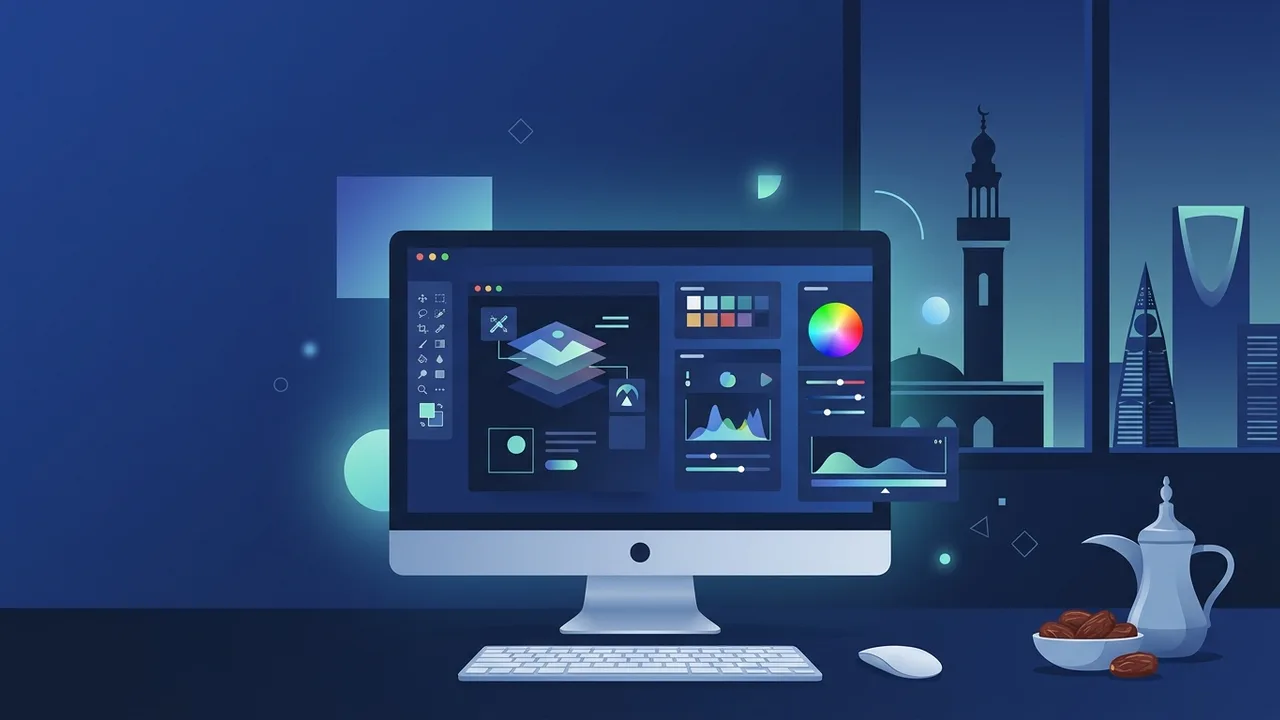
Overview of Photoshop designs
In today's highly visual digital marketplace, businesses and creators in Saudi Arabia are constantly looking for ways to stand out. Utilizing professional Photoshop designs is one of the most effective methods to build a recognizable brand identity and engage audiences. From creative social media campaigns to massive physical billboard advertisements across major cities like Riyadh and Jeddah, the impact of these visuals is undeniable.
The term Photoshop designs encompasses a vast range of visual assets, including brand logos, website mockups, digital illustrations, and photo manipulations. The versatility of Adobe's industry-standard software gives designers complete freedom to turn abstract concepts into stunning reality, ensuring that local businesses can communicate their brand value efficiently and professionally.
Key Features
To create breathtaking Photoshop designs, users leverage a rich suite of professional features designed to enhance productivity and visual quality. Here are the core features that set this application apart as the gold standard for digital creation:
- Advanced Layering System: Organize your work into distinct layers, allowing you to edit specific elements without affecting the rest of the composition.
- AI-Powered Selection Tools: Use advanced machine learning algorithms to isolate complex objects, refine hair details, and remove backgrounds with a single click.
- Smart Objects: Keep your source files intact. Smart Objects preserve the original raster or vector data of your assets, letting you scale and warp them non-destructively.
- Adjustment Layers: Apply non-destructive color corrections, lighting changes, and artistic filters that can be toggled on or off at any stage of the workflow.
- Seamless Ecosystem Integration: Effortlessly import and export files between other creative applications, streamlining the entire production pipeline.
How to Use
To help you create impact-driven Photoshop designs, we have outlined a straightforward, structured methodology below. Following these steps ensures your projects remain high-quality from conception to completion.
Step 1: Set Up the Digital Canvas
Launch the application and create a new document. Carefully choose your canvas size based on its destination. For digital screens and Saudi social media platforms, use the RGB color mode and a resolution of 72 pixels/inch. For physical print materials like business cards or banners, choose the CMYK color mode and set the resolution to 300 pixels/inch to guarantee sharp, bleed-free results.
Step 2: Import and Organize Your Assets
Import your raw images, vectors, and textures onto the canvas. Convert each imported layer into a Smart Object immediately to safeguard its quality. Group related layers into distinct folders and name them properly; clean project organization prevents confusion as the design scales in complexity.
Step 3: Combine and Color Match
Apply layer masks to cleanly blend your elements together without permanently deleting any pixels. Use adjustment layers such as Curves, Levels, and Color Balance to blend the lighting, contrast, and tones of different images. This step is critical for making composite images look realistic and cohesive.
Step 4: Incorporate Typography and Details
Choose typography that aligns with the visual message. For audiences in Saudi Arabia, using modern, readable Arabic and English fonts is key to immediate comprehension. Add subtle drop shadows, inner glows, or custom brush strokes to give your elements physical depth, ensuring the layout remains clean and uncluttered.
Step 5: Export for Distribution
Save your working project as a PSD file to preserve your layers and paths for future edits. Next, export the finalized design in the appropriate format: high-quality JPEG for standard web sharing, or lossless PNG if transparency is required for web applications.
Common Questions
When starting with digital image creation, many users have practical questions regarding technical aspects, formatting, and performance optimization. In the FAQ section below, we address these common inquiries to help you streamline your creative process.
Important Tips
Creating world-class Photoshop designs requires structured habits and best practices. Adhering to the following tips will significantly increase your efficiency and output quality:
- Master Keyboard Shortcuts: Learning key combinations for selecting tools, zooming, and saving can cut your editing time in half and allow for a much smoother creative flow.
- Work Non-Destructively: Always utilize layer masks instead of the eraser tool, and adjustment layers instead of direct image adjustments. This gives you the flexibility to revert changes at any time.
- Build a Visual Inspiration Library: Regularly study contemporary graphic trends on international design portfolios to keep your creative ideas fresh, modern, and aligned with local market demands.
- Use Genuine Software Licenses: Working with official, licensed software ensures application stability, protects your projects from unexpected crashes, and provides continuous access to the latest generative AI features.
Conclusion
Visual storytelling is a powerful tool in modern communication, and mastering creative software is the key to unlocking endless commercial and artistic opportunities. By implementing structured workflows, organizing projects correctly, and utilizing original software licenses, you can confidently build a portfolio of impressive assets that elevate your brand and capture your target market's attention.
If you need a genuine Adobe Master Collection 2025 Windows Lifetime license, you'll find it at ABMKeys at a fair price with instant WhatsApp delivery.
Frequently Asked Questions
What is the best color mode for printed designs in Saudi Arabia?
How can I maintain image quality when resizing in Photoshop?
Do social media image dimensions differ across platforms?
Why do designers prefer utilizing original licensed software?
You can get a genuine license from ABMKeys at a competitive price with instant WhatsApp delivery.
Buy Now