
Photoshop designer: The Right Way to Do It
Learn how to succeed as a Photoshop designer with this step-by-step practical guide. Discover essential design skills, workflow organization tips, and how to maintain professional standards.
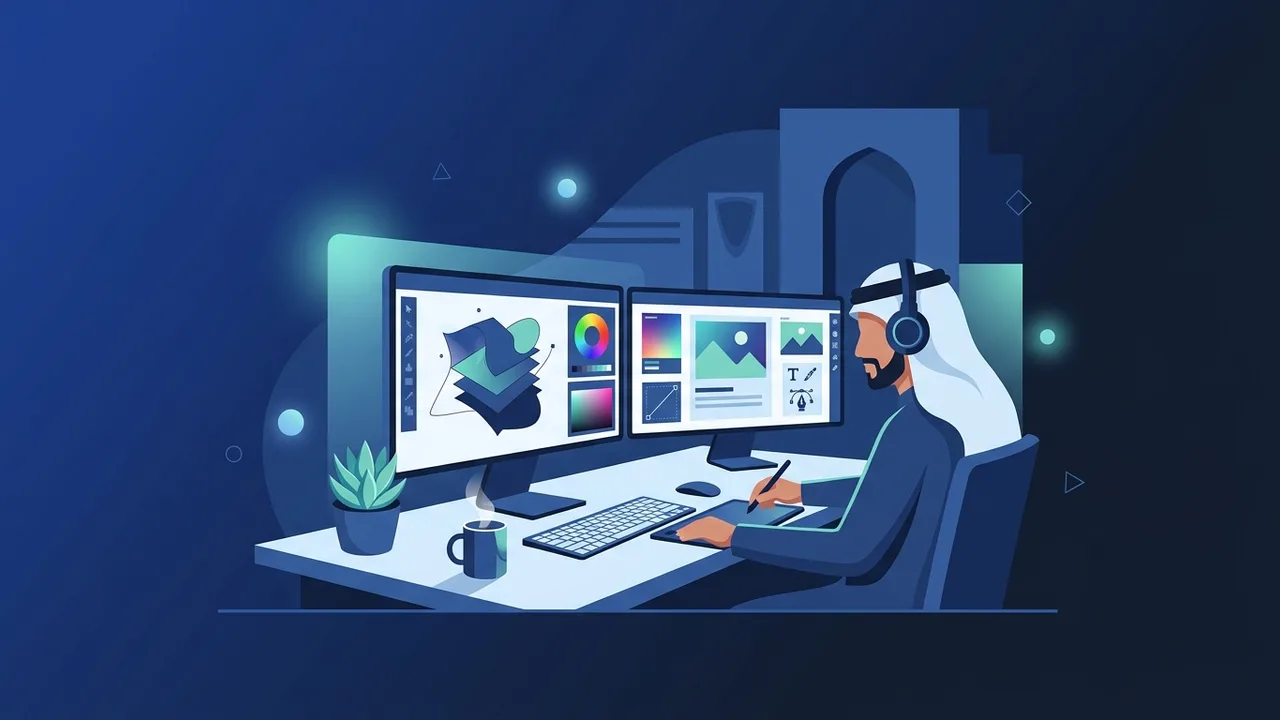
Overview of Photoshop designer
With the rapid growth of the digital landscape in Saudi Arabia, visually compelling content has become essential for business success. Achieving high-end visual aesthetics requires the skills of a professional Photoshop designer who can turn abstract ideas into engaging digital assets. Whether creating marketing campaigns, retouching product photography, or developing brand identities, mastering the proper design workflow is critical to producing professional results that stand out in today's competitive market.
A Photoshop designer plays an indispensable role in creative agencies, marketing firms, and corporate businesses across the Kingdom. Using Adobe Photoshop, these professionals manipulate images, create digital artwork, and design layouts for websites and social media platforms. The role goes beyond simply applying filters; it involves understanding composition, typography, and visual hierarchy to deliver messages that resonate with target audiences and drive engagement.
Key Features
To succeed as a modern Photoshop designer, certain core features and technical capabilities must be mastered. These skills differentiate standard edits from professional-grade designs:
- Advanced Layer Management: The ability to work with hundreds of layers systematically using groups and color codes for a streamlined workflow.
- Non-Destructive Editing: Utilizing Smart Objects and adjustment layers to make changes without permanently altering the original image data.
- Precise Masking Techniques: Using layer masks and vector masks to seamlessly isolate and blend complex visual elements like hair or intricate backgrounds.
- Color Grading and Correction: Adjusting curves, levels, and color balance to establish a consistent visual mood across all design elements.
How to Use
If you want to establish a streamlined workflow and work effectively as a Photoshop designer, here is a step-by-step practical guide to executing any creative project:
Step 1: Document Setup
Define the exact dimensions needed for your project (e.g., 1920x1080 pixels for screens) and select the correct color profile. Use RGB for web and digital displays, or CMYK if the final design is meant for print media.
Step 2: Layer Organization
Rename every layer you create and group related assets into folders. Proper organization saves time when receiving feedback or transferring files to clients and development teams.
Step 3: Masking and Selection
Utilize smart selection tools or the Pen Tool to isolate your main subjects. Avoid deleting pixels directly; always use layer masks for maximum flexibility during revisions.
Step 4: Harmonizing Colors and Shadows
Apply adjustment layers to match the lighting and color tones of different elements. Draw custom shadows manually to give the scene realistic depth and perspective.
Step 5: Exporting for Production
Save your master file as a PSD to keep your layers intact for future edits. Export the final optimized versions in formats like PNG, JPEG, or WebP depending on where the graphic will be displayed.
Common Questions
Aspiring creators often have questions regarding the tools, hardware requirements, and best practices needed to excel in this creative field. Here are some of the most frequent queries answered:
Is drawing talent required to start in this field?
No, drawing talent is not a strict requirement. The primary focus is on digital photo editing, composition, and visual alignment, though drawing can be an added advantage for custom digital art.
Why is authentic software crucial for professionals?
Authentic software ensures application stability under heavy project loads, protects client files from security risks, and grants immediate access to advanced AI-powered tools and regular updates.
Important Tips
To elevate your performance and secure high-value client projects as a Photoshop designer, consider these vital professional tips:
- Learn Keyboard Shortcuts: Memorizing shortcuts for basic tools like brush, selection, and zoom will significantly speed up your daily output.
- Avoid Cracked Software: Always use genuine software licenses. Original software prevents system crashes, protects your client data from security threats, and gives you instant access to advanced features and cloud updates.
- Develop a Visual Library: Constantly study international design trends on platforms like Behance and Dribbble to keep your ideas fresh and modern.
- Back up Your Work: Use secure cloud storage or external drives to regularly back up your project files, avoiding any potential data loss.
Conclusion
Becoming a highly sought-after Photoshop designer requires a blend of technical precision, creative exploration, and structured workflows. By maintaining organized files, practicing non-destructive editing techniques, and using stable, authentic design tools, you can consistently deliver world-class visual content for businesses and personal projects alike.
If you need a genuine Adobe Master Collection 2025 Windows Lifetime license, you'll find it at ABMKeys at a fair price with instant WhatsApp delivery.
Frequently Asked Questions
Does a Photoshop designer need hand-drawing skills?
What are the ideal computer specs for a Photoshop designer?
How can a beginner Photoshop designer price their services in Saudi Arabia?
Are there major differences between working on Windows versus macOS?
You can get a genuine license from ABMKeys at a competitive price with instant WhatsApp delivery.
Buy Now