
Photoshop Course Step by Step
Discover a practical step-by-step guide to mastering Photoshop. Learn key software features, step-by-step usage, and professional tips to elevate your digital designs.
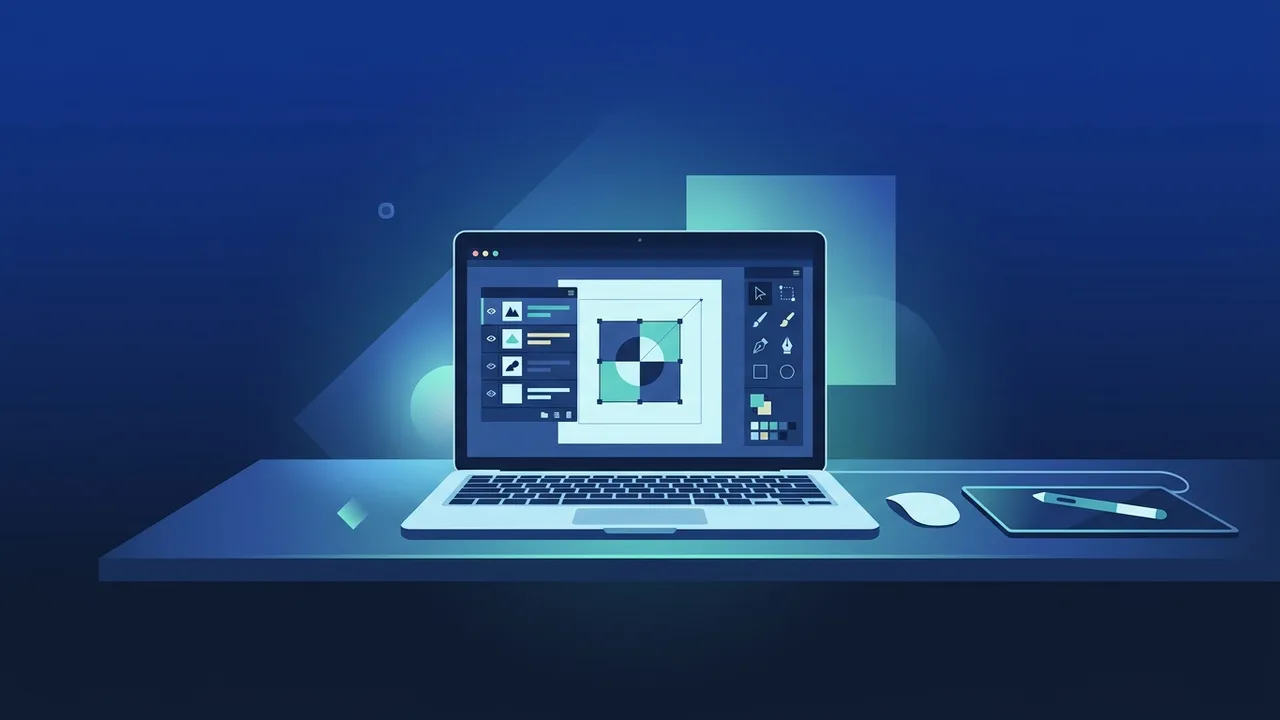
Overview of photoshop course
Adobe Photoshop is globally recognized as the gold standard for image editing, digital design, and visual creation. When you decide to enroll in a photoshop course, you are not merely learning how to operate software; you are acquiring a core modern skill set highly sought after in the evolving Saudi creative and corporate sectors. With the kingdom's rapid digital transformation, businesses and marketing agencies are constantly seeking skilled visual designers capable of bringing brand concepts to life.
A structured photoshop course guides you from understanding basic visual composition to mastering advanced digital manipulation. Whether you want to establish a career as a freelance designer, support your digital marketing agency, or create compelling promotional graphics for your own e-commerce business, this software provides the perfect foundation for all creative visual workflows.
Key Features
A comprehensive photoshop course offers specific features and capabilities that enable learners to transition from simple adjustments to high-level complex graphics:
- Creative Versatility: The ability to design anything from simple social media banners and branding packages to high-end digital paintings and realistic photo manipulations.
- Layer-Based Workflow: Complete separation of design assets, allowing you to edit and organize text, shapes, and images independently without altering other elements.
- AI-Powered Selection: Modern tools that utilize artificial intelligence to quickly select, mask, and replace complex elements like hair or backgrounds with a single click.
- Non-Destructive Editing: Preservation of original pixels through Smart Objects, adjustment layers, and layer masks, letting you undo or modify steps at any phase of your project.
- Seamless Ecosystem Integration: Flawless compatibility with other creative software, making it easy to import vectors or export assets for animation and print layouts.
How to Use
To successfully apply the knowledge gained during a photoshop course and build a structured workflow, follow these practical steps:
Step 1: Set Up a Genuine and Secure Software Workspace
Before launching your first creative canvas, ensure you are utilizing a secure, authentic software license. This guarantees performance stability, preventing sudden crashes and ensuring you do not lose critical hours of work. Once launched, customize your primary workspace panels according to your project focus, such as Graphic Design or Photography.
Step 2: Initialize Your Canvas and Organize Layers
Start by setting up a new canvas with appropriate parameters (such as 300 DPI for physical printing or 72 DPI for digital screens). Get into the habit of renaming layers, grouping them into logical folders, and employing Layer Masks instead of the eraser tool to maintain absolute editing flexibility.
Step 3: Master the Precision Selection Tools
Practice isolating objects using selection tools. Begin with automated options like Select Subject, then advance to mastering the Pen Tool. High-quality masking and clean edges are the primary characteristics that separate amateur work from professional assets.
Step 4: Execute Color Correction and Tonal Balancing
Utilize Adjustment Layers such as Levels, Curves, and Color Balance. This enables you to seamlessly blend disparate image assets together by unifying their highlights, midtones, and shadows to create cohesive, realistic composites.
Step 5: Exporting in Correct Professional Formats
Always preserve a master working file in PSD format. For final delivery, export your project using target-specific formats: PNG for web assets with transparent backgrounds, JPEG for photographs, and high-quality PDF for professional print shops.
Common Questions
Beginning a new software journey often raises practical queries regarding learning curves, hardware requirements, and best practices. Addressing these frequently asked questions helps clarify your learning path and prepares you to progress efficiently and confidently.
Important Tips
To maximize your educational return and maintain a steady path of skill improvement after finishing a photoshop course, focus on these essential habits:
- Practice Regularly: Dedicating even thirty minutes a day to recreating actual promotional designs or experimenting with tools is far more beneficial than long, infrequent study sessions.
- Utilize Keyboard Shortcuts: Memorize vital commands like (V) for the Move Tool, (B) for Brush, and (Ctrl/Cmd + T) for Free Transform to drastically increase your design speed.
- Engage in Visual Research: Regularly visit creative portfolio platforms to study composition trends, modern color palettes, and professional manipulation layouts.
- Avoid Using Cracked Software: Unofficial cracked downloads pose severe malware risks, system slowdowns, and instability issues that can interrupt your professional projects and compromise security.
Conclusion
Devoting time to complete a structured photoshop course is an excellent long-term investment in your professional capability within today's digital market in Saudi Arabia. With regular application, clean workflows, and consistent visual experimentation, you will quickly transform your creative concepts into impactful, high-value digital assets.
If you need a genuine Adobe Master Collection 2025 Windows Lifetime license, you'll find it at ABMKeys at a fair price with instant WhatsApp delivery.
Frequently Asked Questions
How long does it take to complete a photoshop course?
Can I learn Photoshop completely for free?
What are the system requirements to run the software efficiently?
Is it necessary to use a genuine software copy while learning?
You can get a genuine license from ABMKeys at a competitive price with instant WhatsApp delivery.
Buy Now