
Outlook Web Step by Step
Learn how to access and master outlook web to manage your professional emails efficiently. This practical guide covers key features, setups, and secure usage tips.
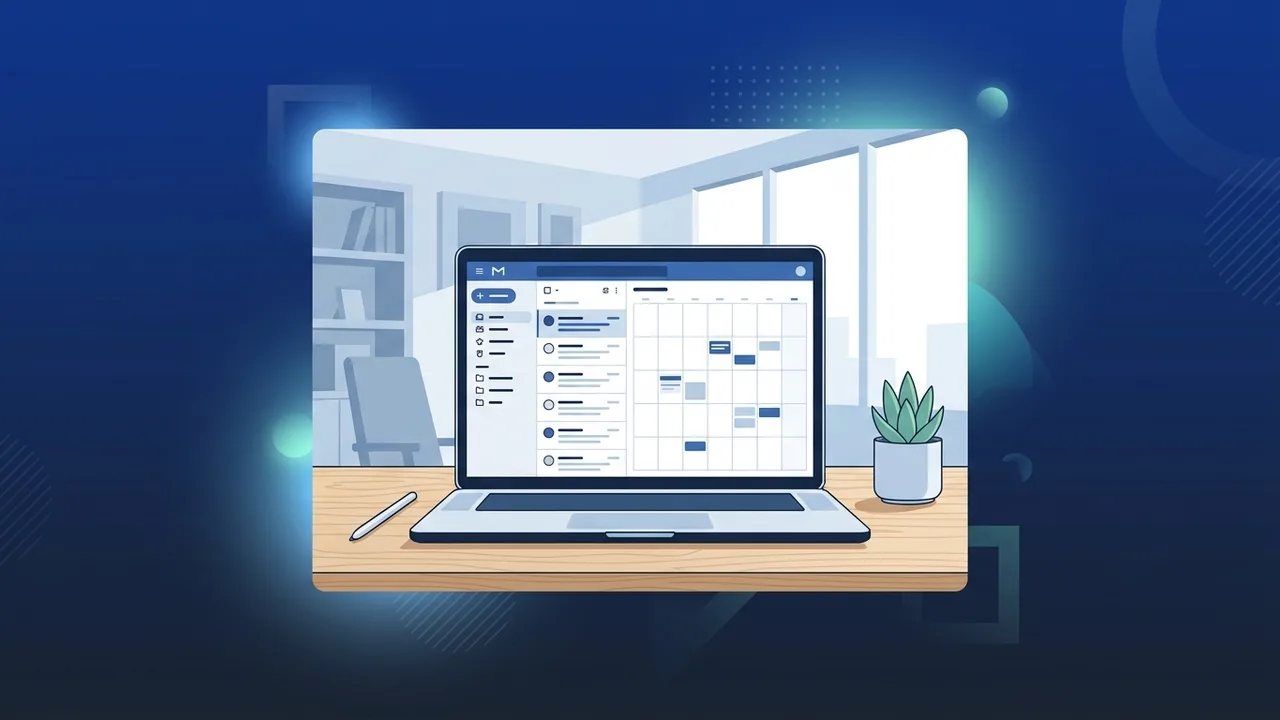
With the rapid digital transformation expanding across Saudi Arabia in alignment with Vision 2030, professionals and corporate teams alike require agile, secure, and accessible digital tools to handle daily communications. In this evolving landscape, outlook web stands out as an invaluable cloud-based application developed by Microsoft, offering a comprehensive suite for managing emails, calendars, tasks, and organizational contacts from any location, completely eliminating the need to install heavy desktop software or consume valuable local storage.
Overview of outlook web
Formerly referred to as Outlook Web App (OWA), outlook web is the modern, browser-based edition of Microsoft's legendary email management client. Designed to keep Saudi users securely connected while on the move, it enables anyone to access their digital workspace from any modern internet browser, including Google Chrome, Microsoft Edge, Mozilla Firefox, or Safari. The extreme flexibility offered by this system makes it the ultimate choice for remote employees commuting between major commercial hubs like Riyadh and Jeddah, or for individuals who prefer lightweight solutions that do not drain system memory. Since it relies entirely on secure cloud infrastructure, any action or modification you make inside your browser is instantly synchronized with your mobile applications and other connected devices.
Key Features
This dynamic web service is packed with robust utilities tailored specifically to elevate daily workplace productivity and streamline multi-user collaboration. Its primary advantages include:
- Universal Web Accessibility: Users can log into their mailboxes from any secure device globally, destroying physical and geographical workplace limitations.
- Seamless Microsoft Ecosystem Integration: You can attach files directly from OneDrive and co-author Word, Excel, or PowerPoint documents alongside your team members without leaving your active browser window.
- Collaborative Calendaring Tools: Make it simple to coordinate your professional schedule, share calendar access with coworkers, and prevent appointment conflicts in real-time.
- Enterprise-Grade Cybersecurity: Utilizing advanced threat intelligence to filter out spam, malware, and sophisticated phishing links, aligning flawlessly with Saudi cybersecurity compliance frameworks.
- Focused Inbox Feature: Automatically highlights your most urgent emails, helping you prioritize vital tasks without getting distracted by routine marketing updates.
How to Use
Getting started with outlook web is incredibly easy, requiring zero advanced technical experience. You can optimize your web-based setup by following these clear, practical steps:
- Open the Web Portal: Launch your web browser of choice and go to the official portal (outlook.live.com) or enter your organization's custom Microsoft 365 sign-in page.
- Enter Your Credentials: Provide your registered Microsoft email address and password to establish a fully encrypted browsing session.
- Discover the Dashboard: Explore the clean, user-friendly layout. On the main panel, you will find rapid navigation buttons to switch between mail, calendars, people, and your personal Microsoft To Do task tracker.
- Compose and Send Mail: Click on the 'New message' button in the upper corner, specify the recipient's email address, write a descriptive subject line, write your message, and hit 'Send'.
- Organize Events and Meetings: Tap the calendar icon, select a time slot, fill out the meeting agenda, and invite colleagues by typing their email addresses. You can also generate an automatic Microsoft Teams link for remote video conferencing.
Common Questions
Many active professionals in the Saudi market look for specific technical details regarding this cloud platform. Here we answer the most frequently asked questions:
How does the web version differ from the installed desktop client?
The web version runs entirely inside your browser on cloud servers, saving local storage space and receiving instant, automatic updates directly from Microsoft, whereas the desktop client requires manual setup, local hard drive space, and periodic updates.
Does it offer full support for the Arabic language?
Yes, the platform offers complete native Arabic language support, including right-to-left layout adjustments and comprehensive language options for the entire interface.
Important Tips
To protect your digital identity and secure maximum performance when operating outlook web, we highly recommend implementing these standard security and workflow practices:
- Enable Multi-Factor Authentication (MFA): Protect your digital identity by adding a secondary layer of defense against unauthorized remote logins, keeping corporate files secure.
- Always Log Out on Public Hardware: If you are working from a shared computer or a hotel kiosk in Riyadh or Jeddah, log out fully and clear your browser cache once your session ends.
- Master the Advanced Search Function: Utilize specialized keyword filters and date parameters to help you locate archived messages or attachments in seconds.
- Implement Smart Inbox Rules: Construct sorting filters that automatically forward or label messages depending on sender or keywords, maintaining a clutter-free main view.
Conclusion
In summary, this web-based environment is an indispensable asset for modern productivity, offering unparalleled convenience, deep system integration, and enterprise-level protection that keeps Saudi business communication running smoothly at all times.
If you need a genuine Office 2021 Pro Plus – Email-Linked Permanent License license, you'll find it at ABMKeys at a fair price with instant WhatsApp delivery.
Frequently Asked Questions
How does the web version differ from the installed desktop client?
Does the web platform support the Arabic language?
How can I increase my email storage capacity?
Can I access the service from a mobile device?
You can get a genuine license from ABMKeys at a competitive price with instant WhatsApp delivery.
Buy Now