
outlook email Step by Step
Learn how to use outlook email to manage your professional inbox and organize your schedule efficiently. A practical guide designed for individuals and businesses in Saudi Arabia.
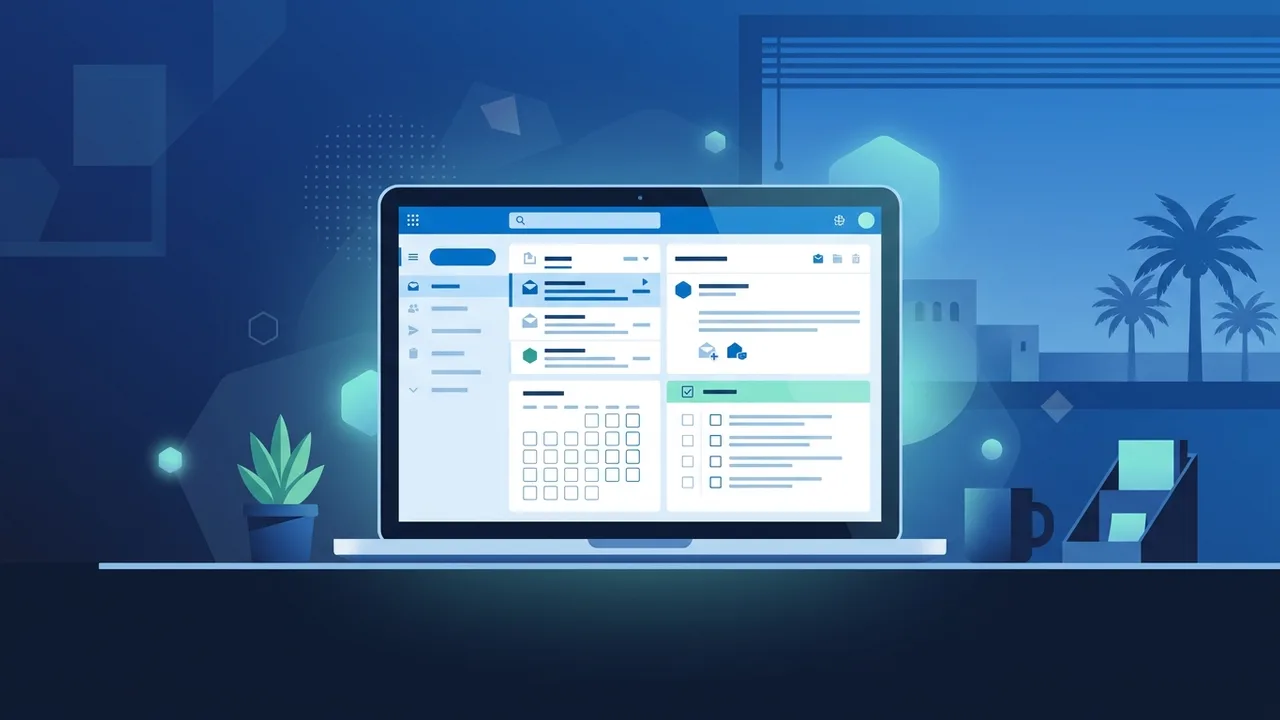
Overview of outlook email
In today's fast-paced digital business environment, efficient communication management is critical for individual and corporate success in Saudi Arabia. Among the various solutions available, outlook email stands out as one of the most powerful, secure, and reliable professional tools trusted by leading organizations and government entities. Whether you are managing complex corporate projects or organizing your daily personal schedule, this platform offers sophisticated tools designed to enhance productivity and streamline your workflow. Developed by Microsoft, outlook email is far more than a basic platform for sending and receiving messages. It is an all-in-one information management hub that seamlessly integrates email services, smart calendars, contact management, and task scheduling into a single, intuitive interface. Saudi businesses widely adopt this solution as their communication standard due to its robust security protocols and smooth integration with the Microsoft Office suite. Utilizing outlook email allows users to transform their chaotic inboxes into highly organized workspaces, saving valuable time and effort in high-pressure work settings.
Key Features
There are several outstanding features that make outlook email the preferred choice for professionals and enterprises across the Saudi market. Here is a detailed breakdown of these core advantages:
Focused Inbox
This smart feature automatically sorts your incoming mail, placing critical and high-priority emails from real contacts into a prominent tab, while filtering newsletters, advertisements, and promotional emails into an "Other" tab. This ensures you remain focused on urgent tasks throughout your workday without unnecessary distractions.
Integrated Calendar and Scheduling
The built-in calendar allows you to schedule meetings, book conference rooms, and invite colleagues directly from your email dashboard. The system sends automatic reminders to all invitees to ensure no critical appointments are missed, and you can share your daily schedule with team members to streamline coordination.
Advanced Security Protocols
Security is paramount for organizations in Saudi Arabia. This platform offers robust security mechanisms that scan attachments and hyperlinks for malware and phishing threats. By safeguarding sensitive personal and organizational data, outlook email ensures compliance with local data protection regulations.
Seamless Cloud and Office Integration
The application integrates perfectly with Microsoft 365 services such as OneDrive, Teams, Word, and Excel. This connection enables you to view, edit, and save attachments directly to the cloud without leaving your email window, significantly increasing daily workflow efficiency.
How to Use
To get the absolute best out of outlook email, follow these practical, step-by-step instructions to optimize your communication and schedule management:
Account Setup and Personalization
Begin by creating a new Microsoft account or linking your corporate custom domain email address with the desktop client or mobile application. Once connected, personalize your interface, select a layout that matches your reading style, and choose a comfortable theme to reduce eye strain.
Organizing Folders and Setting Rules
Create dedicated folders to categorize incoming messages based on project name, client, or priority level. After setting up your folders, configure automated rules to forward or move emails from specific senders straight into these folders, preventing your primary inbox from cluttering up.
Configuring a Professional Signature
Navigate to your account settings to design a formal email signature. Include your full name, job title, company logo, and reliable phone numbers. This simple addition establishes credibility and builds trust with external partners and clients during communication.
Mobile Synchronization
Download the official application on your mobile device (iOS or Android) and log in with your credentials. This keeps you connected to your professional life on the move, allowing you to reply to urgent inquiries, track meetings, and receive instant calendar alerts from anywhere in Saudi Arabia.
Common Questions
Many users in the Saudi region regularly ask questions about troubleshooting sync issues, recovering deleted items, and optimizing storage within their professional inbox. Understanding these aspects helps teams resolve simple technical challenges quickly, maintaining high productivity and avoiding unnecessary delays in their daily work routines. Detailed answers to these common questions can be found below in our dedicated FAQ section.
Important Tips
To maximize your efficiency while using outlook email and secure your corporate and personal data, implement these valuable practices:
- Enable Two-Factor Authentication (2FA): Protect your sensitive emails and user accounts from cyber threats by securing your login process with an extra security code sent directly to your phone.
- Master Keyboard Shortcuts: Learn essential shortcuts to speed up your email composition, inbox navigation, and search queries, saving you valuable hours over time.
- Archive Resolved Conversations: Instead of deleting old messages, archive them to keep your primary inbox clean while keeping historical data safe and easily searchable for future reference.
- Keep Your Application Updated: Always ensure you are running the latest version of the application to receive critical security patches, bug fixes, and performance upgrades.
- Adjust Spam Filtering Levels: Fine-tune your junk email settings to block suspicious emails and phishing attempts from entering your main inbox, protecting your device from malware.
Conclusion
In conclusion, outlook email is an indispensable partner for anyone looking to raise their organizational standard and communication professionality. Its incredible feature set, combined with industry-leading security and reliability, makes day-to-day operations smoother, giving you absolute control over your busy schedule.
If you need a genuine Office 2021 Pro Plus – Email-Linked Permanent License license, you'll find it at ABMKeys at a fair price with instant WhatsApp delivery.
Frequently Asked Questions
How can I recover deleted emails in outlook email?
Can I use outlook email offline?
How do I handle storage limit issues in outlook email?
Does outlook email support adding other email accounts?
You can get a genuine license from ABMKeys at a competitive price with instant WhatsApp delivery.
Buy Now