
Office 2024 Pro Plus Windows 5 Devices Troubleshooting Guide
Learn how to easily resolve common installation and activation issues for Office 2024 Pro Plus Windows 5 Devices. This practical guide helps you maintain stable performance across all five machines.
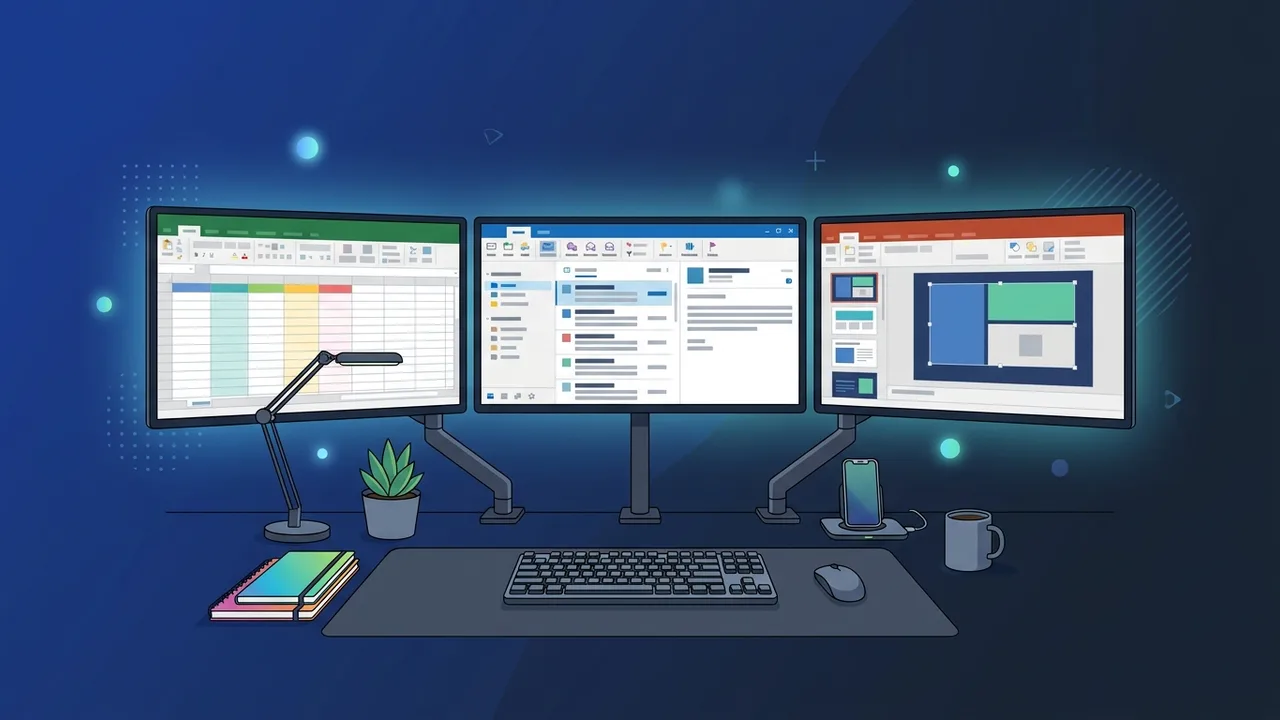
Overview of Office 2024 Pro Plus Windows 5 Devices
Office software suites are the primary foundation for operational success and academic productivity within the Saudi Arabian market. In this environment, the Office 2024 Pro Plus Windows 5 Devices edition stands out as a highly resilient and cost-effective licensing standard designed specifically for small businesses, home offices, and multi-device power users. This special package grants users the capability to activate and run vital desktop products including Word, Excel, PowerPoint, Outlook, Access, and Publisher on up to five separate Windows PCs under a single unified product key.
The operational flexibility offered by deploying Office 2024 Pro Plus Windows 5 Devices provides immense economic value, effectively eliminating the financial overhead of buying individual retail licenses for each system. However, due to the multi-system activation architecture, minor software friction such as server communication errors or configuration conflicts can occasionally arise during setup. This analytical guide explores these issues thoroughly and offers clear, tested diagnostic solutions to keep your productivity environments stable, fully functional, and legally compliant.
Key Features
Upgrading to this modern enterprise-grade suite delivers several technical improvements designed to elevate your daily administrative output:
- Multi-Seat Flexibility: Effortlessly run, manage, and distribute your professional applications across five different Windows-powered machines under one structured key.
- Optimized System Efficiency: Built with refined background processes to consume minimal system resources, ensuring fast startup speeds and smooth operation even on entry-level hardware.
- Modern Analytics and Logic: Excel features dynamic array support and new analytical tools, enabling users to generate precise financial summaries and visually complex data charts.
- Clean User Interface: Boasts an elegant visual style that integrates naturally with modern Windows 10 and Windows 11 aesthetics, helping users maintain focus by minimizing desktop clutter.
- Robust Security Standards: Receive regular security updates directly from Microsoft servers to safeguard your local databases and private corporate documentation against malware risks.
How to Use
To avoid activation issues and guarantee a trouble-free deployment of your Office 2024 Pro Plus Windows 5 Devices suite, follow these sequence steps:
- Clean Previous Installations: Before running the installer, ensure that you completely uninstall all legacy versions or pre-installed trial products from all five devices. Residual files are the primary cause of license conflicts.
- Download the Installer: Access the official download repository using the secure, genuine link delivered with your purchase.
- Run Setup: Initiate the installation process and let it run to completion. Keep your device connected to a stable internet network during this phase.
- Activate the Software: Open any newly installed application, such as Word, navigate to the "Account" menu, click "Activate Product", and carefully enter your 25-character product key. Repeat this process on your other computers up to the 5-device limit.
Common Questions
Below are the most common technical challenges faced by users during multi-device deployment, along with their step-by-step diagnostic fixes:
Residual Software Conflict (Error Code 30068 or similar)
This issue manifests when old software registries block the new installer from registering system paths. To resolve this, download the official Microsoft Support and Recovery Assistant, run a deep system sweep to clear previous registry entries, and restart the installation.
Device Limit Reached Notification
If you attempt to register a sixth computer, the activation server will deny the request. To fix this, log in to your linked Microsoft account page, check your active devices list, and deactivate an obsolete computer to free up a slot for the new system.
Application Freezing or Unresponsiveness
This is frequently caused by outdated third-party add-ins. Launch the application in Safe Mode by holding down the Ctrl key while opening the program icon. If the app runs normally, disable the installed add-ins one by one to isolate and remove the culprit.
Important Tips
To preserve your system security and ensure uninterrupted access to your professional tools, keep these operational tips in mind:
- Avoid Unauthorized Crack Utilities: Using third-party activator tools can expose your computer network to ransomware, and will ultimately result in the permanent blocking of your legitimate key.
- Keep Windows Updated: Ensure your operating system is always updated to the latest build, as this provides the necessary framework compatibility for modern Office 2024 applications.
- Keep Credentials Secure: Keep your product key and your linked personal Microsoft account credentials stored in a highly secure location for quick retrieval when reinstalling systems.
Conclusion
Investing in authentic software licenses is the single best way to ensure maximum data safety and operational stability for your daily tasks. By understanding key features, utilizing correct installation paths, and applying official fixes for minor errors, you can run a reliable and secure environment across all your active Windows machines.
You can get a genuine Office 2024 Pro Plus Windows 5 Devices license from ABMKeys at a competitive price with instant WhatsApp delivery.
Frequently Asked Questions
Is it possible to transfer the license to a different computer?
What should I do if a server connection error occurs during activation?
Does this software package require an annual or monthly subscription fee?
What is the best way to handle sudden freezing in one of the programs?
You can get a genuine license from ABMKeys at a competitive price with instant WhatsApp delivery.
Buy Now