
Office 2024 Pro Plus Windows 20 Devices — Making the Right Decision
Discover the technical and financial benefits of choosing the Office 2024 Pro Plus Windows 20 Devices license for your team. A practical buying guide to help you make a smart investment.
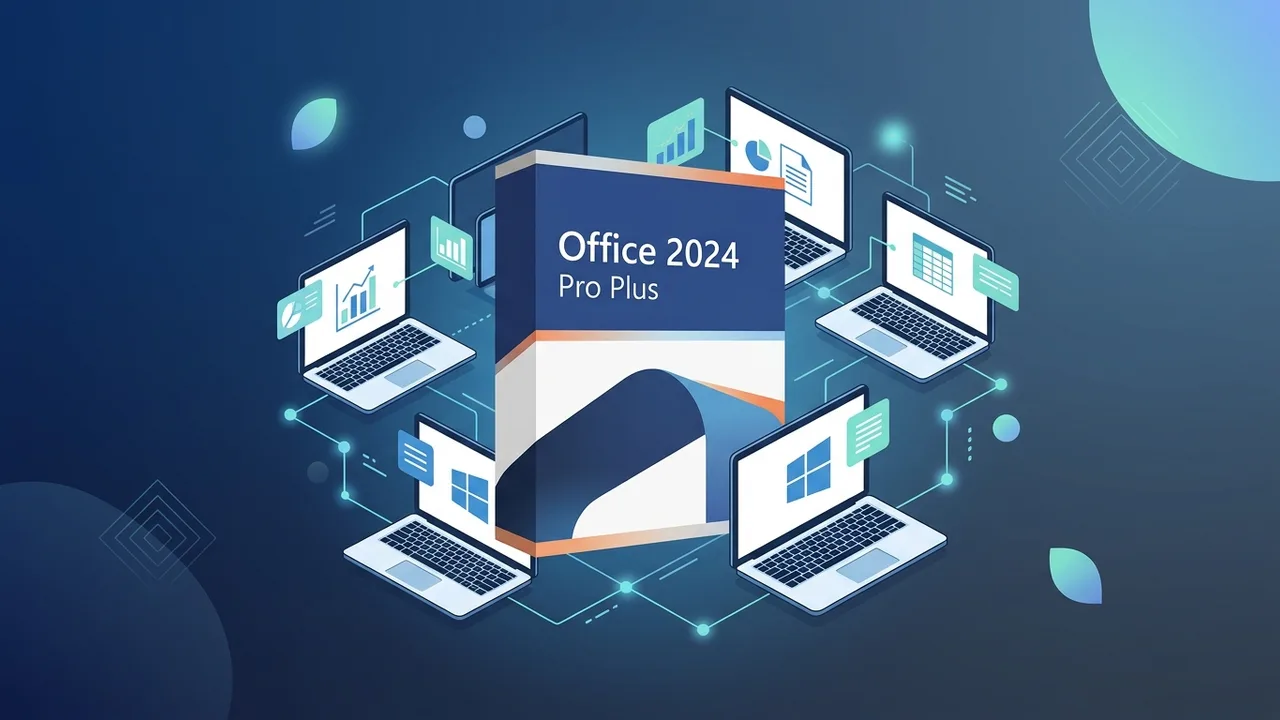
Overview of Office 2024 Pro Plus Windows 20 Devices
The acceleration of digital transformation within the Saudi market places a high priority on selecting reliable software infrastructures. Modern businesses, academic departments, and growing teams require robust tools that guarantee legal compliance and stable operations without straining their technology budgets. The Office 2024 Pro Plus Windows 20 Devices license addresses these core needs, offering an enterprise-grade solution that equips up to twenty workstations with industry-standard productivity tools under a single, unified key.
When assessing organizational software expenses, evaluating the Total Cost of Ownership (TCO) is crucial. While recurring cloud-based subscriptions (such as Microsoft 365) demand continuous monthly or annual payments, a perpetual license like Office 2024 Pro Plus Windows 20 Devices offers a highly practical alternative. With a one-time purchase, organizations secure permanent access to the applications, eliminating recurring software bills and simplifying internal license management for IT administrators across twenty distinct machines.
Key Features
This perpetual suite delivers the latest on-premises versions of Microsoft’s core applications, specifically optimized for high-demand business environments:
- Excel 2024: Features dynamic arrays, faster calculation engines, and advanced data modeling tools designed for seamless financial reporting and complex analysis.
- Word 2024: Modernized interface with enhanced editing tools, superior PDF integration, and advanced layout customization options for professional documentation.
- PowerPoint 2024: Offers high-definition multimedia integration, innovative slide transition effects, and smarter presentation delivery modes.
- Outlook 2024: Provides a streamlined interface for faster search results, optimized calendar scheduling, and structured inbox management to keep teams organized.
- Access & Publisher: Essential database management tools and professional layout utilities to support local application building and corporate design tasks.
By utilizing the official Office 2024 Pro Plus Windows 20 Devices license, businesses protect their infrastructure from security vulnerabilities. Authentic licenses receive direct security updates and patches from Microsoft, closing potential backdoors that are often present in unverified or cracked software versions.
How to Use
Deploying a multi-device license effectively requires a sequential approach to prevent software conflicts and ensure activation success. Follow these technical guidelines to activate Office 2024 Pro Plus Windows 20 Devices across your computers:
- Prepare the Systems: Completely remove any previous trials, older Office versions, or unverified software from the target systems to ensure a clean installation environment.
- Download Authentic Setup Files: Use the official Microsoft link or the authentic installation channel provided to acquire the setup files for the 2024 Pro Plus edition.
- Run the Installer: Execute the setup on your Windows 10 or Windows 11 operating system and allow the automated wizard to complete the software deployment.
- Input the License Key: Open any application, navigate to the Accounts section, and enter your genuine 25-character activation key when prompted.
- Extend to Other Workstations: Repeat this activation procedure on your remaining devices up to the allowed limit of 20 systems.
For managed IT environments, administrators can deploy the suite silently using standard Windows command-line configurations or the Office Deployment Tool (ODT) to standardize installations across the corporate local area network.
Common Questions
A primary consideration for decision-makers in Saudi Arabia involves compatibility and support lifecycles. This particular product, Office 2024 Pro Plus Windows 20 Devices, is engineered specifically for PCs running Windows 10 or Windows 11 and is not compatible with macOS. Additionally, as a perpetual license, it grants a permanent right of use that does not expire. It operates entirely offline after the initial activation process, making it ideal for environments where internet access is restricted or monitored for security purposes.
Important Tips
To maximize your return on investment and maintain perfect system health, consider these deployment best practices:
- Verify System Specifications: Confirm that all target computers run updated versions of Windows 10 or Windows 11 to guarantee application stability and official support.
- Avoid Cracked Activators: Using illegal activation scripts or third-party activators exposes your enterprise network to severe cybersecurity threats, including data breaches and ransomware attacks.
- Centralize License Keys: Maintain a secure digital inventory of your license credentials within your IT management portal for quick reference during future hardware upgrades or system re-imaging.
- Ensure Correct Device Limits: Track active installations systematically to ensure your deployment remains within the twenty-device allotment of the license.
Conclusion
Securing genuine software is a fundamental step toward protecting sensitive company data, maintaining compliance with intellectual property standards, and ensuring uninterrupted daily workflows. The Office 2024 Pro Plus Windows 20 Devices license represents a balanced, highly efficient investment that delivers premium tools, continuous offline accessibility, and a massive reduction in long-term operational costs.
You can get a genuine Office 2024 Pro Plus Windows 20 Devices license from ABMKeys at a competitive price with instant WhatsApp delivery.
Frequently Asked Questions
Does the Office 2024 Pro Plus Windows 20 Devices license support Mac computers?
Is this an annual subscription or a lifetime license?
How do I activate the license on 20 devices?
Do these applications require a continuous internet connection to work?
You can get a genuine license from ABMKeys at a competitive price with instant WhatsApp delivery.
Buy Now