
Office 2024 Home and Business Windows Troubleshooting Guide
This comprehensive guide provides practical troubleshooting solutions for Office 2024 Home and Business Windows. Learn how to resolve activation issues, optimize application performance, and avoid installation conflicts.
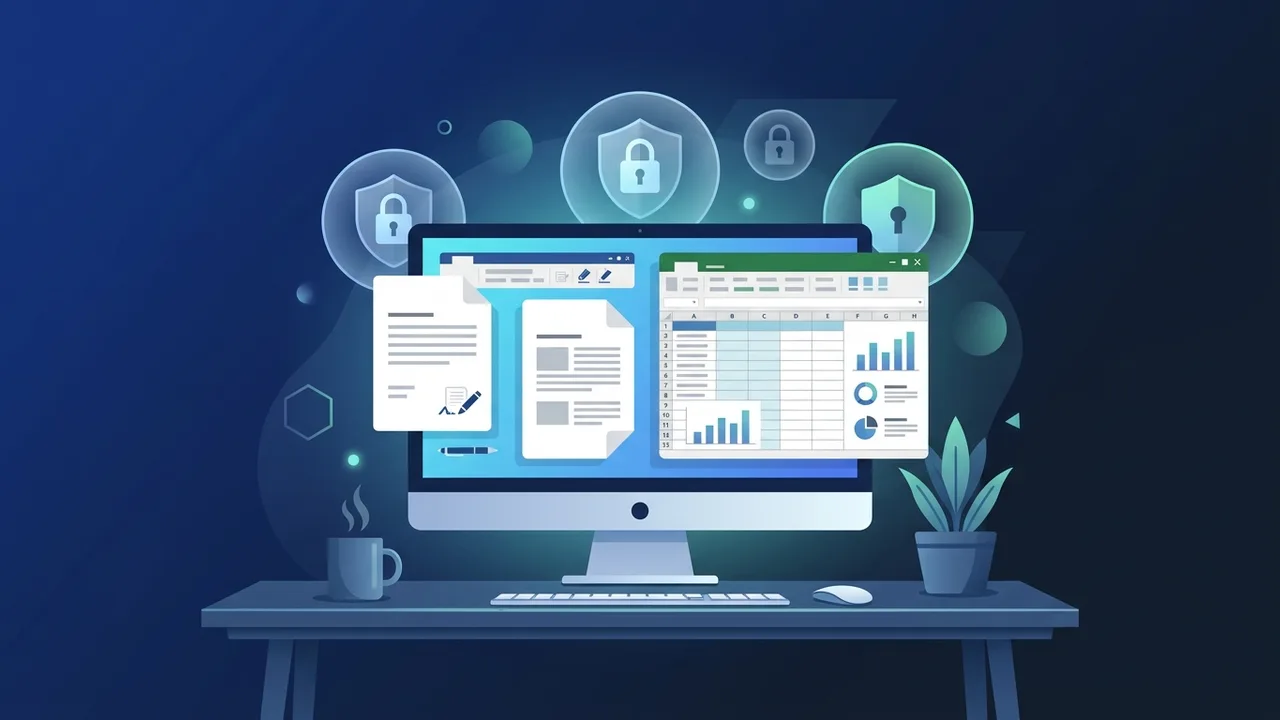
For small businesses and individual professionals in Saudi Arabia, Office 2024 Home and Business Windows has become a vital tool for streamlining operations and ensuring workplace productivity. However, like any advanced software, users may occasionally encounter technical challenges during installation, product activation, or daily workflow operations. This practical guide is designed to highlight the most common issues associated with Office 2024 Home and Business Windows and provide straightforward, reliable solutions to keep your applications running smoothly without interrupting your business operations.
Overview of Office 2024 Home and Business Windows
Office 2024 Home and Business Windows is a one-time purchase productivity suite designed specifically for families and small businesses who prefer to avoid recurring subscription fees. It includes essential classic applications such as Microsoft Word, Excel, PowerPoint, and Outlook, all optimized to run seamlessly on the Windows platform. Developed to complement the features of Windows 10 and Windows 11, this version provides a highly responsive interface, enhanced document security, and deep integration with modern hardware capabilities.
Unlike cloud-reliant subscription models, this suite localizes your workflow, allowing users to draft documents, build complex spreadsheets, and design presentations without requiring a permanent internet connection. This offline stability makes it highly appealing to the Saudi market, where data privacy, strict software ownership, and localized operations are critical business priorities.
Key Features
Understanding the core capabilities of Office 2024 Home and Business Windows helps users maximize their investment and prevent system issues:
- Lifetime License: Pay once and enjoy a permanent license for one PC, ensuring long-term utility without unexpected subscription costs.
- Advanced Outlook Integration: Effortlessly manage multiple business emails, shared calendars, and contact databases from a single centralized workspace.
- Performance Upgrades in Excel: Experience faster processing of large datasets, improved support for complex mathematical functions, and dynamic charts.
- PowerPoint Presentation Enhancements: Create visually stunning slides using new slide transitions, vector graphics, and 3D model support.
- Robust Offline Operations: Work securely and efficiently offline, with cloud syncing options available whenever you connect to the internet.
How to Use
To avoid common operating conflicts with Office 2024 Home and Business Windows, it is crucial to follow the recommended installation and configuration steps:
- Verify System Requirements: Ensure your computer runs a compatible version of Windows (either Windows 10 or Windows 11) with a minimum of 4GB RAM and sufficient free hard drive space.
- Clean Up Previous Versions: Uninstall any existing Microsoft Office packages or trial versions before installing the new software to prevent license conflicts.
- Download via Official Portals: Download the authentic setup files directly from the official Microsoft portal linked to your Microsoft account.
- Activate with a Genuine Key: Enter your purchased product license key upon launching any application (such as Word) to complete the setup and unlock official security updates.
Common Questions
Here are the most frequent troubleshooting questions and direct answers for users in the local market:
- Why do I see an activation error message? This error typically happens if the license key is mistyped, is meant for a different software version, or is already registered to another PC. Always ensure you are using a legitimate, unassigned license key.
- How can I resolve application freezing issues? Navigate to your Windows Control Panel, select "Programs and Features", find your Office product, and click "Change" followed by "Repair". The Quick Repair or Online Repair utility will fix corrupted core files without deleting your saved data.
- Does this version support permanent offline access? Yes, the software runs locally on your PC. You only need an internet connection during the initial installation, key validation, and for installing essential security patches.
- Why can't I access Microsoft Copilot features? Advanced AI tools like Copilot require an active Microsoft 365 cloud subscription. This lifetime license focuses on delivering stable, classic desktop application features without recurring charges.
Important Tips
Keep your Office 2024 Home and Business Windows suite working flawlessly with these highly recommended maintenance tips:
- Regularly Update Your Operating System: Keeping Windows fully updated prevents compatibility issues and keeps your office suite stable.
- Enable Auto-Save and Cloud Backups: Configure automatic local backups or sync documents to OneDrive to safeguard your essential files against sudden power losses.
- Avoid Unofficial Activation Tools: Software cracks and illegal generators expose your system to dangerous malware, void your product warranty, and violate local commercial laws.
- Clear Temp Files: Periodically clean out temporary system files to keep your applications running fast and responsive.
Conclusion
Office 2024 Home and Business Windows stands out as an outstanding, cost-effective solution for professionals and business entities across Saudi Arabia. By choosing clean, legitimate installations and avoiding unofficial utilities, users can easily bypass common technical hurdles and enjoy a secure, reliable working environment.
You can get a genuine Office 2024 Home and Business Windows license from ABMKeys at a competitive price with instant WhatsApp delivery.
Frequently Asked Questions
What causes activation errors in Office 2024 Home and Business Windows?
How can I resolve sudden freezing in Office applications?
Does Office 2024 Home and Business Windows require a continuous internet connection?
Does this version support artificial intelligence features like Copilot?
You can get a genuine license from ABMKeys at a competitive price with instant WhatsApp delivery.
Buy Now