
Office 2024 Home and Business Windows — Choosing Right
Learn how to choose Office 2024 Home and Business Windows. Discover key features, installation steps, and expert tips to make the right choice for your business.
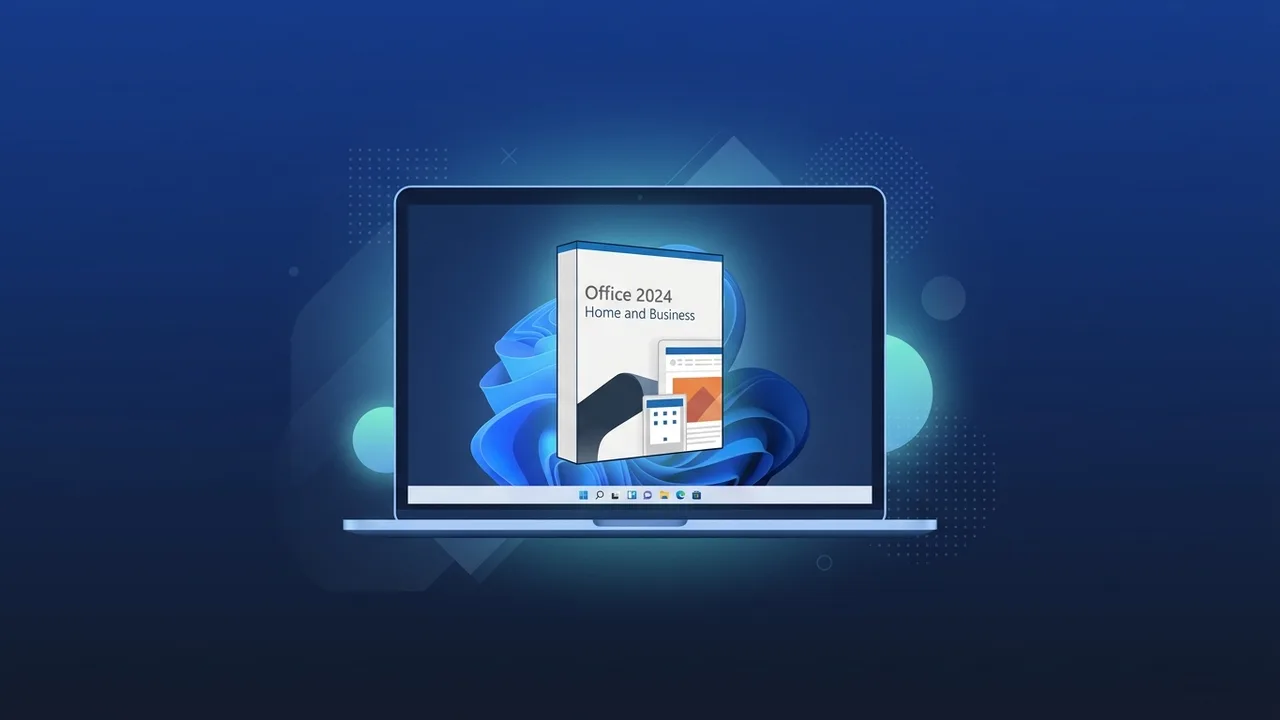
Many businesses and professionals in Saudi Arabia seek reliable productivity tools that offer long-term stability without the hassle of recurring monthly fees. Office 2024 Home and Business Windows stands out as an excellent lifetime solution, providing the essential tools needed for everyday tasks. In this guide, we will analyze everything you need to know before purchasing to ensure you make an informed decision for your personal or business needs.
Overview of Office 2024 Home and Business Windows
The Office 2024 Home and Business Windows edition is a perpetual license tailored specifically for users who prefer a one-time purchase over monthly or annual cloud subscriptions. This package is ideal for small businesses, freelancers, and startups in the Saudi market aiming to lower operational costs while keeping high-standard productivity and security intact.
This suite contains all the core applications indispensable for office tasks, such as word processing, advanced spreadsheets, interactive presentations, and professional email management. Unlike entry-level consumer packages, this version includes commercial usage rights, ensuring that your organization is fully compliant with software licensing regulations.
Key Features
The updated Office 2024 Home and Business Windows brings essential improvements to speed up work processes and enhance user experience on modern desktop computers. Here are the key highlights:
1. Lifetime Commercial License
The primary advantage of this edition is its financial predictability. You buy the license once and use it for years without worrying about recurring renewal fees or service interruptions due to payment declines.
2. Fully Optimized Applications
- Word 2024: Enhanced performance with improved collaboration tools, layout adjustments, and smooth integration with complex document formatting.
- Excel 2024: Offers faster data processing speeds, new charts, and expanded support for dynamic arrays and complex business formulas.
- PowerPoint 2024: Enables the creation of professional presentations with advanced transitions and streamlined insertion of high-definition media.
3. Professional Email with Outlook 2024
Manage your official emails, shared calendars, and daily tasks within a secure, integrated environment, making it simple to organize communication with clients and partners.
4. Tailored for Windows 10 and 11
The software suite has been carefully optimized to blend seamlessly with Windows 11 and Windows 10 user interfaces, providing robust security protocols to protect sensitive business assets.
How to Use
Setting up and activating your Office 2024 Home and Business Windows is direct and secure, linking directly to your Microsoft account for future re-installations. Follow these simple steps:
- Access Microsoft Portal: Go to the official setup page and log in using your Microsoft account details.
- Submit Your Key: Enter the 25-character digital code to securely link the product license to your user profile.
- Download and Install: Once verified, download the installer directly onto your Windows PC and follow the on-screen instructions.
- Activate: Open any app, like Word or Excel, and sign in with the same account to automatically activate the license.
Common Questions
There are several typical questions that clients in Saudi Arabia ask before investing in this perpetual suite. Here are straightforward answers to help you out:
-
Does this edition run on macOS?
No, this specific license is designed exclusively for systems running Windows 10 or Windows 11. -
Will I receive feature updates?
You will receive continuous security patches and stability updates, but major feature transitions associated with cloud services are not included. -
Can I transfer the software to another PC?
Yes, you can transfer the installation to a new computer, provided you completely uninstall it from the previous device, as one license supports one active device.
Important Tips
To guarantee a smooth implementation and avoid technical or legal issues, keep these essential recommendations in mind:
- Verify OS Compatibility: Ensure your computer is fully updated to either Windows 10 or Windows 11 for complete software stability.
- Avoid Counterfeit Licenses: Unauthorized keys put your system at risk of malware and deny you critical security updates.
- Ensure Commercial Rights: Always choose a version that supports commercial usage if you plan to operate the tools within an enterprise context.
Conclusion
Investing in Office 2024 Home and Business Windows is a sound decision for anyone looking for reliable, high-performance office software without the stress of ongoing costs. With its powerful feature set and direct integration, it elevates your everyday business productivity to new heights.
You can get a genuine Office 2024 Home and Business Windows license from ABMKeys at a competitive price with instant WhatsApp delivery.
Frequently Asked Questions
Is Office 2024 Home and Business Windows a lifetime license?
Can I activate the license on multiple computers?
Does the software require a continuous internet connection?
Does this edition include Microsoft Teams?
You can get a genuine license from ABMKeys at a competitive price with instant WhatsApp delivery.
Buy Now