
Office 2019 Pro Plus Lifetime for 30 PCs: Everything You Need to Know
This article explains the concept of Office 2019 Pro Plus Lifetime for 30 PCs in a clear and beginner-friendly manner. Learn about its key features, activation process, and how it compares to other Office editions. A practical read for anyone seeking a reliable software license for a multi-device work environment.
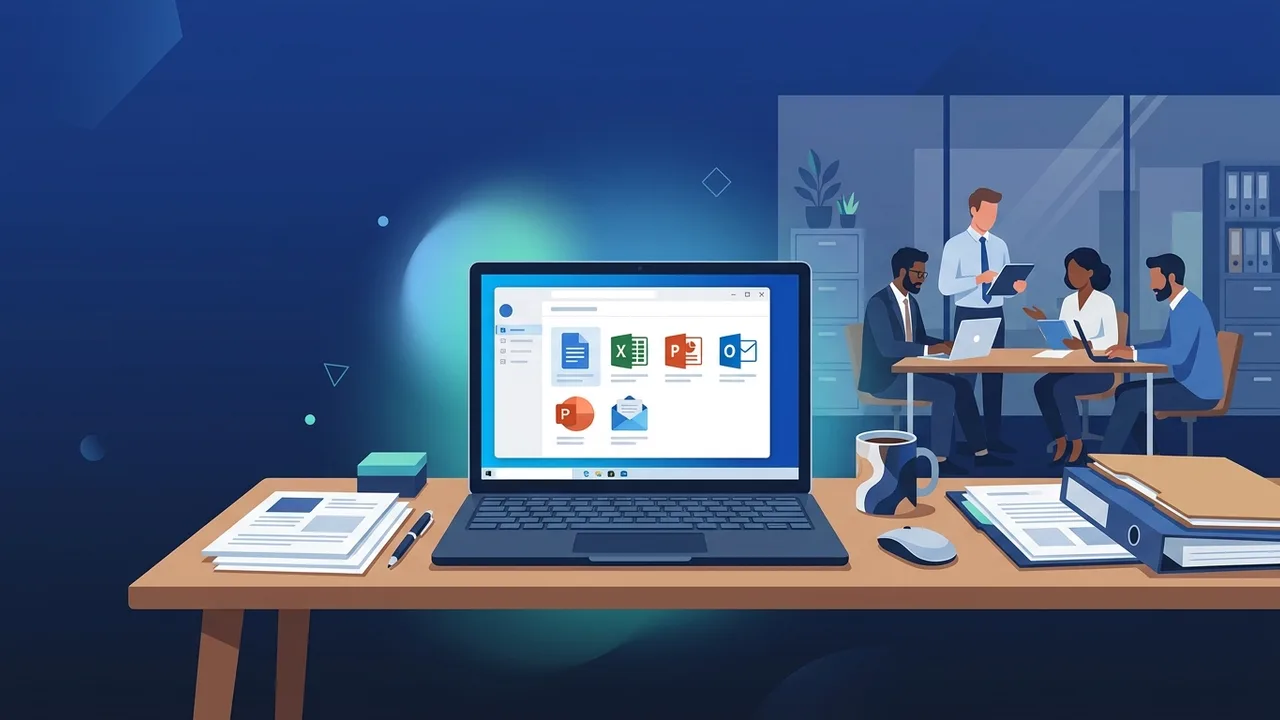
Overview of Office 2019 Pro Plus Lifetime for 30 PCs
If you are looking for a comprehensive software solution that suits an organizational environment or serves a large number of users without the need to renew a subscription annually, then Office 2019 Pro Plus Lifetime for 30 PCs is an option worth careful consideration. This edition provides the full Microsoft Office suite of applications under a permanent license — meaning you pay once and gain the right to use the software for a lifetime across thirty computers.
This type of license differs from Microsoft 365 subscriptions, which are renewed annually or monthly. Instead, it grants the user or organization financial stability and planning certainty, while ensuring permanent access to all included applications. In the Saudi market, demand for such licenses is growing among small and medium-sized businesses, schools, and training centers that need to activate the software on multiple devices simultaneously.
Key Features of Office 2019 Pro Plus Lifetime for 30 PCs
Office 2019 Pro Plus Lifetime for 30 PCs carries a set of advantages that make it a practical choice for both organizations and individuals. Among the most notable features:
- Permanent License for Thirty Devices: A single license key allows activation on up to thirty computers, significantly reducing total cost compared to purchasing individual licenses per device.
- Comprehensive Application Suite: The Pro Plus edition includes Word, Excel, PowerPoint, Outlook, Access, Publisher, and Skype for Business — covering the vast majority of everyday workplace needs.
- One-Time Payment, No Subscription: There are no recurring fees, making it well-suited for fixed and pre-defined budgets.
- Version Stability: Office 2019 operates largely offline for most tasks, which suits work environments that prefer independence from a constant internet connection.
- Support for Windows 10 and Above: This edition functions fully with modern Microsoft-supported operating systems.
- Familiar Interface: Office 2019 retains the traditional interface that many users are already comfortable with, reducing the need for intensive retraining.
How to Use and Activate Office 2019 Pro Plus Lifetime for 30 PCs
The activation process for Office 2019 Pro Plus Lifetime for 30 PCs follows clear and organized steps. Here is a simplified explanation for beginners:
- Download the Installation File: After obtaining the license key, download the installation file from Microsoft's official website to ensure a clean and trustworthy copy.
- Install the Software: Run the installation file and follow the setup wizard step by step until installation is complete.
- Enter the Product Key: Once installation is finished, enter the 25-character license key in the designated field.
- Online Activation: Activation occurs automatically by connecting to Microsoft's servers and typically completes within seconds.
- Repeat on Other Devices: The same process is repeated on each of the thirty computers covered by the license.
It is worth noting that the Pro Plus edition is designed for Windows devices. You should confirm operating system compatibility before beginning installation.
Common Questions About Office 2019 Pro Plus Lifetime for 30 PCs
Below are answers to the most frequently asked questions that users raise before making a purchase decision:
Does the software work without an internet connection?
Yes, Office 2019 operates for most tasks without a permanent internet connection once activation is complete. This is one of its distinguishing features compared to cloud-based subscription editions.
Can the license be transferred from one device to another?
This depends on the specific license type and its terms and conditions. You should review the accompanying license policy to confirm whether transfer or device replacement is permitted.
Does the license include future updates?
Users receive security updates relevant to the 2019 edition, but will not automatically receive features from later versions such as Office 2021 or Microsoft 365.
What is the difference between Pro Plus and other editions?
The Pro Plus edition is the most comprehensive in the Office 2019 family. It includes all core applications, including Access and Publisher, which are not available in lower-tier editions.
Important Tips Before Purchasing and Using
Before deciding to obtain Office 2019 Pro Plus Lifetime for 30 PCs, there are several practical points worth considering:
- Verify Device Specifications: Ensure that all targeted devices run Windows 10 or higher and meet the minimum technical requirements for the software.
- Store Your License Key Securely: The product key is a valuable digital document. Keep it in a secure location and avoid sharing it with unauthorized parties.
- Evaluate Your Actual Needs: If your organization requires intensive cloud collaboration and continuous updates, a Microsoft 365 subscription may be a more appropriate alternative.
- Invest in Training: Consider training your staff on the applications included in the suite to maximize the value of the license.
- Purchase from Trusted Sources: Always buy from reputable vendors that guarantee a genuine copy and provide clear technical support.
Conclusion
Office 2019 Pro Plus Lifetime for 30 PCs is a well-considered choice for organizations and businesses seeking to equip their devices with a complete office suite without committing to recurring financial obligations. This license combines comprehensiveness in terms of included applications with flexibility in terms of the number of supported devices, making it suitable for a wide variety of work environments across the Saudi market.
Whether you manage an educational institution, a startup, or a training center, this license deserves a top spot on your software shortlist. That said, a careful assessment of your actual operational needs remains the most important first step before making any decision.
You can get a genuine Office 2019 Pro Plus Lifetime for 30 PCs license from ABMKeys at a competitive price with instant WhatsApp delivery.
Frequently Asked Questions
What is the difference between Office 2019 Pro Plus Lifetime for 30 PCs and a Microsoft 365 subscription?
Does Office 2019 Pro Plus Lifetime for 30 PCs support Mac computers?
Can the same license key be used on 30 devices simultaneously?
What applications are included in Office 2019 Pro Plus Lifetime for 30 PCs?
You can get a genuine license from ABMKeys at a competitive price with instant WhatsApp delivery.
Buy Now