
Microsoft Outlook from Zero to Pro
Discover the correct step-by-step practical guide to using Microsoft Outlook to manage your email, organize your calendar, and increase your productivity in Saudi business environments.
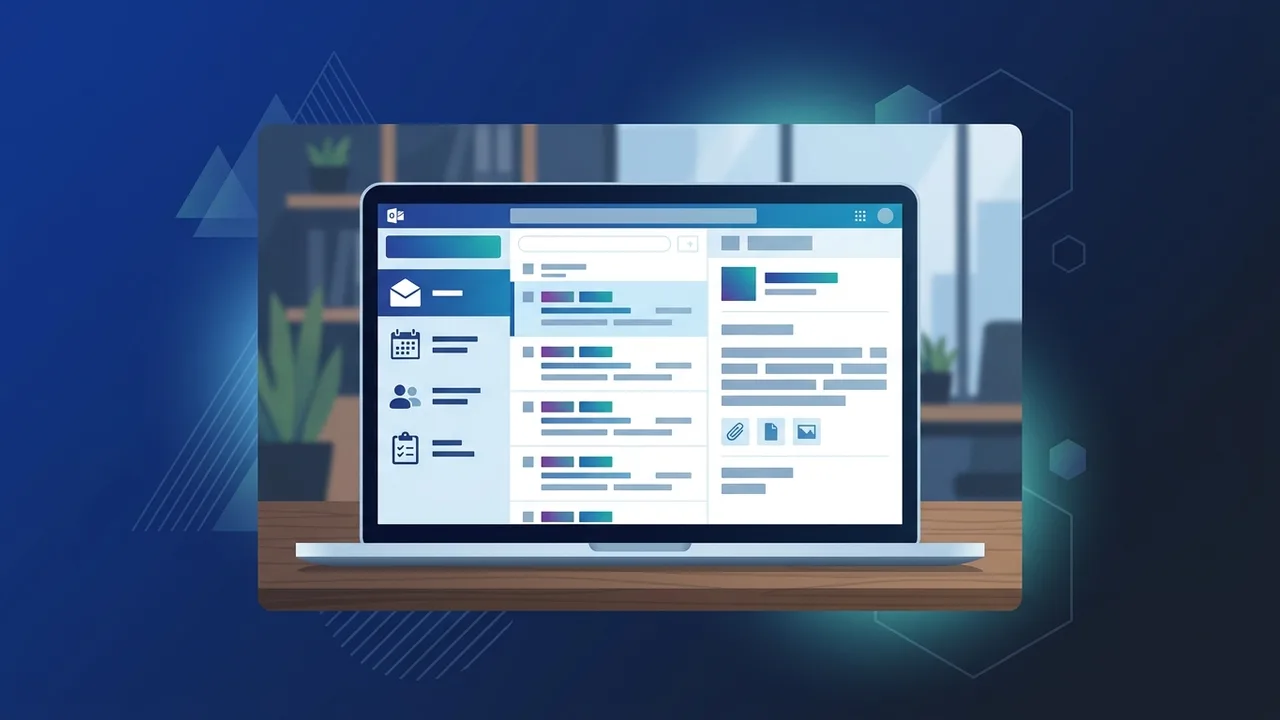
Overview of Microsoft Outlook
In today's fast-paced corporate environment in Saudi Arabia, reliable communication and organization tools are indispensable. Among these solutions, Microsoft Outlook stands out as the premier personal information manager and email client utilized by professionals and enterprises alike. Far beyond a simple tool for sending and receiving messages, it serves as a central hub for managing calendars, task lists, contacts, and daily schedules, empowering users to drive peak productivity in their everyday business operations.
Historically introduced as part of the Microsoft Office suite, this application has evolved dramatically. Today, Microsoft Outlook is a cloud-integrated platform that enables seamless teamwork, remote collaboration, and robust security protocols that align with the cybersecurity standards required by government agencies and private firms across the Kingdom of Saudi Arabia.
Key Features
The program possesses an expansive array of professional features that elevate it above standard email providers. Some of the most notable features include:
1. Focused Inbox
This feature automatically categorizes your incoming mail into two tabs: "Focused" for high-priority business communication and "Other" for newsletters, advertisements, and automatic receipts. This helps employees stay focused on immediate deadlines without being bogged down by clutter.
2. Integrated Calendar & Scheduling
The integrated calendar lets you organize your days, weeks, and months seamlessly. You can share your calendar with team members, view their availability, and schedule meetings instantly, which reduces back-and-forth messaging.
3. Contact & Task Management
The built-in task manager syncs flawlessly with Microsoft To-Do. Users can set deadlines, flag emails for follow-up, and organize their corporate contact lists systematically with comprehensive contact cards.
4. Advanced Enterprise Security
Security is a vital concern for businesses in Saudi Arabia. The application provides robust built-in protection against phishing, malware, spam, and unsolicited links, ensuring confidential company data remains secure.
How to Use
Setting up and getting the most out of your experience involves specific, straightforward procedures. Here is a step-by-step practical guide to using Microsoft Outlook correctly:
Step 1: Account Configuration
When opening the application for the first time, you will be prompted to enter your email address (whether a corporate Exchange account, or personal Outlook, Hotmail, or Gmail). Follow the onscreen instructions to enter your password. The software auto-configures server settings in most cases.
Step 2: Composing and Sending Emails
To draft a new message, click on the "New Email" button at the top left of the home interface. Input the recipient's address in the "To" field, enter a concise topic in the "Subject" field, write your message body, and utilize the format text bar to adjust fonts or attach documents.
Step 3: Organizing with Rules and Folders
To keep your workspace uncluttered, right-click on any incoming email and select "Rules". You can set custom actions, such as automatically moving emails from a specific sender to a designated folder, making workflow management highly automated.
Step 4: Scheduling Meetings via Calendar
Navigate to the calendar icon on the navigation panel and click on "New Meeting". Specify the timing, location, and invitees. If your organization utilizes Microsoft Teams, a virtual meeting link can be auto-generated for the invitation.
Common Questions
To help users navigate their daily operations, we have gathered some of the most frequent queries concerning this utility:
Does the application work without an internet connection?
Yes, you can read previously downloaded emails, search offline folders, and compose new drafts. Once your device reconnects to the internet, any pending outgoing messages will be sent automatically.
How can I recall a sent email?
The "Recall" feature is available if both you and the recipient are using a Microsoft Exchange account within the same organization, and the recipient has not yet opened the message.
What is the difference between the free and paid versions?
The free version is a web-based client with standard features and advertising. The paid desktop client, which comes with Office bundles, offers advanced security, offline support, ad-free operation, and extensive cloud storage space.
How do I back up my mailbox data?
You can back up your messages, contacts, and calendar events by exporting them to an Outlook Data File (.pst) through the Import/Export option under the File menu.
Important Tips
To enhance your daily efficiency and optimize your digital workspace, consider implementing these expert practices:
- Utilize Keyboard Shortcuts: Save time by learning fundamental shortcuts like (Ctrl + N) to create a new mail, and (Ctrl + R) to reply to the currently selected email.
- Implement Quick Steps: Leverage the Quick Steps feature to combine multiple actions into one click—such as archiving a message and marking it as read simultaneously.
- Maintain a Consistent Archive: Move finalized projects and older threads into archive folders to maintain a light, responsive inbox and speed up search queries.
- Always Use Genuine Software: To safeguard your business data against cyber threats and access the latest features and security updates, secure official licenses for your suite.
Conclusion
Microsoft Outlook is an essential pillar for professional organization and corporate success in the modern Saudi market. By mastering its features and structural tools, you can easily turn a chaotic workspace into a streamlined, high-output operational routine.
If you need a genuine Office 2021 Pro Plus – Email-Linked Permanent License license, you'll find it at ABMKeys at a fair price with instant WhatsApp delivery.
Frequently Asked Questions
Does Microsoft Outlook work without an internet connection?
How can I recall a sent email in Outlook?
What is the difference between the free and paid versions of the application?
How do I back up my mailbox data?
You can get a genuine license from ABMKeys at a competitive price with instant WhatsApp delivery.
Buy Now