
Learn Photoshop Step by Step
Discover a practical step-by-step guide to learn photoshop from scratch. Master the essential tools, features, and professional workflows to boost your design skills.
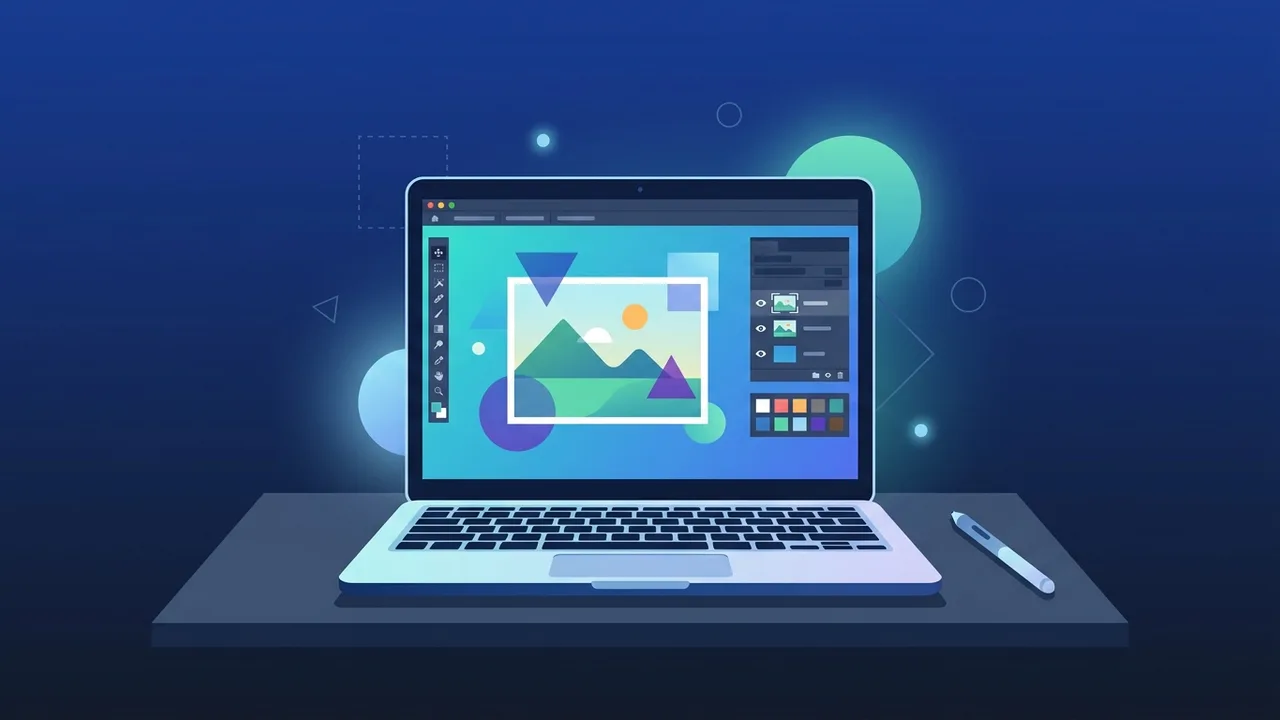
Adobe Photoshop is widely recognized as the ultimate industry standard for digital design, photo editing, and creative artwork globally. Deciding to learn photoshop is one of the most rewarding career decisions you can make today, unlocking exceptional professional opportunities in graphic design, web design, advertising, and digital content creation. In this practical guide, we will break down the essential tools and techniques step by step to simplify your path from a beginner to a confident creator, especially relevant in the fast-growing Saudi digital business landscape.
Overview of learn photoshop
Embarking on a journey to learn photoshop involves more than just clicking randomly on tools; it is about developing a professional visual mindset. The software is used globally by photographers, creative agencies, and digital marketers to bring complex visual ideas to life. In Saudi Arabia, the rapid digital expansion across startups and established enterprises has driven an unprecedented demand for skilled visual designers.
Whether you are a hobbyist looking to enhance personal photos or an aspiring professional aiming to offer freelance design services, mastering this software gives you a major competitive advantage. The best learning path starts with a clean understanding of the user interface, followed by hands-on experimentation with essential tools before diving into high-level features.
Key Features
As you begin to learn photoshop, you will discover an incredible suite of professional features designed to give you absolute creative freedom:
- Advanced Layer System: This feature lets you build your design in separate, stacked sheets, making it easy to edit text, images, and shapes without affecting other parts.
- Smart Selection Tools: From the magnetic lasso to AI-powered subject selections that isolate complex elements automatically in a single click.
- Layer Masks: A fundamental tool for non-destructive editing, allowing you to blend multiple images together or hide details without deleting the original pixel data.
- Precision Color Grading: Comprehensive curves, levels, and Camera Raw integration to adjust contrast, exposure, and color temperature for high-end results.
- Custom Brushes and Patterns: Access to a massive library of digital paintbrushes and effects, enabling realistic sketching and texturing.
How to Use
To practice your skills systematically, follow this straightforward workflow designed for beginners:
1. Familiarize Yourself with the Workspace
When launching the application, identify the Menu Bar at the top, the primary Toolbar on the left, and the crucial Layers Panel on the right. You can easily drag and reorganize these panels to match your personal workflow preference.
2. Set Up a New Project
Click on New File and define your canvas dimensions. For print designs, choose 300 DPI resolution and CMYK color mode. For web and mobile screens, choose 72 DPI and RGB color mode.
3. Work Smart with Layers
Always create a new layer before typing text or painting. Stacking your elements independently ensures you can scale, move, or delete any specific part of your design later with zero hassle.
4. Master the Basic Toolset
Spend time practicing daily with the Move Tool to rearrange objects, the Crop Tool to adjust framing, and the Quick Selection Tool to isolate objects from their backgrounds.
5. Export and Save Properly
Save your master project file in PSD format to preserve all your editable layers. When ready to share, export a optimized copy in standard formats such as JPEG or PNG.
Common Questions
Here we address the most common questions beginners have when starting out:
What are the recommended system specs to run the software?
You will get the best results with at least 8GB of RAM, a dedicated graphics processor, and a multi-core processor to ensure a smooth, lag-free experience.
How long does it take to learn the core essentials?
By committing to daily practice, you can get highly comfortable with the layout and design your first creative poster in about two to three weeks.
Is it possible to become self-taught online?
Yes, there are thousands of high-quality tutorials and practical projects available online that make self-paced learning highly accessible and effective.
Why is it important to use a genuine license?
Using a genuine license ensures complete software stability, protects your projects from file corruption, and gives you instant access to the latest AI tools and security patches.
Important Tips
To accelerate your progress and avoid common beginner mistakes, keep these helpful tips in mind:
- Commit to Daily Practice: Simply watching video tutorials is not enough. Hands-on practice with real-world design files is key to building muscle memory.
- Learn Vital Keyboard Shortcuts: Memorizing essential shortcuts (like Ctrl+Z to undo and Ctrl+T for free transform) saves hours of manual searching and keeps your focus on the canvas.
- Develop Visual Inspiration: Spend time on platforms like Behance or Pinterest to study how experienced designers organize layouts, combine fonts, and balance color schemes.
- Start with Tiny Tasks: Avoid overwhelming yourself with complex art on day one. Start by cleanly removing a background or placing text on a photo, then work your way up.
Conclusion
In conclusion, deciding to learn photoshop is a powerful investment in your creative and professional future. As the digital economy in Saudi Arabia continues to flourish, having high-quality design skills opens doors to incredible freelance opportunities and corporate careers. Stay persistent, practice step by step, and enjoy the visual process as you bring your unique ideas to life.
If you need a genuine Adobe Master Collection 2025 Windows Lifetime license, you'll find it at ABMKeys at a fair price with instant WhatsApp delivery.
Frequently Asked Questions
Is Photoshop difficult for beginners to learn?
How long does it take to get comfortable with the software?
Do I need a high-end computer to run Photoshop?
What are the benefits of using a genuine version of Photoshop?
You can get a genuine license from ABMKeys at a competitive price with instant WhatsApp delivery.
Buy Now