
Learn Photoshop online in Minutes
Learn how to use Photoshop online to edit and design your images directly inside your web browser. A practical guide covering essential tools, Arabic font fixes, and high-quality export options.
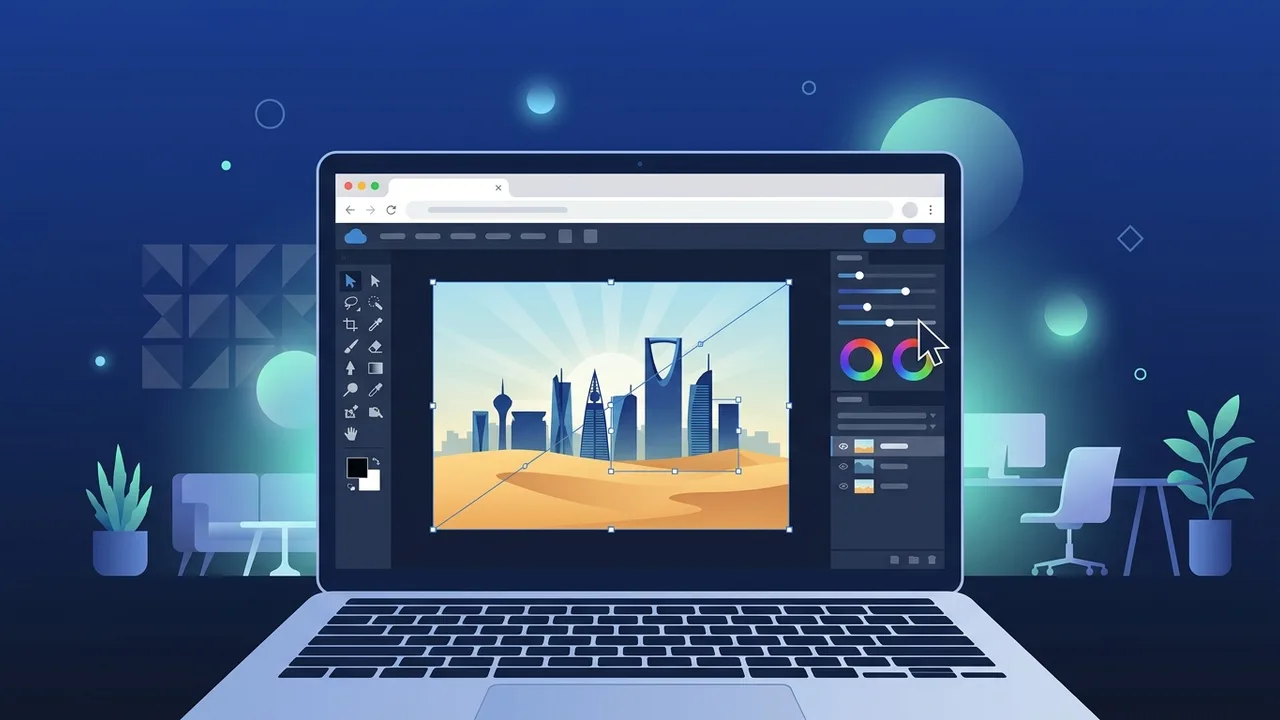
With the rapid digital transformation sweeping across Saudi Arabia in line with Vision 2030, cloud-based workflow solutions have become vital for daily business operations. For creators, freelancers, and students looking to edit images on the fly, Photoshop online has emerged as a groundbreaking approach to graphic design. Whether you are a marketing student at King Saud University or King Abdulaziz University, or a small business owner in Riyadh or Jeddah, utilizing web-based tools allows you to bypass heavy software installations and optimize your workflow. This guide explores how you can leverage browser-based editing to create professional designs seamlessly with high-speed 5G connectivity available throughout the Kingdom.
What is Photoshop Online and How Does It Differ from the Desktop App?
A browser based photoshop platform is a cloud-powered system that runs directly inside your web browser. Unlike the traditional desktop installation, which requires heavy processing power and substantial disk space, web editors utilize remote servers to perform complex rendering tasks.
The primary difference lies in accessibility and system requirements. The desktop application demands a robust GPU and continuous software updates, whereas the web-based version allows you to log in and start editing instantly on any device. This introduces a reliable no download image editor experience that enables fast mockups, making it highly effective for professionals who travel frequently or work on mid-range laptops.
Step-by-Step Guide: How to Start a New Design Project in Your Browser
Starting a new project inside your web browser is incredibly straightforward. Follow these practical steps to begin:
- Step 1: Launch your preferred web browser and ensure you have a stable internet connection.
- Step 2: Navigate to the web editor of your choice and click on the "New Project" button.
- Step 3: Input your canvas dimensions (width and height in pixels) or choose from pre-made templates for social media or print layouts.
- Step 4: Select your preferred background style (transparent, white, or custom color) and hit "Create".
By leveraging this setup, you can immediately initiate a cloud graphic design tool session and produce assets with professional efficiency without installing any setup files.
Top Free Websites Offering a Photoshop Online Experience (Like Photopea)
Among the tools available on the web today, Photopea stands out as a highly robust photoshop web alternative. It closely mirrors the layout, keyboard shortcuts, and capabilities of the industry-standard software.
These web applications function as a free online photo editor, offering essential features such as layer management, blend modes, vector masks, and smart objects. For independent designers and startup teams across Saudi Arabia, these platforms offer an excellent way to edit assets without committing to monthly subscription fees.
How to Use Essential Tools in Photoshop Online for Image Editing
Understanding the core toolbar is essential to master the art of browser-based design. When you utilize Photoshop online platforms, you will frequently interact with these key tools:
- The Crop & Slice Tool: Essential for adjusting aspect ratios and focusing on specific subjects within your frame.
- The Move & Transform Tool: Used to scale, rotate, and reposition individual layers or elements.
- Adjustment Layers: Allows non-destructive editing of brightness, contrast, hue, and saturation.
- The Type Tool: Enables you to overlay promotional text and typography directly onto your canvas.
Using these tools makes the process to edit images online free highly intuitive and fast, even for absolute beginners.
Solving Arabic Font and Right-to-Left Text Issues in Web Editors
A common hurdle for graphic designers in the Middle East is the incorrect rendering of Arabic letters, which sometimes appear disconnected or reversed in web environments.
To overcome this, platforms featuring photopea arabic text support offer built-in text engines capable of handling Right-to-Left (RTL) scripts. To fix text alignment, ensure the "RTL" paragraph option is active. Additionally, you can upload your custom local TrueType (.TTF) or OpenType (.OTF) Arabic fonts directly into the browser to ensure the typography looks professional, clear, and perfectly aligned with the local identity.
Tips for Saving and Exporting Your Designs in High Quality and Various Formats
Once your project is complete, exporting it correctly is crucial to preserve visual fidelity:
- PNG Export: Best for graphics requiring transparent backgrounds, such as logos or icons.
- JPEG Export: Ideal for photographic content intended for social media platforms where file size optimization is required.
- PSD Export: Saves the fully layered file, allowing you to resume editing at a later date on any compatible application.
Always review the export quality slider and set it to maximum when saving your master copy to prevent unwanted compression artifacts.
If you need a genuine Adobe Master Collection 2025 Windows Lifetime license, you'll find it at ABMKeys at a fair price with instant WhatsApp delivery.
Frequently Asked Questions
Can I use Photoshop online completely for free?
Do I need a high-end computer to run cloud-based image editors?
How do I fix disconnected or reversed Arabic text in web-based editors?
Can I open and edit native PSD files using a web browser?
You can get a genuine license from ABMKeys at a competitive price with instant WhatsApp delivery.
Buy Now