
Learn Adobe Photoshop in Minutes
Learn how to use adobe photoshop step by step. This practical guide covers interface navigation, key features, layers, and essential design tips for professionals.
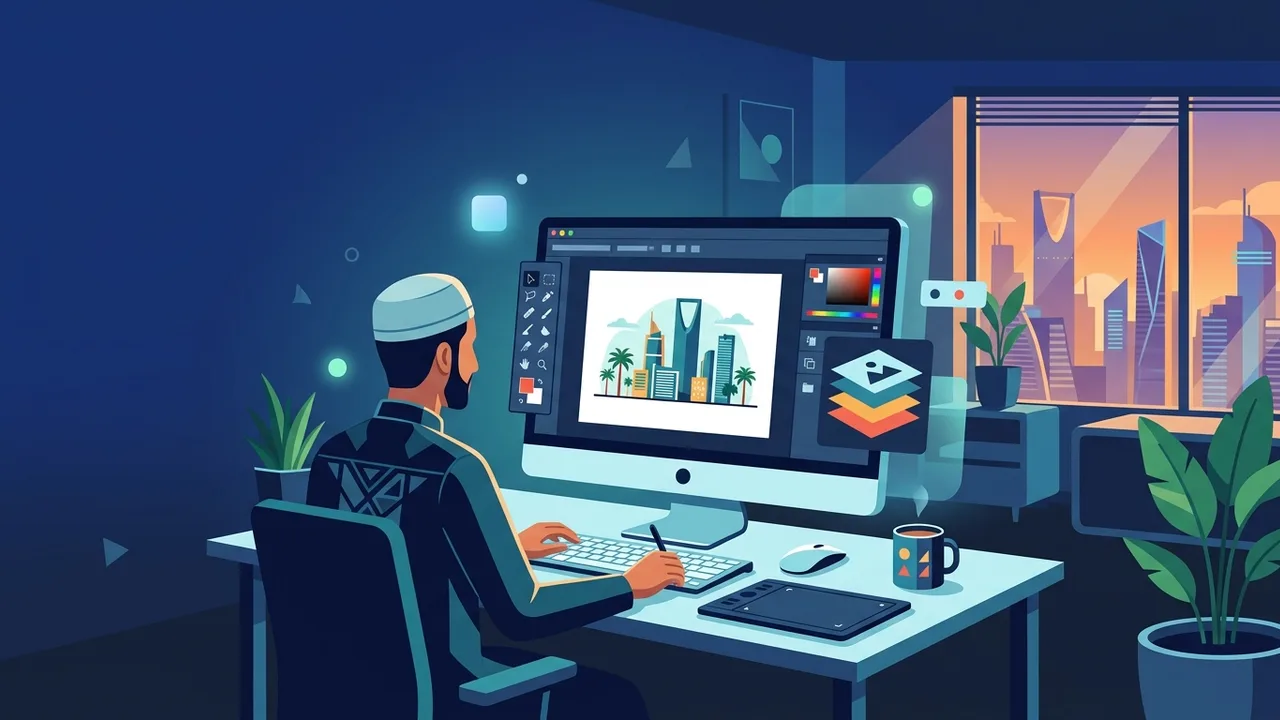
Overview of adobe photoshop
In the world of digital design and image manipulation, adobe photoshop stands as the undisputed industry standard. From professional photographers to digital artists and marketing agencies in Saudi Arabia, this powerful software has redefined visual storytelling. Whether you are creating social media graphics, corporate brand assets, or complex digital paintings, mastering this application is a crucial step toward career advancement in the growing Saudi digital economy.
This software goes far beyond simple photo editing. It provides a massive ecosystem of creative tools that cater to web designers, illustrators, and 3D artists. Understanding how to navigate and utilize adobe photoshop correctly enables you to transform raw creative concepts into polished, professional-grade visual products.
Key Features
The program contains a robust set of features designed to facilitate ultimate creative freedom while maintaining a highly efficient workflow. Here are some of the most prominent features:
- Layer-Based Editing: Allows you to isolate different elements of your project, making it easy to edit text, images, and shapes independently without altering other components.
- Advanced Selection Tools: Powered by machine learning, features like Select Subject and Object Selection let you isolate intricate details, such as hair or complex backgrounds, with a single click.
- Smart Objects and Smart Filters: Retains the original source content of your images, allowing you to perform non-destructive scaling, rotating, and filtering.
- Generative AI Integration: Empowers creators to add, remove, or expand content within images using simple text prompts directly within the canvas.
How to Use
Embarking on your design journey requires a structured approach. Follow these essential steps to get started with adobe photoshop the right way:
Step 1: Set Up a New Document
Launch the application and click on "New File". In the document preset window, specify your desired width, height, and resolution. For web projects, choose Pixels as your unit and RGB as the color mode. For physical print materials, choose Inches or Centimeters, and select CMYK color mode with a resolution of 300 DPI.
Step 2: Learn the Workspace Layout
Familiarize yourself with the interface. The Toolbar on the left houses your primary instruments, such as the Move Tool, Brush, and Lasso. The Options Bar at the top dynamically adjusts based on your selected tool. On the right, the Layers Panel serves as the command center for organizing your visual assets.
Step 3: Work with Layers and Masks
Import an image by dragging it into your workspace. Always create a new layer before adding new brush strokes or shapes. Utilize Layer Masks instead of the Eraser Tool; applying a mask allows you to hide parts of a layer using black paint and reveal them using white paint without permanently deleting pixels.
Step 4: Color and Exposure Adjustments
Enhance your image quality by using adjustment layers. Click the half-filled circle icon at the bottom of the Layers Panel to add a Curves or Hue/Saturation adjustment layer. This allows you to fine-tune highlights, shadows, and color vibrancy safely and non-destructively.
Step 5: Exporting Your Masterpiece
Once your project is complete, navigate to File > Save As and choose the PSD format to preserve your layers for future edits. For sharing or publishing, go to File > Export > Export As and select PNG for transparent elements, or JPEG for optimized online performance.
Common Questions
What are the minimum system requirements for the software?
To run the software smoothly, you need an Intel or AMD processor with 64-bit support, at least 8 GB of RAM (16 GB is highly recommended), a compatible graphics card with DirectX 12 support, and a fast SSD storage drive.
Can I use the application offline?
Yes. Once you install and activate your genuine license, you can use the software offline. An internet connection is only needed periodically to verify license status and download the latest features and security updates.
What is the difference between RGB and CMYK color modes?
RGB (Red, Green, Blue) is optimized for digital displays and screens, offering a wider spectrum of vibrant colors. CMYK (Cyan, Magenta, Yellow, Key/Black) is designed specifically for professional physical printing to ensure accurate physical color reproduction.
Are AI features available in lifetime software packages?
Yes, authentic and fully activated licenses provide seamless access to the cloud-powered AI tools, enabling features like Generative Fill and Neural Filters to work efficiently and securely.
Important Tips
To accelerate your learning curve and maintain an efficient, professional workflow while using adobe photoshop, implement these essential practices:
- Master Keyboard Shortcuts: Memorize vital hotkeys such as (V) for the Move tool, (B) for Brush, (Cmd/Ctrl + J) to duplicate layers, and (Cmd/Ctrl + Z) to undo. This dramatically increases your editing speed.
- Keep Layers Organized: Group related layers into folders (Cmd/Ctrl + G) and label them clearly. This habit prevents confusion, especially when handling complex client projects.
- Utilize Genuine Software: Operating on official, licensed software protects your system from malware, ensures software stability, and guarantees access to official cloud features and real-time security patches.
Conclusion
Undoubtedly, adobe photoshop remains the ultimate gateway to professional digital artistry and design. By taking a methodical, step-by-step approach to learning its interface and workflow, you can confidently build a compelling portfolio that stands out in the competitive Saudi Arabian creative market.
If you need a genuine Adobe Master Collection 2025 Windows Lifetime license, you'll find it at ABMKeys at a fair price with instant WhatsApp delivery.
Frequently Asked Questions
What are the minimum system requirements for adobe photoshop?
Can I use the application offline?
What is the difference between RGB and CMYK color modes?
Are AI features available in lifetime software packages?
You can get a genuine license from ABMKeys at a competitive price with instant WhatsApp delivery.
Buy Now