
Kaspersky Total Security GLOBAL 1 Device 1 Year Troubleshooting Guide
Learn how to troubleshoot and resolve activation, installation, and performance issues with Kaspersky Total Security GLOBAL 1 Device 1 Year to ensure continuous security.
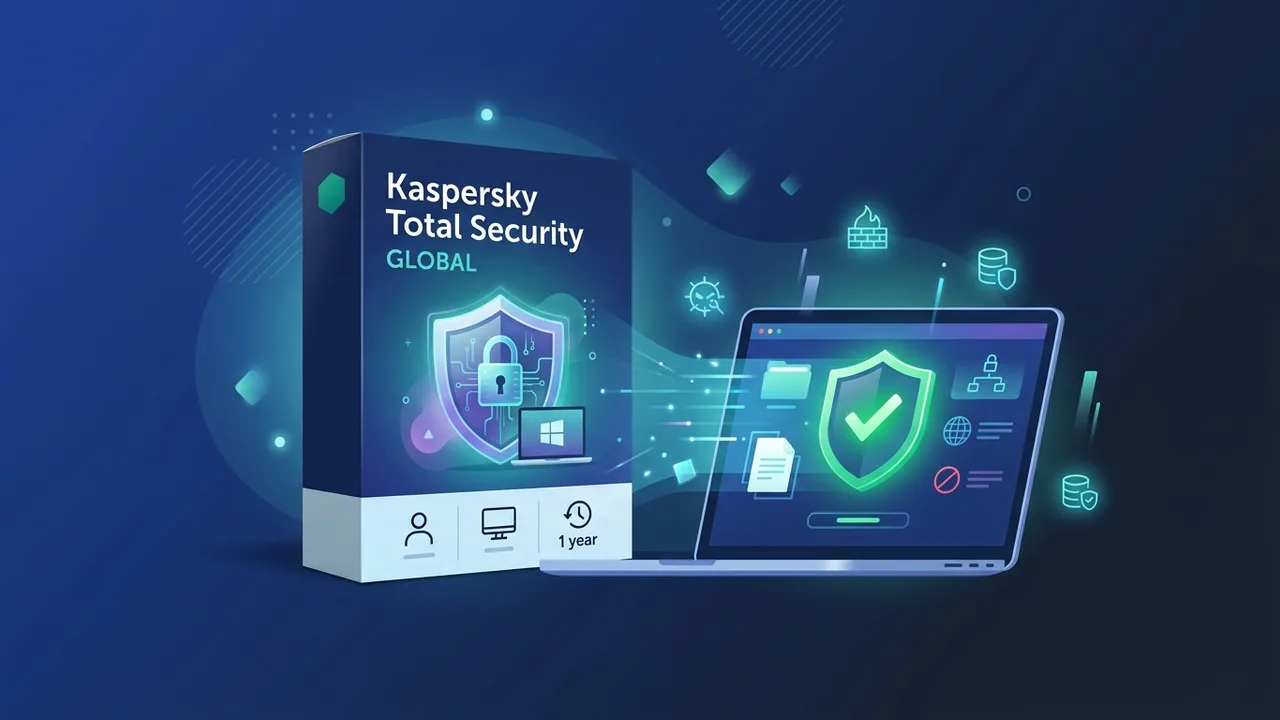
In an increasingly interconnected world, securing your digital presence is no longer optional—it is a critical necessity. Whether you are managing online bank accounts, working on sensitive documents, or browsing social media, threat actors are always looking for vulnerabilities. For users in Saudi Arabia and globally, the Kaspersky Total Security GLOBAL 1 Device 1 Year suite offers one of the most robust barriers against modern malware. However, users occasionally encounter technical hurdles during installation, registration, or activation. This guide aims to demystify these common issues and provide straightforward, practical solutions to keep your device secure and operational.
Overview of Kaspersky Total Security GLOBAL 1 Device 1 Year
The Kaspersky Total Security GLOBAL 1 Device 1 Year license is a comprehensive security solution engineered to protect a single operating system—be it Windows, macOS, Android, or iOS—for a full calendar year. Unlike entry-level antivirus programs, the "Total Security" tier provides multi-layered defenses, safeguarding your identity, financial transactions, and files. The "GLOBAL" specification means the license is highly versatile and designed to be activated seamlessly across various geographic borders.
Despite its advanced capabilities and user-friendly interface, users may face specific challenges. These range from activation conflicts and region mismatches to system performance overhead during deep scans or software installer blockages. Understanding why these hiccups occur is the key to resolving them quickly and maintaining your defense lines without interruption.
Key Features
Investing time in properly configuring your Kaspersky Total Security GLOBAL 1 Device 1 Year pays off heavily due to the premium suite of features included with your license:
- Advanced Ransomware Protection: Proactively monitors behavior to stop unauthorized modification of your personal photos, databases, and critical system documents.
- Safe Money Banking Browser: Automatically spins up a hardened, isolated sandbox browser for secure online banking and e-shopping transactions, fully shielding your credit card credentials.
- Secure Connection (VPN): Encrypts your internet traffic to hide your activity from ISPs and hackers, especially when using public Wi-Fi networks.
- Premium Password Manager: Safeguards your login credentials in an encrypted vault and synchronizes them across your active device.
- File Shredder and Encryption: Permanently erases sensitive files beyond recovery and encrypts confidential local folders.
How to Use
To avoid the vast majority of setup issues, it is essential to follow a clean and structured installation and registration process. Here is how to configure your software successfully:
Step 1: Perform System Cleanup
Before initiating the installation of Kaspersky Total Security GLOBAL 1 Device 1 Year, make sure to completely uninstall any third-party security software currently residing on your device. Having more than one real-time antivirus engine active causes severe software conflicts, resulting in system crashes, lockouts, or high CPU utilization.
Step 2: Set Up your My Kaspersky Account
Visit the official portal to create or log in to your My Kaspersky account. Your account serves as the central hub where your subscription licenses, active devices, and remote security controls are securely managed.
Step 3: Download and Input the Activation Code
Download the official installer directly from your My Kaspersky dashboard. Run the setup file, complete the guided installation wizard, and when prompted, enter the 20-digit alphanumeric activation key precisely as provided to activate your one-year protection.
Common Questions
Why am I getting a 'License key invalid for this region' error?
This message typically crops up when there is a mismatch between your account's regional settings and the geographic origin of your internet connection or the license key. To resolve this, ensure your My Kaspersky account is set to global, verify that your local system timezone matches your actual physical location, and temporarily disable any third-party proxy or VPN services that might obfuscate your geographic location during the activation process.
How do I resolve 'Installation Interrupted' errors?
This error is usually triggered by residual files from a previously uninstalled antivirus program or a pending Windows Update. To fix it, run a specialized software cleanup tool to remove registry traces of previous applications, install any outstanding operating system updates, restart your computer, and run the installer again as an Administrator.
Can I migrate the license to a replacement device?
Yes. Since this is a 1-device license, you can easily transfer the protection. Simply uninstall the program from your old device or log in to My Kaspersky, disconnect the old machine from your subscription list, and then download and activate the software on your new machine using the same license credentials.
Important Tips
Ensure a worry-free and optimal user experience by implementing these expert recommendations:
- Always Sync Your Device Time: An incorrect system clock is one of the primary, yet often overlooked, reasons behind SSL handshake errors and activation failures. Ensure your device is configured to synchronize its date and time automatically with internet time servers.
- Enable Automated Databases Updates: Cyber threats evolve by the minute. Let the application run its automatic database updates in the background to ensure you remain fully protected against brand-new, zero-day exploits.
- Purchase Genuine Software Keys: Acquiring your software licenses from reputable, trusted sources ensures that you receive a secure, official activation code that will not get blacklisted or deactivated prematurely by the manufacturer.
Conclusion
Equipping your system with Kaspersky Total Security GLOBAL 1 Device 1 Year guarantees peace of mind and top-tier protection against modern cyber threats. While occasional installation blocks or activation mismatches may occur, they are easily fixable through the practical steps detailed in this guide.
You can get a genuine Kaspersky Total Security GLOBAL 1 Device 1 Year license from ABMKeys at a competitive price with instant WhatsApp delivery.
Frequently Asked Questions
What should I do if I get a region mismatch activation error?
Why does the antivirus slow down my system during scans?
Can I transfer my 1-device subscription to a new computer?
How do I resolve installation interrupted errors?
You can get a genuine license from ABMKeys at a competitive price with instant WhatsApp delivery.
Buy Now