
Kaspersky Small Office Security PC 5 Devices 12 Months Kaspersky Key GLOBAL: A Detailed Comparison to Help You Choose
A comprehensive neutral comparison of Kaspersky Small Office Security for 5 devices, 12 months with a global key. Learn how to protect your small business in KSA.
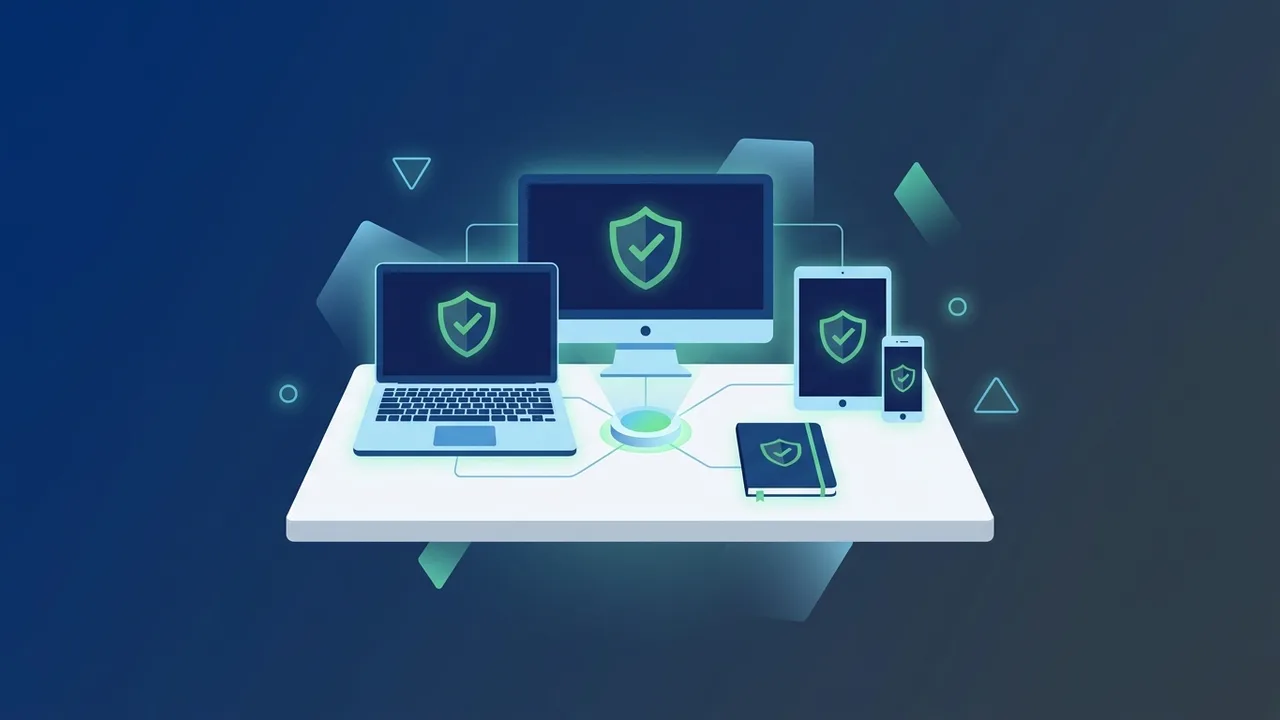
Overview of Kaspersky Small Office Security PC 5 Devices 12 Months Kaspersky Key GLOBAL
Small and medium enterprises (SMEs) in Saudi Arabia face growing cybersecurity challenges. With rapid digital transformation, securing sensitive data and employee devices has become essential for business continuity. In this context, Kaspersky Small Office Security PC 5 Devices 12 Months Kaspersky Key GLOBAL emerges as a tailored solution designed to bridge the gap between simple home antivirus programs and complex enterprise security systems that require dedicated IT teams to manage.
When comparing security software, standard consumer solutions lack central management tools and server protection, while enterprise alternatives are overly complex and costly. This version perfectly balances ease of use with robust security, providing comprehensive protection for 5 PCs alongside additional features to secure mobile devices and file servers, making it the ideal choice for small offices, medical clinics, and growing retail stores in the Saudi market.
Key Features
1. Comprehensive Multi-Layered Protection
This software goes beyond traditional antivirus capabilities by offering an advanced firewall that monitors network traffic and prevents intrusions before they occur. It guarantees complete protection for sensitive files and customer records against corruption or leaks.
2. Anti-Ransomware Safeguards
Ransomware is currently one of the greatest threats to businesses. The program includes an automatic rollback engine that reverses malicious changes made by any threat, ensuring you can restore your business files immediately without paying any ransom.
3. Safe Financial Transactions
Featuring "Safe Money" technology, the software opens a secure, isolated browser window whenever you access corporate bank accounts or online payment gateways, shielding credit card details and financial credentials from cyber spying.
4. User-Friendly Cloud Console
The intuitive cloud management console allows you to control the security of all 5 devices from a single web browser, eliminating the need for an on-site IT administrator.
How to Use
To deploy Kaspersky Small Office Security PC 5 Devices 12 Months Kaspersky Key GLOBAL and fully utilize its defensive features, follow these practical steps for a secure setup:
- Step 1: Visit the official web portal (Kaspersky Business Hub) and register an account for your business.
- Step 2: Download the appropriate installer file compatible with your systems (Windows or macOS).
- Step 3: During or after installation, enter the 20-character global license key to activate your 12-month subscription.
- Step 4: Once activated, use the cloud console to monitor your security status, perform remote scans, and schedule automated database updates.
Common Questions
Does the Global Key work in Saudi Arabia without restrictions?
Yes, the GLOBAL Key is designed to activate and function globally, including within Saudi Arabia. You will receive all official updates directly without needing any virtual location changers.
What is the difference between this and consumer security editions?
Consumer editions lack business-oriented features such as dedicated File Server protection, a centralized cloud management dashboard, corporate password management, and advanced Safe Money features tailored for commercial operations.
Can I transfer the license to another device?
Yes, the cloud console allows you to deactivate a license from an old or broken device and easily reassign it to a new one, as long as you do not exceed the limit of 5 active devices at the same time.
Does it support Macs and mobile devices?
Yes, this versatile license supports Windows PCs, macOS computers, and Android tablets or smartphones to protect your staff whether they are in the office or working remotely.
Important Tips
- Enable Auto-Updates: Always keep the automatic update feature enabled so your software can instantly download the latest definitions to defend against newly discovered zero-day threats.
- Monitor the Cloud Console regularly: Check your weekly security reports through the cloud portal to catch any suspicious activity on employee endpoints before they become serious issues.
- Prioritize File Servers: If your office runs a local file server, make its protection your top installation priority, as servers are highly targeted by network intruders.
- Avoid Pirated Software: Activating with official, genuine keys protects your infrastructure from hidden backdoors and malicious scripts often found in cracked versions.
Conclusion
Choosing Kaspersky Small Office Security PC 5 Devices 12 Months Kaspersky Key GLOBAL is a smart, strategic investment for emerging startups and small businesses in Saudi Arabia looking to defend their digital assets without breaking the bank or dealing with complex IT infrastructure. By delivering an excellent mix of powerful performance and effortless management, it ensures your devices, transactions, and critical business files remain secure all year round.
You can get a genuine Kaspersky Small Office Security PC 5 Devices 12 Months Kaspersky Key GLOBAL license from ABMKeys at a competitive price with instant WhatsApp delivery.
Frequently Asked Questions
Does the Global Key work in Saudi Arabia without restrictions?
What is the difference between this and consumer security editions?
Can I transfer the license to another device?
Does it support Macs and mobile devices?
You can get a genuine license from ABMKeys at a competitive price with instant WhatsApp delivery.
Buy Now