
Kaspersky Small Office Security PC 5 Devices 12 Months Kaspersky Key GLOBAL: Common Problems and How to Solve Them
Learn how to troubleshoot common issues with Kaspersky Small Office Security for 5 devices, and find step-by-step guidance on installation and cloud activation.
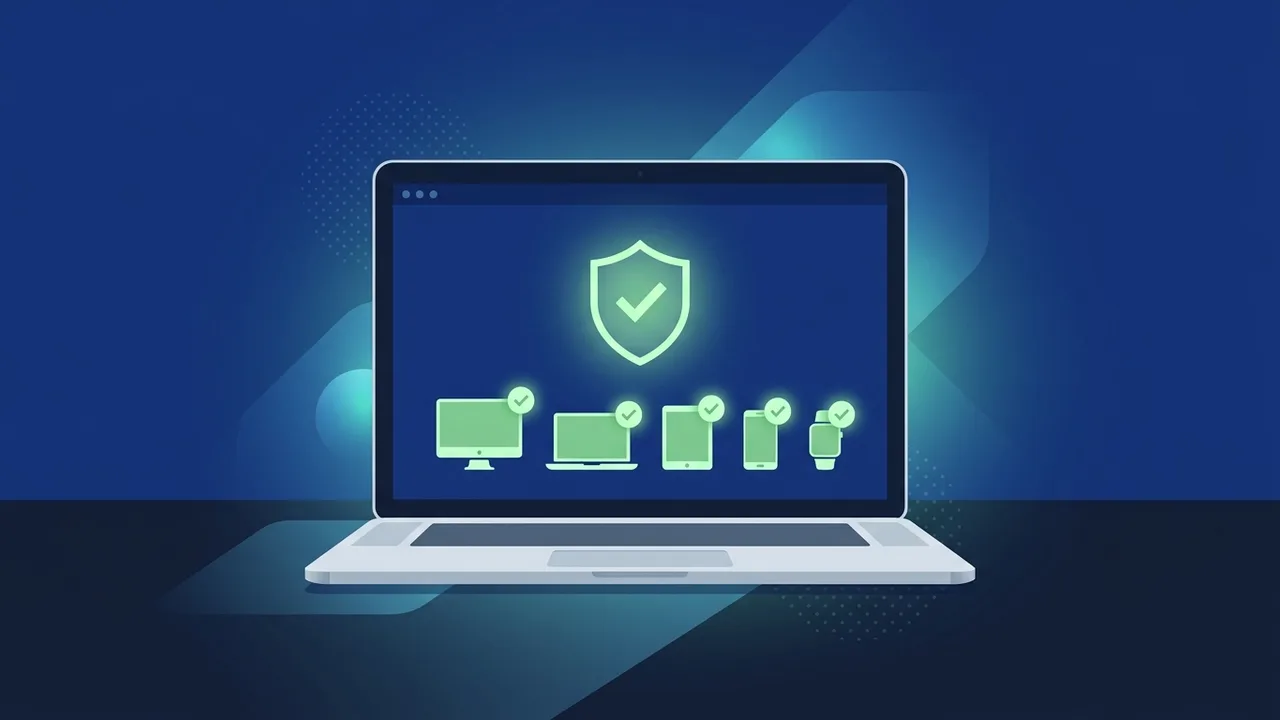
Overview of Kaspersky Small Office Security PC 5 Devices 12 Months Kaspersky Key GLOBAL
In today's highly connected business landscape, micro-businesses and small offices face cybersecurity threats just as sophisticated as those targeting major corporations. The Kaspersky Small Office Security PC 5 Devices 12 Months Kaspersky Key GLOBAL is a premier security suite custom-built to address these challenges. It provides robust, enterprise-grade protection that requires zero IT administration or specialized training, making it perfect for growing businesses in Saudi Arabia.
Designed to shield up to 5 PCs for a full period of 12 months, this global key provides comprehensive protection against ransomware, phishing, and financial fraud. While the software is remarkably intuitive, users can occasionally encounter technical hiccups during activation, installation, or configuration. Understanding how to handle these common issues ensures your business operations remain secure and uninterrupted.
Key Features
Choosing the Kaspersky Small Office Security PC 5 Devices 12 Months Kaspersky Key GLOBAL license brings a wide array of powerful security features to your office environment:
- Ransomware Rollback: If a malicious program attempts to lock your corporate files, the software instantly blocks the threat and reverses any unauthorized changes made to your data.
- Safe Money Banking Protection: Adds an extra layer of advanced security during online banking transactions, payroll management, and credit card payments to prevent financial theft.
- Data Encryption & Backup: Easily secure your intellectual property and customer data in encrypted vaults, and automate backups to prevent accidental data loss.
- Centralized Cloud Management Console: Monitor and manage the security status of all 5 protected PCs from a single, easy-to-use web-based dashboard from anywhere in the world.
- Webcam and Privacy Controls: Block unauthorized applications from accessing your office webcams and microphones to maintain complete privacy during online business meetings.
How to Use
To successfully activate and optimize your Kaspersky Small Office Security PC 5 Devices 12 Months Kaspersky Key GLOBAL license, follow these straightforward steps:
- Create an Account: Visit the official Kaspersky Business Hub portal and register an account using your business email address.
- Download the Correct Installer: Log into the hub, select the Kaspersky Small Office Security product, and download the client installer file for your Windows computers.
- Run the Installation: Open the downloaded file on each of the 5 target PCs and follow the on-screen prompts to complete the setup.
- Activate Your License: When prompted during setup or via the interface, enter your 25-character Kaspersky Small Office Security PC 5 Devices 12 Months Kaspersky Key GLOBAL product key.
- Register on the Cloud Console: Link each installed client to your central cloud account to easily deploy updates and monitor threats remotely.
Common Questions
Why does the error "Activation code is invalid for this application" appear?
This issue typically occurs when a user tries to activate a different software edition (such as Kaspersky Internet Security or Kaspersky Endpoint Security) using a Kaspersky Small Office Security PC 5 Devices 12 Months Kaspersky Key GLOBAL key. To resolve this, uninstall the incorrect software, download the dedicated Small Office Security installer from your Business Hub account, and retry the activation process.
What should I do if the software fails to connect to the activation server?
Network security policies, active VPNs, or proxy servers in your office might occasionally block the software from reaching Kaspersky's verification servers. To fix this, temporarily disable any third-party firewalls or VPN connections, verify your internet stability, and ensure your system's date and time settings are accurately configured to match your local timezone.
How do I handle a "License limit exceeded" error message?
The Kaspersky Small Office Security PC 5 Devices 12 Months Kaspersky Key GLOBAL license is strictly valid for a maximum of 5 PCs. If you attempt to activate it on a sixth machine, the activation will be blocked. If you need to replace an old office computer, first uninstall the software from the retired device or remove it from your cloud console before activating the license on the new PC.
Why is the computer running slowly after installing the software?
Directly after installation, the application performs a thorough initial scan of your entire storage drive, which can temporarily consume system resources. To prevent performance drops during working hours, schedule full system scans to run automatically during off-hours or adjust the performance settings within the application to prioritize other business software.
Important Tips
Maximize your digital safety and get the most out of your Kaspersky Small Office Security PC 5 Devices 12 Months Kaspersky Key GLOBAL subscription by keeping these essential tips in mind:
- Keep Your License Key Safe: Store your activation key in a secure digital vault or record it in your cloud account to easily retrieve it in case of system crashes.
- Keep Databases Updated: Ensure the software is allowed to update its virus definitions automatically to maintain high protection against zero-day exploits.
- Remove Conflicting Programs: Avoid running multiple antivirus solutions simultaneously on the same machine, as this can cause severe system crashes and reduced security performance.
- Monitor Devices Remotely: Regularly check your cloud console to verify that all 5 PCs are successfully updating and have no unresolved security alerts.
Conclusion
Securing your small business against ever-evolving cybersecurity threats is essential to preserving your company's reputation and financial stability. The Kaspersky Small Office Security PC 5 Devices 12 Months Kaspersky Key GLOBAL license offers a robust, low-maintenance shield that keeps your devices safe around the clock. By understanding how to avoid common installation and activation pitfalls, you can guarantee a seamless and highly secure environment for your team's daily operations.
You can get a genuine Kaspersky Small Office Security PC 5 Devices 12 Months Kaspersky Key GLOBAL license from ABMKeys at a competitive price with instant WhatsApp delivery.
Frequently Asked Questions
Why does it say the activation key is invalid for Kaspersky Small Office Security?
Can I use the GLOBAL activation key in Saudi Arabia?
How do I transfer my Kaspersky license from an old PC to a new one?
What should I do if I experience update server connection issues?
You can get a genuine license from ABMKeys at a competitive price with instant WhatsApp delivery.
Buy Now